
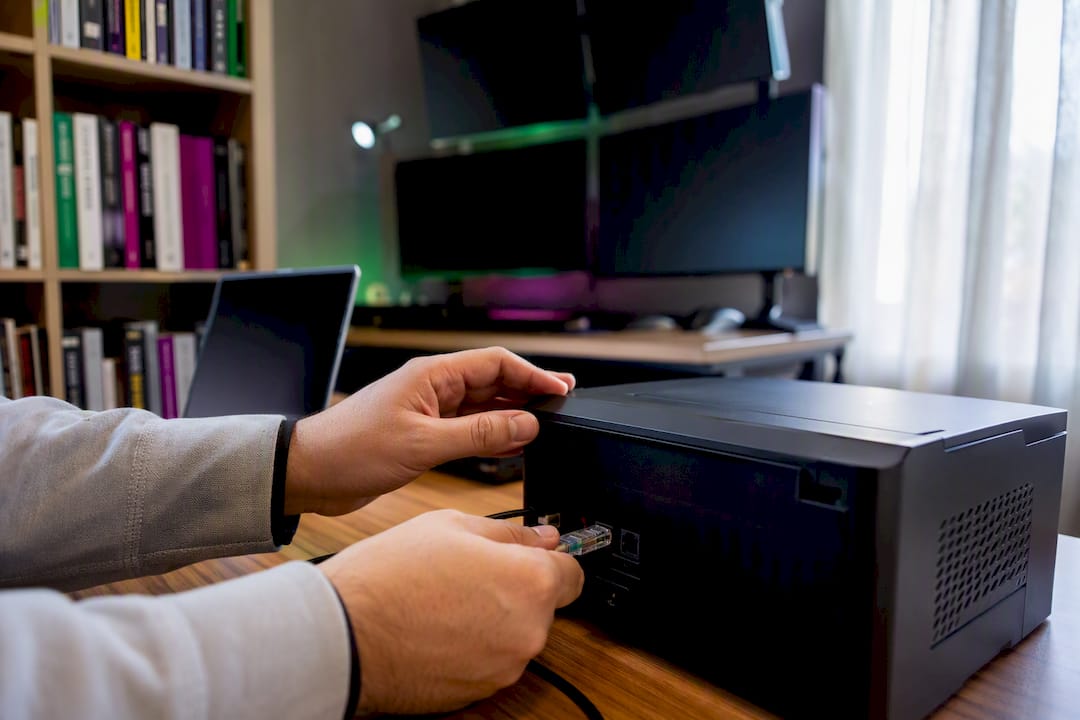
Spread differences when copying trades are usually caused by execution latency, broker contract mismatches, and order-type or lot-rounding gaps between accounts. The fastest fix is to align instrument specs across every account and run the copier locally, on the same machine or VPS as your terminals, instead of routing through a remote server. Local Trade Copier is one option built specifically for that kind of on-machine execution, with configurable lot sizing and instrument mapping to reduce these gaps. The rest of this guide breaks down exactly what causes the divergence and what to check first.
Key Takeaways
Spread differences when copying trades come down to latency, broker mismatches, and rounding, and closing that gap requires local execution, accurate instrument mapping, and disciplined logging.
| Point | Details |
|---|---|
| Diagnose before fixing | Check contract specs, tick size, and symbol names across brokers before touching order-type settings. |
| Choose one sizing rule | Percentage scaling handles dissimilar account balances better than fixed-lot copying. |
| Reduce latency at the source | Run the copier on the same machine or VPS as your terminals instead of a remote server. |
| Log everything, set thresholds | Track time deltas and fill accuracy, and treat threshold breaches as pause triggers, not just alerts. |
| Local Trade Copier addresses the checklist | It runs on-machine with sub-0.5-second execution, 18 lot and risk options, and MT4/MT5/DXTrade support, available via a 7-day free trial. |
What Causes Spread Differences When Copying Trades?
Every copied trade travels through a chain: the leader account fires an order, software forwards it, and the follower broker fills it. Each link in that chain can introduce a gap, and the gaps compound during fast markets rather than calm ones.
Execution latency is the biggest single factor. The time between a leader’s trade and a follower’s fill, even a few hundred milliseconds, matters enormously when price is moving fast. A breakdown of real-time copying behavior notes that timing and execution gaps, partial fills, and broker-specific rejection patterns are the main signals to watch when trades start drifting apart.
Broker spread models vary too. One broker might widen spreads during news events while another holds steady; some re-quote instead of filling at the requested price, and commission structures change what the “effective” spread actually costs on each side.
Other common culprits:
- Instrument spec mismatches — different tick sizes, contract sizes, or symbol names (EURUSD vs EURUSD.a) between brokers throw off position sizing.
- Lot rounding — a follower account scaling 0.37 lots down to 0.3 or up to 0.4 changes exposure in ways that show up as apparent spread differences.
- Order-type choices — a market order fills at whatever price is available; a pending or limit order might not fill at all if price moves past it first.
- Partial fills — larger orders sometimes fill in pieces at different price levels, especially on thinner instruments.
How Do Trade Copiers Handle Spread and Fill Differences?
Not all copying is created equal. The distinction is similar to the one forensic specialists draw between file copying and disk cloning: copying a file is fast but shallow, while cloning captures the full underlying structure. A trade copier that just forwards an order without accounting for the underlying contract differences is doing the shallow version. A better piece of software actively manages the gaps.
Features that actually matter for reducing spread variance:
- Instrument mapping and symbol normalization — matching EURUSD on Broker A to EURUSD.pro on Broker B so the same underlying contract gets copied, not a mismatched one.
- Order-type control — the ability to choose market execution for participation-critical trades or limit orders when price matters more than speed, plus retry logic when a broker rejects or re-quotes.
- Lot-sizing rules — percentage-based scaling relative to account balance, fixed-lot copying, or balance-ratio scaling, each with rounding controls so a follower account never ends up with unintended exposure.
- Fail-safes — pause-on-error, stop-on-reject, and partial-fill handling so one bad fill doesn’t cascade into a string of mismatched trades across every follower account.
- Logging — a timestamped record of every order sent and every fill received, which becomes essential later for reconciliation.
The JavaScript spread operator is a useful shorthand here: it creates a shallow copy of an object’s top-level properties, not a deep clone of everything nested inside. Trade copying without mapping and fail-safes works the same way. It looks like a full replication until you check what’s actually underneath.
What Steps Reduce Spread Differences in Practice?
Fixing spread variance is a sequence, not a single setting. Work through these in order before you trust a copier with live capital.
- Align symbol lists and contract specs first. Pull up the contract specifications on both the leader and follower brokers. Confirm tick size, minimum lot, and symbol naming match, and map anything that doesn’t. This single step, emphasized by traders troubleshooting copying gaps, resolves more discrepancies than any other fix on this list.
- Pick one sizing rule and stick with it. Percentage scaling works best when leader and follower balances differ significantly, since it keeps relative risk consistent. Confirm how the copier rounds fractional lots. If you don’t know, test it with a small order first.
- Decide your order-type policy deliberately. If your strategy is price-sensitive (tight stops, scalping), test limit orders and accept some missed fills. If participation matters more than exact price, market orders make more sense. Don’t mix policies across follower accounts without a reason.
- Run the copier locally, on the same machine or VPS as your terminals. Every network hop between leader, software, and follower adds latency. Local execution removes that hop entirely, which is why platforms like Fast Trade Copier on MetaTrader 4 emphasize sub-second, on-machine execution rather than routing through a cloud server.
- Enable filters before going live. Filter by trade type, magic number, or symbol so incompatible trades (manual test orders, unrelated EAs on the same account) never get forwarded. Test everything during low-volatility windows before trusting it during news events.
Pro Tip: Run your first live test on a single low-volume pair like USDCHF during a quiet session, not your primary strategy pair during London open. You’ll see configuration errors immediately without the noise of fast-moving spreads masking them.
How Do You Verify and Monitor Copying Accuracy?
A copier that “looks fine” and a copier that “is fine” are different claims, and the only way to close that gap is with logs. At minimum, capture the leader’s order send time, the copier’s forward timestamp, the follower’s fill time, the fill price on both sides, and the ticket ID for each account involved.
From there, run three checks regularly:
- Time delta histogram — plot the gap between leader execution and follower fill across a week of trades. A tight, consistent cluster is healthy; a widening tail during volatile sessions tells you latency is the problem.
- Percent within threshold — track what share of trades fall within your acceptable pip or tick range. If that number drops below your target, something changed on the broker or network side.
- Partial-fill rate per broker — some brokers partial-fill more than others on the same instrument; isolating this by broker tells you where the real friction sits.
Set an automated alert if more than a defined percentage of fills fall outside your threshold within a short window, and treat that alert as a pause trigger, not just a notification. Before reverting any change, document what you altered so you can roll back cleanly if a fix makes things worse instead of better.
When Are Spread Differences Normal, and When Should You Escalate?
Some divergence is unavoidable. Micro-tick differences during a price spike, occasional partial fills across brokers with different liquidity pools, and momentary re-quotes during news releases are normal friction, not signs of a broken setup.
The useful move is setting an objective threshold before you go live: a maximum acceptable pip or tick deviation, and a maximum percentage of trades allowed outside it, both calibrated to how sensitive your particular strategy is to price. A scalping strategy with 3-pip stops needs a tighter threshold than a swing strategy holding for days.
When differences exceed that threshold consistently, escalate. Pause copying, switch order types, or narrow the set of follower brokers until you isolate the source. Any discussion of trading outcomes tied to these decisions carries one unavoidable caveat: past results do not guarantee future performance, and no copying configuration changes that.
Why Execution Discipline Beats Chasing Perfect Fills
Most advice on this topic treats spread variance like a bug to eliminate. It isn’t. It’s friction to manage, and the traders who get frustrated chasing identical fills across every account are optimizing for something that doesn’t exist in live markets. Two brokers will never quote identically forever. The question worth asking isn’t “why don’t these match perfectly,” it’s “is the gap inside my threshold, and do I have a log to prove it.”
Where conventional advice falls short is in treating mapping and order-type selection as a one-time setup task. They’re not. Broker conditions change, spreads widen around news cycles, and a mapping that worked in March can drift by June if a broker adjusts contract specs. The traders who handle this well revisit their logs on a schedule, not just after something breaks.
If you take one thing from this guide, prioritize local execution and logging before anything else. Everything downstream, sizing rules, order-type policy, filters, only works if you can actually see what’s happening trade by trade.
Where Local Execution Fits Into Your Setup
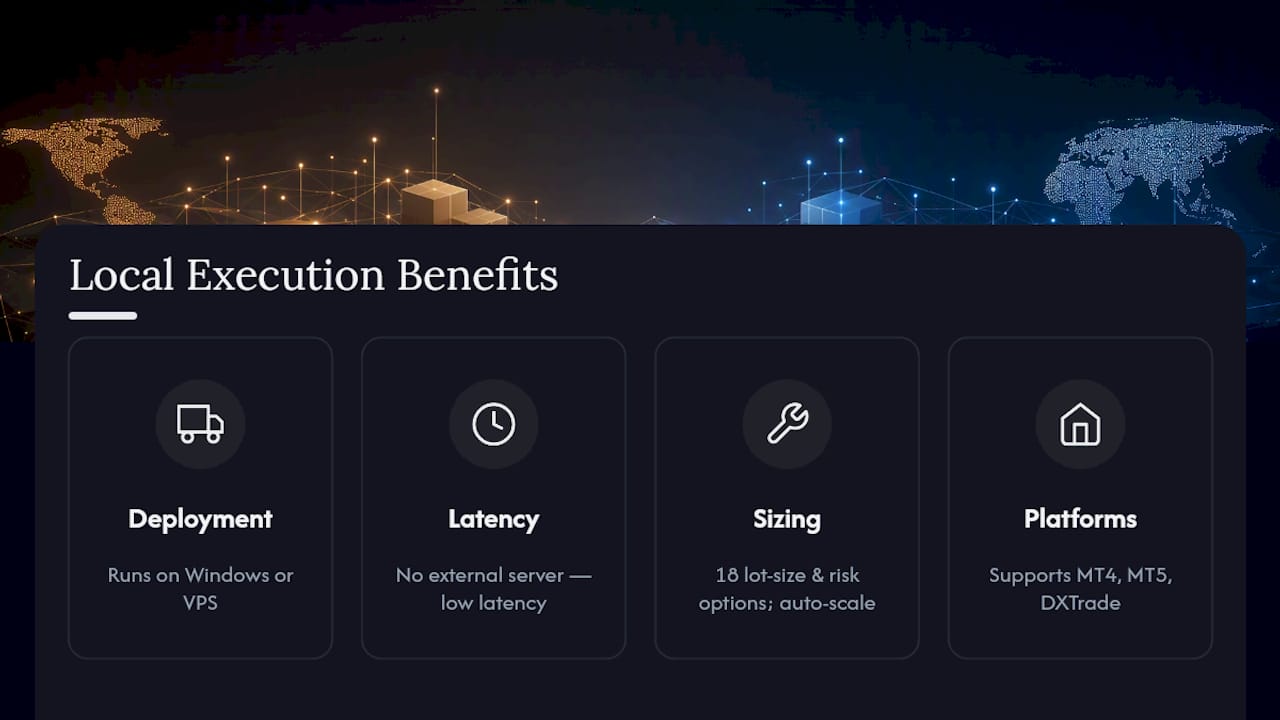
Local Trade Copier is the practical alternative to cloud-routed copying tools for anyone who’s read this far and wants those fixes built into the software rather than assembled from scratch. It runs entirely on your own Windows machine or VPS, which means no external server sits between your leader and follower accounts adding latency.

The product maps directly onto the checklist above. Very low-latency local execution addresses the latency problem in the causes section. Eighteen lot-size and risk management options cover the sizing-rule decision from step two of the practical steps, including automatic scaling by account balance so dissimilar-sized accounts stay proportionally sized without manual recalculation. It runs across MT4, MT5, and DXTrade, which matters if your leader and follower accounts sit on different platforms, and it’s been active since 2010 with over 3,000 users and 491 Trustpilot reviews.
It’s trade replication software, not a strategy engine. It copies existing trades faithfully; it doesn’t generate signals or improve outcomes on its own. If you want to see the mapping and filter controls in action before committing, watch the demo walkthrough or follow the installation guide and run the seven-day free trial on a low-volatility pair first, exactly as the staged testing approach above recommends.
Frequently Asked Questions
Why do my copied trades show a different spread than the leader account?
The gap usually comes from a combination of execution latency and each broker’s own spread model. One broker may widen spreads during volatility while another holds a fixed spread, and that difference shows up as soon as you compare fills side by side.
Can spread differences when copying trades ever be fully eliminated?
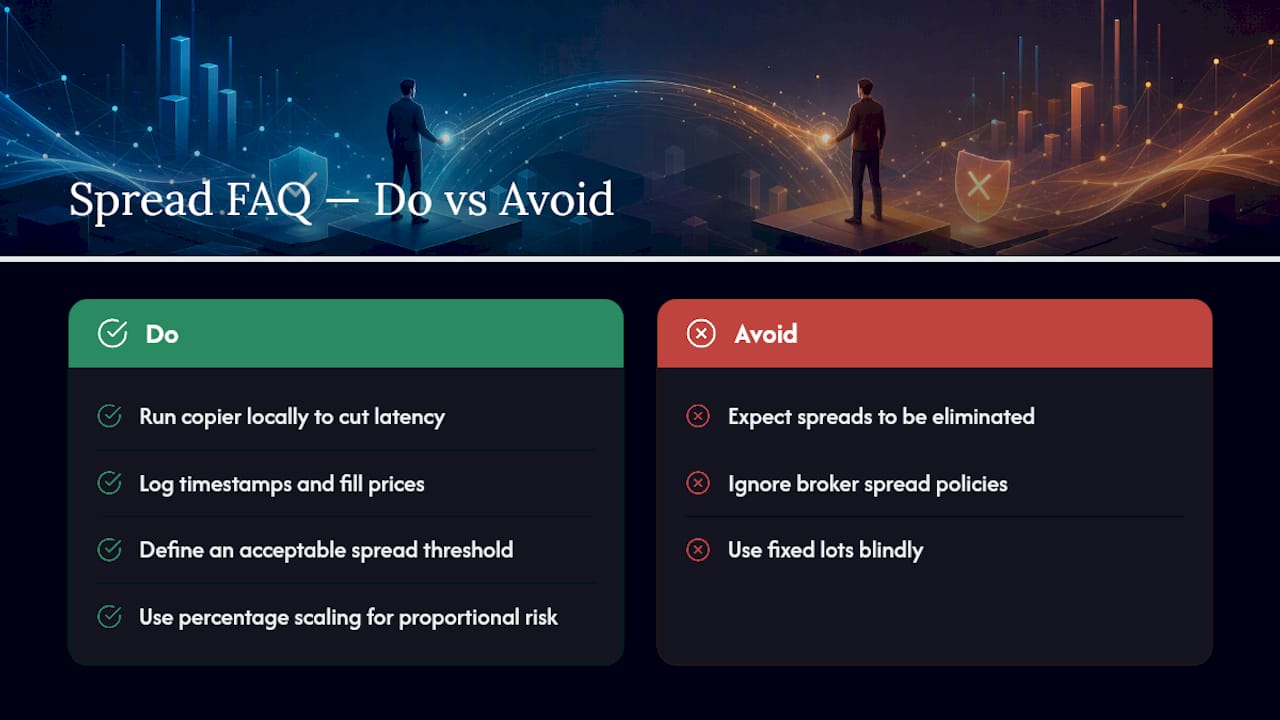
No. Micro-tick variance during fast price moves and occasional partial fills are normal even with a well-configured setup. The realistic goal is keeping differences inside a threshold you define, not eliminating them.
Does running the copier locally actually reduce spread-related discrepancies?
Local execution removes the network hop between your terminals and any remote server, which cuts one major source of latency. It doesn’t change broker-side spread behavior, but it removes the delay a cloud-routed setup adds on top of it.
What’s the difference between percentage scaling and fixed-lot copying?
Percentage scaling adjusts the copied trade size based on the follower account’s balance relative to the leader, which keeps risk proportional. Fixed-lot copying sends the same lot size regardless of balance, which can over- or under-expose smaller or larger accounts.
How do I know if a spread difference is a technical error or normal market variance?
Log timestamps and fill prices for every trade, then check whether the deviation falls inside the threshold you set for your strategy’s sensitivity. A consistent pattern outside that threshold points to a configuration issue rather than normal friction.
Sources
- Copying realtime trades so it feels like one strategy until timing and execution start to differ
- Demystifying Digital Forensics: Understanding the Differences Between Copying, Cloning and Imaging
- Spread syntax – JavaScript | MDN
