

TL;DR: Tools for real-time trade analysis include platforms like TradingView, MT5 API, OpenTerminalUI, and TradeAdapt Markets, each suited to different trading styles and technical skills. Reliable automation depends on robust infrastructure, such as VPS receivers and decoupled processing, since data plumbing often limits speed more than indicator calculations. Choosing the right tool relies on your strategy, execution speed needs, and capacity to manage technical complexity, with open-source options offering full control for advanced traders.
Tools for real-time trade analysis are software platforms and APIs that deliver live market data, analytical indicators, and trade execution capabilities to Forex traders for faster, data-driven decisions. The leading options in 2026 include TradingView, MetaTrader 5 (MT5), OpenTerminalUI, and TradeAdapt Markets, each serving different levels of technical complexity and trading frequency. Choosing the right platform depends on your strategy type, latency tolerance, and how deeply you need to integrate automation. This guide breaks down each tool, its architecture, and where it fits in a professional Forex workflow.
1. TradingView: charting, alerts, and webhook automation

Hands typing on keyboard for trading
TradingView is the most widely used charting platform among retail Forex traders, combining multi-timeframe analysis, 100-plus built-in indicators, and a Pine Script editor for custom strategy development. Its alert system converts chart conditions into HTTP POST requests sent to any webhook URL you specify, which makes it a practical front-end for automated trade execution without requiring a dedicated data feed subscription.
The catch is delivery reliability. TradingView does not retry failed webhook deliveries, so if your receiver goes offline, that alert is gone permanently. A continuously running VPS is not optional for serious automation. It is the minimum infrastructure requirement.
- Supports Pine Script alerts, multi-chart layouts, and replay mode
- Webhook payloads are JSON-formatted and fully customizable
- Free tier includes limited alerts; paid plans start at $14.95/month
Pro Tip: Set up a secondary alert with a different delivery method (email or SMS) as a fallback monitor so you know when your webhook receiver has gone silent.
2. MetaTrader 5 REST API for programmatic trade analysis
MetaTrader 5 is the industry-standard execution platform for Forex, but its REST API layer transforms it into a modular data source for external analysis pipelines. The mt5api REST endpoints expose GET /symbols, GET /ticks/{symbol}, POST /trade, and position management routes, allowing Python, Node.js, or any HTTP-capable language to pull live tick data and submit orders without opening the MT5 terminal GUI.
This matters because it decouples your analysis logic from your execution environment. You can run a custom indicator model in Python, consume live ticks from MT5, and push orders back through the same API. Most real-time indicator platforms standardize around symbols, ticks, positions, orders, and history to support exactly this kind of modular pipeline.
For traders comparing platform capabilities, the MT4 vs MT5 differences in API depth and tick data access are significant. MT5 wins decisively for programmatic workflows.
3. OpenTerminalUI: full-stack terminal with multi-provider data
OpenTerminalUI is an open-source trading terminal built specifically for real-time data aggregation and charting across multiple data providers. Its architecture uses multi-provider WebSocket streaming with explicit fallback chains, meaning if one data provider drops, the system switches to the next without interrupting your live chart.
The platform constructs OHLCV candles directly from raw tick streams and distributes them to multiple clients using a Pub/Sub fan-out model. Caching layers use both SQLite for persistence and Redis for low-latency retrieval with TTL-based invalidation. This design makes it one of the more technically mature open-source options for traders who want full control over their data pipeline.
The tradeoff is setup complexity. OpenTerminalUI requires a working knowledge of Docker or Node.js environments to deploy. It rewards technical traders with a level of data transparency that commercial platforms rarely offer.
4. TradeAdapt Markets: adaptive Fibonacci levels across timeframes
TradeAdapt Markets takes a different approach to live trade analytics by focusing on structural price levels rather than raw charting. The platform streams multi-timeframe adaptive Fibonacci levels via TradingView webhook alerts as JSON payloads, covering Monthly, Weekly, Daily, and 4-hour timeframes simultaneously.
The practical value is consistency. When your Monthly and Daily Fibonacci levels align at the same price zone, that confluence shows up in the dashboard in real time rather than requiring you to manually cross-reference four separate charts. Audio alerts notify you when price approaches key structural levels, which reduces screen time without sacrificing awareness.
TradeAdapt integrates directly with TradingView, so it fits naturally into any workflow already using that platform. It is best suited for swing traders and intraday traders who rely on structural analysis rather than tick-by-tick momentum.
5. Webhook infrastructure: the hidden layer of automation reliability
Webhook-based automation is only as reliable as the infrastructure running behind it. End-to-end latency from a TradingView alert to a broker fill for US equities typically ranges from 250 to 800 milliseconds, with long-tail delays above 2 seconds during API throttling. Sub-second scalpers should not rely on webhook chains for execution.
The architecture that works looks like this:
- A VPS runs your webhook receiver 24/7 with no downtime windows
- The receiver accepts the TradingView POST immediately and returns a 200 status
- Trade execution happens asynchronously in a separate process or queue
- Idempotency keys prevent duplicate orders if a retry somehow occurs
Webhook receivers must decouple alert acceptance from trade execution. Synchronous broker API calls inside the receiver risk timeouts because TradingView expects an immediate response and does not wait.
As documented in the TradingView VPS automation guides, reliability in this kind of setup depends more on the infrastructure running behind the alert than on TradingView’s sending mechanism itself.
6. Managed relay platforms vs. self-hosted webhook servers
Not every Forex trader wants to maintain a webhook server, handle broker API version changes, or debug failed order submissions at 2 AM. Managed relay platforms like Ontology Trading handle broker API maintenance, retry logic, and order translation on your behalf, making webhook automation accessible without deep DevOps knowledge.
Self-hosted servers give you full control over execution logic, logging, and latency optimization. They are the right choice if you run proprietary strategies, need custom position sizing rules, or want to avoid sharing signal data with a third party. The decision comes down to how much infrastructure ownership you are willing to accept.
For most retail Forex traders running intraday or swing strategies, a managed relay reduces friction significantly. For prop firm traders or those with IP-sensitive execution requirements, self-hosted or locally-installed solutions are the safer path. Network latency directly impacts trade copying speed, and every routing hop between your signal and your broker adds measurable delay.
7. Data architecture: what actually limits real-time analysis speed
The bottleneck in real-time trade analysis is almost never the indicator calculation. Real-time analysis bottlenecks arise from data plumbing: tick ingestion rates, caching layer efficiency, and provider failover logic. A platform that calculates a 200-period moving average in microseconds but takes 400 milliseconds to ingest a new tick is still a slow platform.
The architecture that handles this well uses three layers:
| Layer | Technology | Purpose |
|---|---|---|
| Tick ingestion | WebSocket streams | Real-time price delivery from broker or data provider |
| Short-term cache | Redis with TTL | Sub-millisecond retrieval for active chart data |
| Persistent storage | SQLite or PostgreSQL | Historical bar data and session replay |
OpenTerminalUI’s open-source codebase demonstrates this pattern explicitly, with fallback chains and distributed bar construction built into its core architecture. Studying it is one of the fastest ways to understand what production-grade real-time data handling actually looks like.
Pro Tip: When evaluating any live trade analytics platform, ask the vendor how they handle provider outages. A platform with no documented failover strategy is a liability in volatile market conditions.
8. Comparing the best trading analysis tools by use case
Selecting among the best trading analysis tools requires matching platform strengths to your actual trading style. The table below summarizes the key differentiators:
| Tool | Best for | Latency profile | Automation support |
|---|---|---|---|
| TradingView | Charting and alert-based automation | 250 to 800 ms via webhook | Pine Script + webhooks |
| MT5 REST API | Programmatic tick data and execution | Low, depends on broker | Full REST integration |
| OpenTerminalUI | Custom data pipelines and open-source control | Configurable | WebSocket-native |
| TradeAdapt Markets | Structural Fibonacci analysis across timeframes | Near real-time streaming | TradingView webhook |
Swing traders and intraday traders benefit most from TradingView and TradeAdapt, where webhook automation suits strategies that do not require sub-second fills. Scalpers need direct broker API connections or co-located execution stacks, where MT5’s REST API or a locally-installed execution layer is the appropriate choice.
9. Choosing the right tool for your trading style
The right trade analysis tool is the one that matches your execution frequency, technical capacity, and integration requirements. Here is how to think through the decision:
- Swing traders (holding positions for days): TradingView with webhook alerts and TradeAdapt for structural levels covers most analytical needs without requiring server infrastructure.
- Intraday traders (multiple trades per session): MT5 REST API or OpenTerminalUI with a VPS-hosted webhook receiver gives you the data depth and execution speed this style demands.
- Scalpers (sub-minute entries): Avoid webhook chains entirely. Use direct broker API connections or locally-installed execution software with the shortest possible path between signal and order.
- Multi-account traders: Combine your analysis platform with a local trade replication layer. Reviewing the best Forex trade monitoring tools helps identify where analysis ends and execution management begins.
Pro Tip: Before committing to any automation stack, run it in demo mode for at least two full trading weeks. Infrastructure failures almost always surface during high-volatility sessions, not during calm markets.
Key takeaways
The most effective tools for real-time trade analysis combine reliable data ingestion, low-latency delivery, and automation-ready integration, with the right choice determined by trading frequency and technical capacity.
| Point | Details |
|---|---|
| Match tool to strategy speed | Webhook automation suits swing and intraday traders; scalpers need direct API execution. |
| Infrastructure determines reliability | A 24/7 VPS webhook receiver is required for TradingView-based automation to avoid lost alerts. |
| Data plumbing is the real bottleneck | Tick ingestion and caching layers limit real-time speed more than indicator computation. |
| Decouple alert acceptance from execution | Async trade execution prevents webhook timeouts and duplicate orders. |
| Open-source options offer full control | OpenTerminalUI provides production-grade data architecture for technically capable traders. |
What I’ve learned building workflows around real-time analysis tools
After more than a decade working with Forex traders who run automated systems, the pattern that surfaces most often is this: traders spend months selecting the perfect charting platform and almost no time thinking about what happens between the alert and the filled order. That gap is where most automation failures live.
TradingView is genuinely excellent for analysis. But treating it as an execution system is a mistake. The moment you add a webhook chain, you have introduced infrastructure that needs monitoring, maintenance, and failover planning. Traders who skip that step discover the problem during a fast-moving session when it is too late to fix anything.
The tools that hold up best are the ones with documented failover behavior and transparent latency characteristics. OpenTerminalUI earns respect precisely because its architecture is readable. You can see exactly how it handles a provider outage. That transparency is rare and worth more than a polished UI.
The practical advice: start with the simplest stack that covers your strategy’s requirements. Add complexity only when a specific limitation forces you to. A TradingView alert feeding a VPS-hosted receiver connected to MT5 is not glamorous, but it works reliably for the vast majority of intraday Forex strategies.
— Rimantas
How Mt4copier fits into your real-time analysis setup
Once your analysis tools are generating signals, the next challenge is getting those trades onto every account you manage without manual re-entry. Mt4copier’s Local Trade Copier replicates trades across MT4, MT5, and DXTrade accounts in 1 second or faster under normal market conditions, running entirely on your local machine or VPS with no cloud routing.
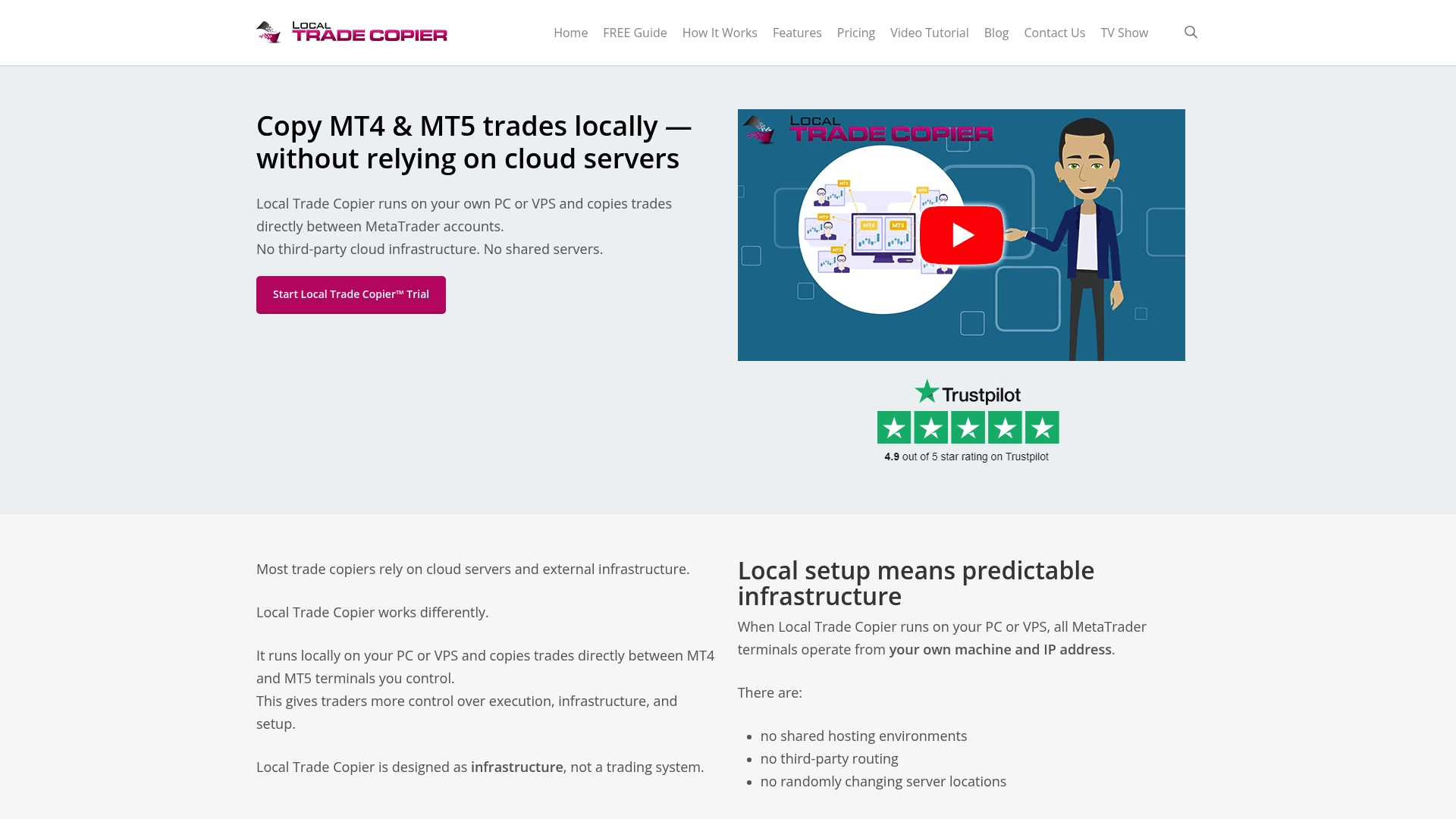
It does not generate signals or make trading decisions. It copies existing trades from a master account to one or more client accounts, with eight money management modes and automatic scaling per account balance. For prop firm traders, local execution means one IP address and no external server exposure. You can explore the installation guide to see how it integrates with your existing MT4 or MT5 setup, or review the trade copier security guide for best practices on running automation safely. A 7-day free trial is available. Past results do not guarantee future performance.
FAQ
What are the best tools for real-time Forex trade analysis?
TradingView, MetaTrader 5 REST API, OpenTerminalUI, and TradeAdapt Markets are the leading platforms in 2026, each suited to different trading styles and technical requirements. The best choice depends on your execution frequency and how much infrastructure you are willing to manage.
Can TradingView alerts be used for automated Forex execution?
Yes, but TradingView requires a continuously running webhook receiver on a VPS because it does not retry failed alert deliveries. End-to-end latency from alert to broker fill typically ranges from 250 to 800 milliseconds, making it unsuitable for scalping strategies.
What is the main bottleneck in real-time trade analysis platforms?
The primary bottleneck is data plumbing: tick ingestion speed, caching efficiency, and provider failover logic. Indicator computation is rarely the limiting factor in well-designed platforms like OpenTerminalUI.
Is MT5 better than MT4 for real-time trade analysis?
MT5 offers a REST API with endpoints for tick data, symbols, positions, and trade execution that MT4 does not provide natively. For programmatic and automated analysis workflows, MT5 is the stronger platform.
How do I analyze trades in real-time across multiple accounts?
Combine a charting or signal platform like TradingView with a local trade replication tool that copies positions across accounts instantly. This separates the analysis layer from the execution layer, which makes each component easier to maintain and monitor.
Recommended
- Best forex trade monitoring tools for fast multi-account management
- Top 6 earnforex.com Trading Software Alternatives 2026
