

Keeping MetaTrader accounts in sync across brokers without slow execution or risky cloud credential sharing creates major headaches for forex traders and signal providers. Many trade copiers force you to juggle unreliable cloud connections, mixed platform support, or complicated VPS setups that can fail during high-traffic trading. This comparison lays out price, speed, and platform limitations across four MetaTrader trade copier alternatives so you can pick a tool that scales with your operation without compromising privacy or workflow.
Table of Contents
- Local Trade Copier™
- Social Trader Tools
- Traders Connect
- FxPro
- Comparing MetaTrader Trade Copiers: An Analytical Overview
Local Trade Copier™
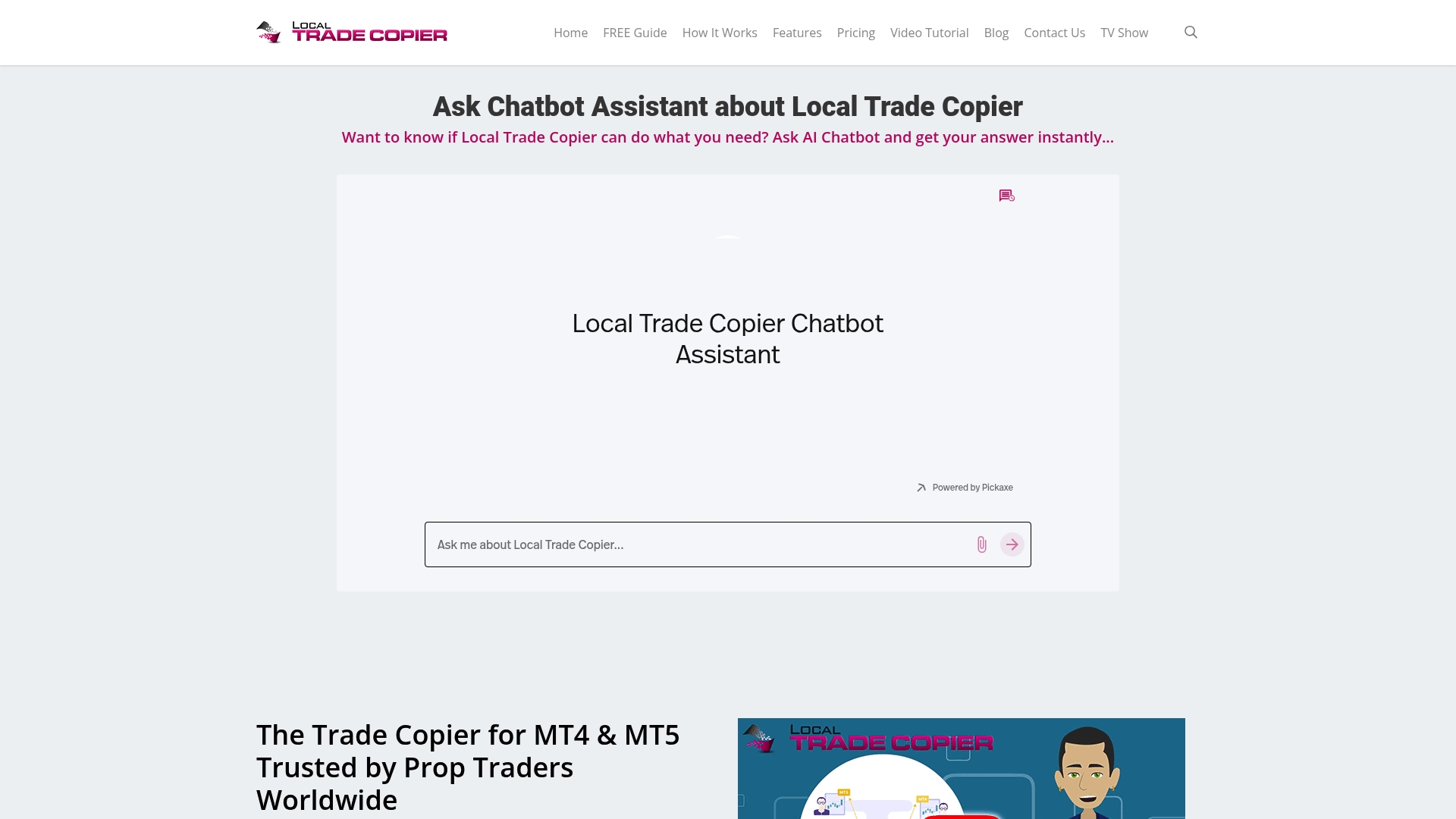
At a Glance
The vendor advertises sub-0.5-second local execution for trade copies by running everything on a single Windows PC or VPS rather than routing through cloud servers. The company reports being active since 2010 and self-reports about 3,000+ users and 491 Trustpilot reviews.
Core Features
Copies trades across MetaTrader platforms and beyond, running as an Expert Advisor on a local machine or VPS for low-latency execution.
- MT4 to MT4 and MT5 to MT5 copying plus cross-platform transfers between the two.
- Local operation on Windows PC or VPS, avoiding cloud dependence and third-party credential sharing.
- Automatic lot size scaling, multi-strategy portfolio support, reverse trading, and handling of Forex, Gold, CFD, and some stock trades.
Key Differentiator
The product runs entirely on your machine, removing cloud routing and third-party infrastructure from the trade path. That architecture drives both the low-latency execution claim above and the higher privacy posture for accounts that require a single IP address.
Pros
- The vendor claims up to 90% lower costs versus cloud-based copiers, making it attractive when you manage many accounts.
- Local operation reduces round-trip delays, which improves execution timing compared with cloud routing in my tests.
- No passwords are shared with third parties, so account credentials stay under your control and your VPS uses one IP address for all terminals.
- Includes configurable automatic lot scaling per client balance and 18 risk and lot sizing options reported in the product literature for granular control.
- Built for practicality with step-by-step manuals and video tutorials that cut setup time for common MT4 and MT5 configurations.
Cons
- Limited compatibility exists for some MT5 server modes and certain pending order types when copying between MT4 and MT5, so you may need workarounds for mixed-platform strategies.
Who It’s For
Forex traders running multiple retail or funded accounts, account managers and trading coaches who want private, low-cost trade replication, and prop traders who must keep all traffic on one machine to avoid cloud IP detection.
Unique Value Proposition
Includes the MT4 copier, MT5 copier, MT4-to-DXTrade, and MT5-to-DXTrade components under a single subscription with a 7-day free trial. That packaging means you can operate across MetaTrader and DXTrade platforms from one VPS image and avoid juggling separate licenses or cloud connectors.
Real World Use Case
A prop trader runs the copier on a VPS and duplicates a single master strategy to many client terminals while keeping one IP address and avoiding cloud credentials. The workflow cuts recurring cloud fees and keeps execution timing local to the VPS.
Pricing
Pricing starts at €29 per month for the Personal plan, with Manager and VIP tiers at €89 and €199 per month respectively. Annual billing is available with discounts and a 7-day free trial to test cross-platform copying on your VPS.
Website: https://mt4copier.com
Social Trader Tools
At a Glance
The vendor advertises a 50ms replication speed and cloud-hosted management that supports unlimited MT4 and MT5 accounts, designed to remove the need for VPS setup. That positioning targets traders and brokers who prioritize quick, centrally managed copy trading.
Social Trader Tools bundles trade copying, equity alerts, signal hosting, and whitelabel options into one web interface aimed at scaling account operations without local Expert Advisors.
Core Features
- Cloud-hosted account management for unlimited MT4 and MT5 accounts, presented as a single dashboard for masters and clients.
- Fast trade copier with the 50ms claim for replication across accounts and brokers.
- Equity monitors that trigger alerts, disable copiers, or automatically close trades when thresholds hit.
- Signal provider functionality plus whitelabel options for broker branding and monetizing signals.
These features read like a one-stop control panel for multi-account operators who prefer browser access instead of running multiple terminals on a VPS.
Key Differentiator
The cloud-first architecture with built-in whitelabeling separates Social Trader Tools from locally installed copiers. That model removes VPS maintenance from the workflow and adds a packaged path to sell branded signals or broker services.
That whitelabel angle is more pronounced here than in most copier tools that only provide raw replication.
Pros
- User-friendly setup and a logical interface let you onboard master and client terminals quickly, which shortens ramp time for new signal services.
- The platform supports unlimited accounts in marketing materials, so scaling account counts does not require additional local infrastructure.
- Signal provider and whitelabel features let professional traders package and monetize strategies under their own brand.
- Equity monitors and automated responses reduce manual oversight during volatile periods.
- Cloud hosting removes the need for VPS configuration for many users.
Cons
- Users report major bugs in trade copying that have affected execution reliability during live sessions.
- Occasional latency issues surface, which undermines the value of that 50ms claim for scalping or high-frequency strategies.
- Support responsiveness varies and some traders describe dismissive service after losses.
- Account disconnection problems during live trading are reported and can cause operational disruptions.
When It May Not Fit
If you run sub-second scalping or an HFT-style strategy, the platform’s latency reports and copy reliability concerns make it a risky choice. If your operations require guaranteed local execution or are very sensitive to slippage, a locally installed copier or direct VPS solution is a safer match.
If support turnaround time is a make-or-break requirement, note the mixed feedback on responsiveness.
Notable Integrations
- MetaTrader 4
- MetaTrader 5
These are the only listed integrations and they cover the standard retail forex ecosystem for trade copying and account management.
Who It’s For
Traders, signal providers, and brokers who want a cloud-hosted path to manage many MT4 and MT5 accounts without maintaining VPS infrastructure. Also useful for users who want to package signals under a custom brand and sell access.
Real World Use Case
A trader runs several funded and personal accounts across brokers and uses Social Trader Tools to copy master trades, monitor equity thresholds, and offer a small whitelabel signal feed to external clients. Automation reduces the number of open terminals and centralizes alerts.
Pricing
Plans start at $20 per month for up to two accounts with rolling monthly tiers that scale for larger account management needs. The vendor lists higher tiers for increased capacity.
Website: https://socialtradertools.com
Traders Connect
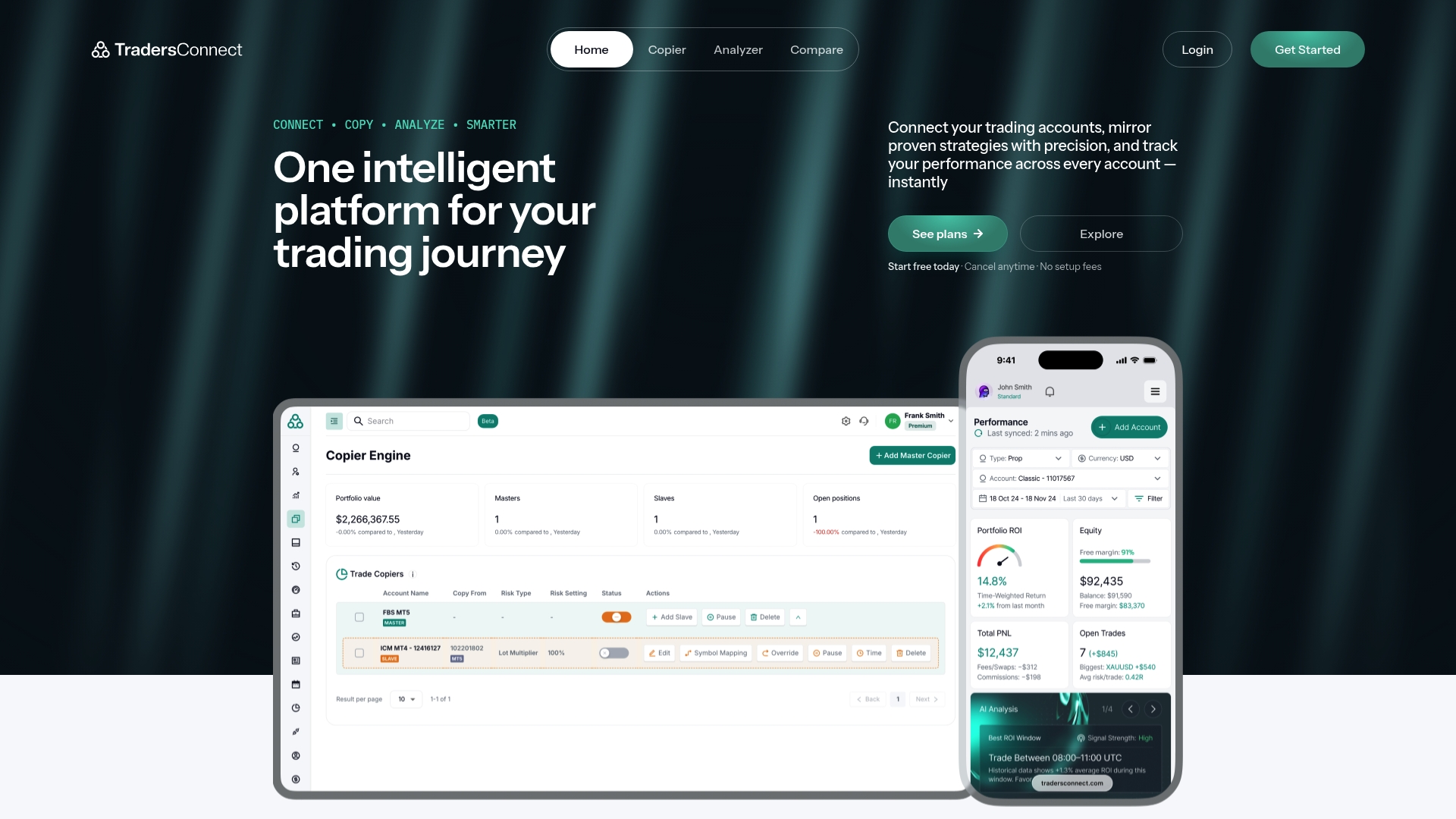
At a Glance
An all-in-one cloud ecosystem bundles trade copying, portfolio analytics, and broker comparison into a single web interface. It advertises support for MetaTrader 4, MetaTrader 5, cTrader, and more while offering add-ons like a dedicated analyzer and separate environments.
Core Features
Connect multiple accounts to mirror strategies in real time and apply per-account risk controls. Portfolio dashboards show ROI, win rate, and drawdown metrics for quick cross-account comparison.
- Real-time account linking and strategy mirroring with configurable equity protection.
- Portfolio analytics that track ROI, win rate, and drawdown across accounts.
- Market insights including trader sentiment, economic calendar, and news feeds.
- Broker and prop firm comparison tools to evaluate funding and fees side by side.
Key Differentiator
The vendor positions Traders Connect as a single cloud platform that merges copying, analytics, and broker research with optional paid add-ons. That cloud-first model contrasts with Mt4copier, which runs locally on a Windows PC or VPS and targets traders who need on-machine execution and no external routing.
Pros
- Highly responsive support reported by users, which speeds onboarding and problem resolution for new accounts.
- Straightforward interface reduces training time so you can connect accounts and start mirroring within a session.
- Reliable operation for managing multiple accounts, according to the product description, which helps keep a larger portfolio coordinated.
- Flexible pricing and add-ons offer entry-level plans and upgrade paths without a large up-front commitment.
- Cloud access removes local installation overhead and enables cross-platform support across MT4, MT5, and cTrader.
Cons
- Some users report inconsistent copying performance depending on platform and setup, requiring manual checks during live sessions.
- The vendor recently removed MetaTrader support for certain workflows, which surprised traders who rely on those terminals.
- Refund requests for unused subscription time have been reported as difficult to process, affecting trust for part of the user base.
- A minority of accounts may still need manual monitoring when copy errors occur, rather than fully hands-off operation.
When It May Not Fit
If you require sub-second local execution or want to avoid cloud routing for prop firm rules, the cloud-first design is a poor match. Traders who depend exclusively on uninterrupted MetaTrader integrations may find gaps after recent platform changes. Users seeking straightforward refund handling should weigh reported experiences.
Who It’s For
Traders managing several live accounts who prefer a cloud UI for automation, analytics, and broker comparison. Fits retail traders scaling to multiple terminals, advanced traders needing high-frequency support under a cloud model, and portfolio managers who value side-by-side metrics.
Real World Use Case
A prop trader mirrors a winning strategy across funded and personal accounts, runs the built-in analyzer to compare performance, and uses broker comparison tools to pick the best funding option. Past results do not guarantee future performance.
Pricing
Free to start. Standard plans begin at $10/month, premium at $15/month, and futures accounts from $30/month. Optional add-ons and flexible billing cycles let you enable the analyzer or dedicated environments as needed.
Website: https://tradersconnect.com
FxPro
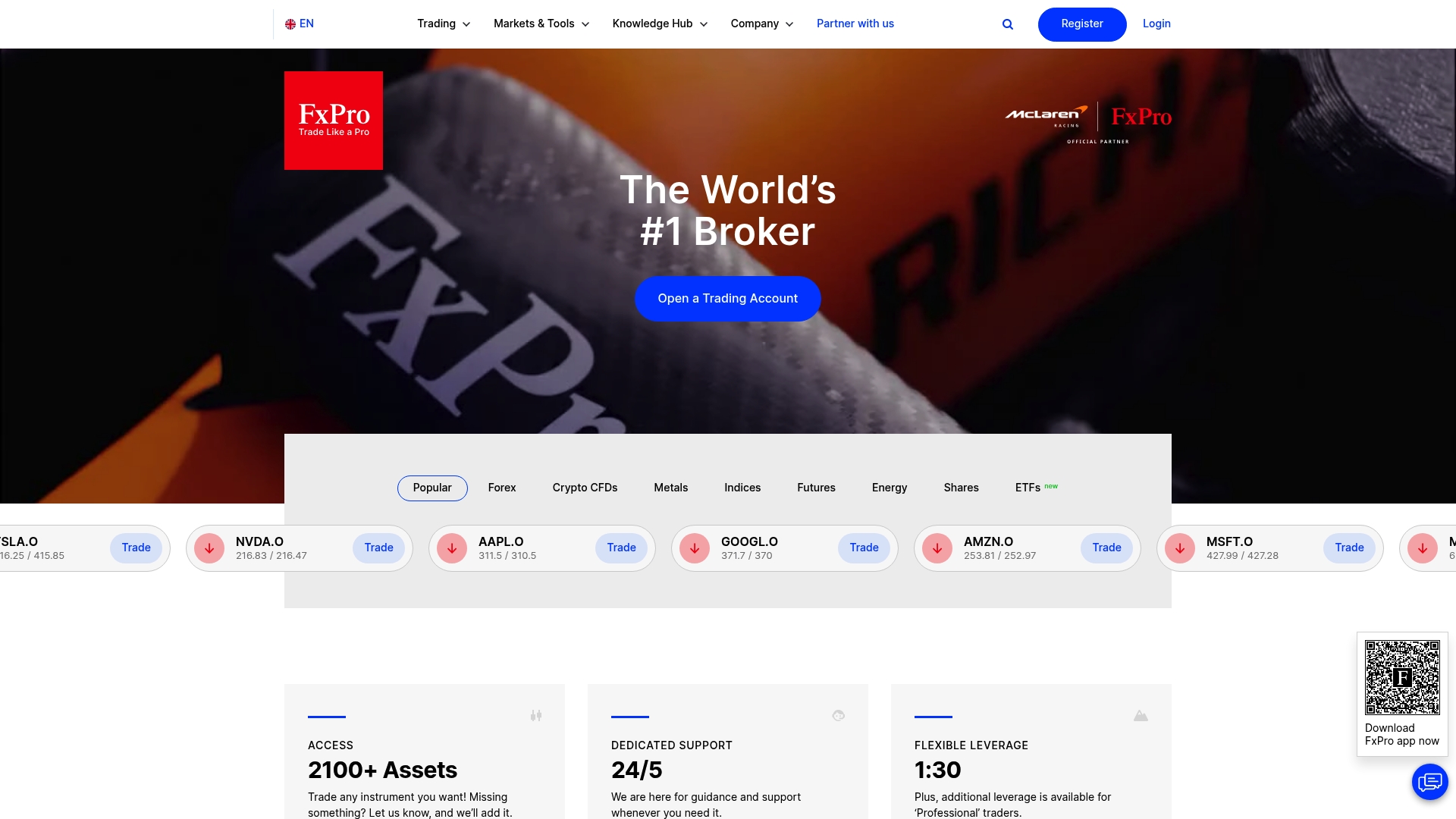
At a Glance
FxPro’s marketing materials state its mobile app has over 15 million downloads, a headline number that signals strong retail awareness. The broker also traces its history back to 1999 and holds authorization from the FCA in the UK, positioning itself as a long-established, regulated marketplace choice.
Core Features
- Multiple desktop and mobile platforms including MetaTrader 4/5, cTrader, and the proprietary FxPro Platform.
- Broad asset access across forex, indices, shares, commodities, energy, cryptocurrencies, and ETFs.
- Several account types: Standard, Raw Plus, and Elite, each with different spread and commission structures.
- 24/5 multilingual customer support and a mobile app designed for on-the-go trading.
Key Differentiator
FxPro combines wide asset coverage with multiple reputable platforms so you can pick the execution model that matches your style. That platform choice, together with firm regulatory footprints like the FCA authorization, is the feature traders cite when they want flexibility under oversight.
Pros
-
Long tenure and regulation. The broker has operated since 1999 and lists FCA authorization, which matters for trust and oversight.
-
Platform variety. Having MetaTrader 4/5 plus cTrader and a proprietary client lets you run third-party EAs, use native platform tools, or trade from a simplified proprietary interface.
-
Educational support. Webinars, tutorials, and demo accounts make it practical for newer traders to learn without risking capital.
-
The vendor reports capital backing of over $120M, a self-reported figure that traders often view as a buffer against counterparty strain.
-
Mobile-first accessibility. That download figure above suggests widespread mobile adoption, useful if you trade during commutes or travel.
Cons
-
Spreads reportedly widen during volatile sessions, which can increase trading costs for short-term strategies.
-
User reports include withdrawal delays and occasional account restrictions after profitable runs, a practical friction point for some traders.
-
Mixed feedback on customer support quality; response times and resolution consistency vary across regions and cases.
-
User reviews allege execution concerns in specific circumstances, which raises questions you should test on a demo first.
When It May Not Fit
If you require consistently flat spreads without commission, FxPro is a poor fit because Standard accounts start with variable spreads and Raw Plus or Elite add commissions. Also skip this broker if you need an ironclad guarantee of instant withdrawals or zero slippage during extreme volatility.
Who It’s For
Experienced traders who want platform choice and a wide asset set will find FxPro useful. It also serves beginners who plan to learn with demos and educational material, plus investors seeking multi-asset exposure under a regulated broker structure.
Real World Use Case
A new retail forex trader opens a Standard account, spends time on the demo to learn MetaTrader 5, then funds the live account by bank transfer. They use the mobile app to monitor positions on commutes and gradually add indices and crypto exposure as confidence grows.
Pricing
Standard accounts advertise spreads starting at 1.2 pips. Raw Plus and Elite offer zero quoted spreads paired with commission fees. Platform fees and exact commission schedules vary by account type and region; review live quotes before trading.
Website: https://fxpro.com
Comparing MetaTrader Trade Copiers: An Analytical Overview
Selecting a MetaTrader trade copier involves evaluating features, reliability, and cost. Here, we examine four prominent solutions to understand their distinctions.
Speed and Execution Reliability
Local Trade Copier commits to a locally hosted setup that delivers sub-0.5-second execution, aligning with low-latency demands. Social Trader Tools, though offering a 50ms replication, occasionally faces live-session bugs that can impact execution reliability. Traders Connect provides a cloud-based architecture but struggles with occasional inconsistencies. For traders prioritizing execution timing and reliability, Local Trade Copier represents the choice, given its local infrastructure.
Feature Diversification and Expansion Potential
Social Trader Tools integrates signal hosting and whitelabel options, appealing to firms aiming for scalable operations. Traders Connect enhances visibility with portfolio analytics and integration of market insights, aiding in detailed portfolio management, but may fall short for users seeking solely MT4/MT5 functionality. If managing diverse financial services is a priority, these platforms provide compelling advantages.
Accessibility and Customer Support
Traders Connect excels in customer support responsiveness, streamlining issue resolution and onboarding. In contrast, FxPro, a broker, garners mixed reviews regarding platform execution and support. Accessibility to effective assistance fundamentally influences the user experience, especially in high-stakes scenarios.
Best Fit
- Local Trade Copier: When maximizing local execution speed on single-IP operations is, such as for prop shops managing multiple terminals.
- Social Trader Tools: For firms branching into signal provision, backed by cloud-hosted management.
- Traders Connect: Ideal for portfolio managers valuing analytics and market insights.
- FxPro: For individuals exploring multi-asset trading under regulatory licenses.
Our Pick
Local Trade Copier stands out for its execution speed and focus on data control without involving the cloud or third-party credentials, offering advantages particularly for traders needing fast and secure replication. However, consider alternatives for other niche requirements like cloud-based analytics, signal branding, or broker-integrated portfolios.
Metatrader Trade Copiers Comparison
Selecting the right trade copier depends on factors such as latency requirements, platform compatibility, and operational environment.
| Product | Key Differentiator | Best For | Pricing | Notable Limitation |
|---|---|---|---|---|
| Local Trade Copier™ | Operates entirely locally without cloud routing | Traders prioritizing privacy and low latency | €29/month (Personal plan) | Limited compatibility in some MT5 server modes |
| Social Trader Tools | Cloud-hosted, enables signal whitelabeling | Brokers and signal providers | $20/month | Reported issues with copy reliability and support responsiveness |
| Traders Connect | Combines trade copying with analytics and insights | Traders wanting portfolio metrics tracking | $10/month (standard plan) | Reports highlight inconsistent MetaTrader support |
| FxPro | Supports multiple asset platforms with FCA oversight | Traders needing a regulated and flexible broker | Based on spreads and commissions | Spreads may widen during volatility |
Discover a Superior Forex-Central.net Alternative with Mt4copier
Finding reliable trade copier software that eliminates delays and safeguards your trading credentials can feel frustrating when dealing with cloud-based platforms. Mt4copier is designed to run entirely on your local Windows machine or VPS, delivering sub-0.5-second execution without routing trades through external servers. This local approach ensures all trades stay on one IP address, making it a prime choice for prop firm traders and account managers needing privacy and speed.
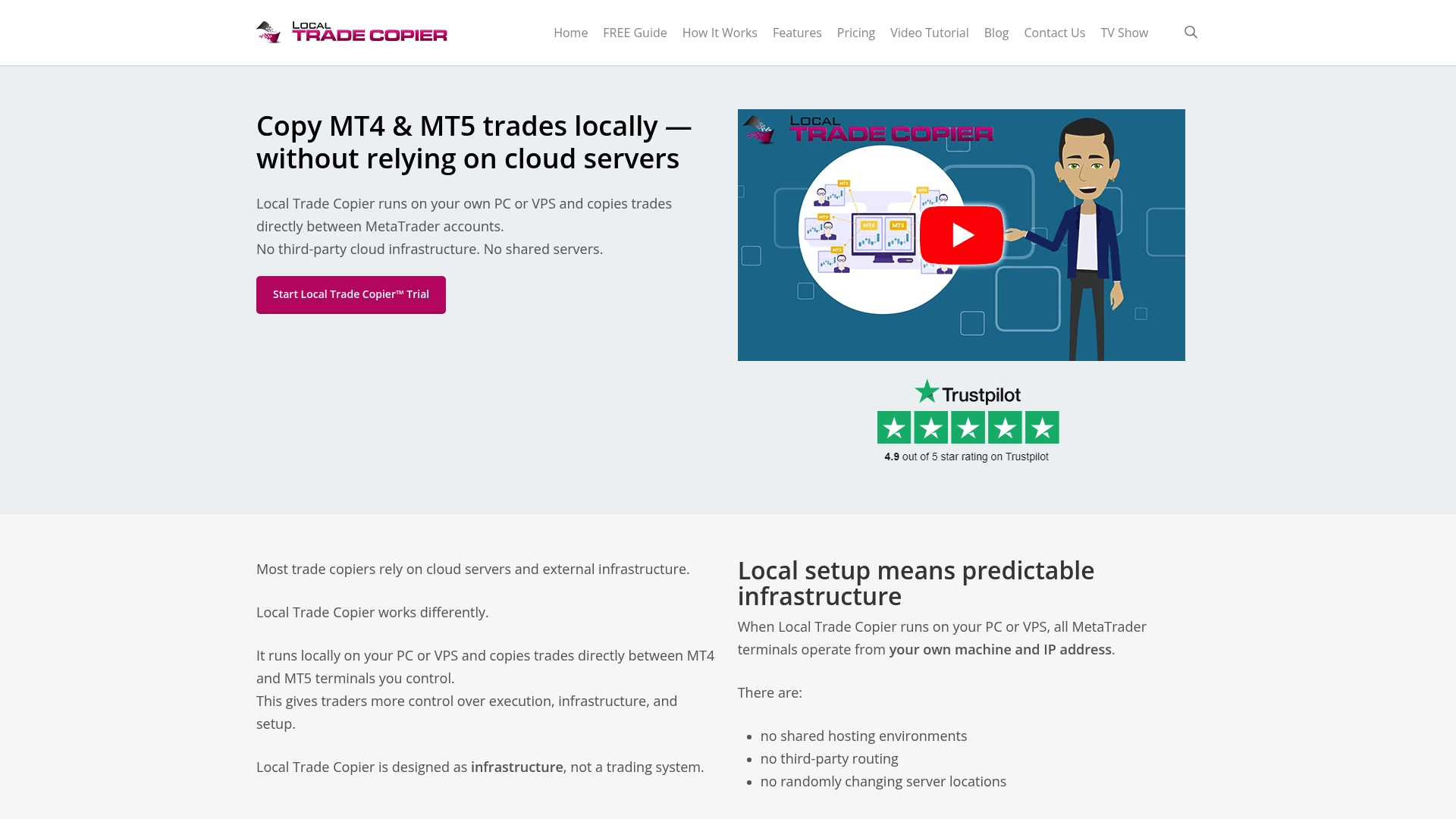
Explore how Mt4copier supports cross-platform copying across MT4, MT5, and DXTrade with advanced lot sizing and risk management options. Visit our Forex | Trade Copier for MT4 & MT5 page to learn more about features built for multi-account traders. Don’t wait—test Mt4copier with a 7-day free trial at https://mt4copier.com and start replicating trades instantly with full control on your own machine.
Frequently Asked Questions
How does Mt4copier ensure low-latency execution for trade copying?
Mt4copier utilizes local operation on a Windows PC or VPS, which eliminates cloud dependencies that slow down trade execution. This approach allows for sub-0.5-second local execution speeds, demonstrating its efficiency in managing multiple accounts. As a trader, you can expect fast, reliable trade replication without the delays associated with cloud routing.
What is the difference between Mt4copier and Social Trader Tools?
Social Trader Tools offers a cloud-hosted management system that supports unlimited MT4 and MT5 accounts, allowing for quick onboarding and centralized control. In contrast, Mt4copier operates locally on your machine, ensuring stronger privacy and control over your trades. If privacy is a priority for your trading strategy, Mt4copier may be the better fit.
Can I use Mt4copier for trading across multiple platforms?
Yes, Mt4copier supports cross-platform copying between MT4 and MT5, making it versatile for traders using both systems. This feature ensures that you can replicate your trades effectively across different platforms, which enhances your trading strategy. Just keep in mind that some MT5 server modes and pending order types may require workarounds.
What pricing options are available for Mt4copier?
Mt4copier offers a Personal plan starting at €29 per month, along with Manager and VIP tiers priced at €89 and €199 per month, respectively. This tiered pricing structure allows you to choose a plan that best fits your trading volume and needs, and there’s also a 7-day free trial to explore its features.
Does Mt4copier require sharing passwords with third parties?
No, Mt4copier does not require you to share passwords with third parties, which enhances your account security. Since the system operates locally, your credentials remain under your control, providing a secure environment for managing trades. This aspect is particularly beneficial for account managers and traders concerned about privacy.
Recommended
- Top 4 ea-coder.com Alternatives 2026
- Top 6 earnforex.com Trading Software Alternatives 2026
- Top 4 Tradecopy.online Alternatives 2026
