

Reverse trade copying automatically executes trades in the opposite direction from a master account to one or more slave accounts in real time on MetaTrader platforms. When the master opens a buy, the slave opens a sell. When the master sells, the slave buys. The process is handled entirely by a trade copier Expert Advisor, so you never manually enter opposing positions. This is an execution configuration, not a trading strategy. It replicates existing trade signals with inverted direction and has no market logic of its own. Tools like Local Trade Copier, running on MetaTrader 4 or MetaTrader 5, handle this automatically in real-time with support for fixed or balance-scaled lot sizing across multiple slave accounts.
Key mechanics at a glance:
- Master buy maps to slave sell; master sell maps to slave buy
- Stop loss and take profit levels are preserved but applied inversely
- Lot sizing can be fixed, percentage-based, or scaled to slave account balance
- Reverse mode applies to a single slave or a group of selected slave accounts
- All execution stays local, with no cloud routing required
How do you set up reverse trade copying on MetaTrader 4 and 5?
The setup process follows the same structure on both MetaTrader 4 and MetaTrader 5. You install the trade copier EA on both terminals, configure one as master and the other as slave, then enable the reverse parameter on the slave side.
-
Download and install the EA on both terminals. Place the
.ex4or.ex5file in theMQL4/ExpertsorMQL5/Expertsfolder. Refresh the Navigator panel in each terminal so the EA appears. Full installation steps are available on the Mt4copier site. -
Configure the master terminal. Open any chart on the master account. Drag the EA onto the chart and set the Operation Mode to
MASTER. Enter a unique Master Account Number, such as12345. Click OK and confirm the EA is active in the Experts tab. -
Configure the slave terminal. Open a chart on the slave account. Apply the same EA and set Operation Mode to
SLAVE. Enter the identical Master Account Number you used on the master. Set your preferred lot size, then setReverseTrades = true. This single parameter is what flips the direction. -
Verify both terminals are running simultaneously. The master and slave must be connected and active at the same time. A trade opened on the master while the slave is offline will not copy.
-
Match your symbol names. If the slave broker uses a suffix like
EURUSDminstead ofEURUSD, configure the symbol mapping field on the slave EA to handle the difference. Trades will fail silently if the symbol is not found. -
Test with a minimal lot size first. Start with 0.01 lots before going live at full size. Open a trade on the master and confirm the slave executes in the opposite direction with the correct SL/TP inversion.
-
Run on a VPS for stability. A Windows-based VPS keeps both terminals online 24/7 without depending on your local machine staying on. Mt4copier’s security and VPS guide covers setup recommendations for stable operation.
Pro Tip: If your master and slave terminals run on the same machine, configure magic number exclusions on the slave so it ignores trades it placed itself. Without this, the slave’s reversed trades can trigger another copy cycle, creating an infinite loop that floods both accounts with duplicate positions.
What are the real use cases and advantages of reverse trade copying?
Reverse copying has a few legitimate applications, but it also carries real risks that traders often underestimate before going live.
Practical use cases:
- Strategy inversion testing. You can run a signal source on the master and observe how the inverted version performs on the slave. This is useful for analyzing whether a strategy’s edge comes from direction or from timing and risk management.
- Portfolio diversification. Running opposite exposures across two accounts can reduce correlation between them, which is useful when managing multiple funded accounts with different risk profiles.
- Signal evaluation. Traders sometimes use reverse mode to test a new signal provider before committing capital in the standard direction.
- Hedging concepts. Some traders explore reverse copying as a conceptual hedge, though the practical outcome is more complicated than it sounds.
Where it gets complicated:
Reverse copying is not a profit strategy on its own. When one account is long and another is short on the same instrument, the net position across both accounts is approximately zero. The combined result is near flat, minus spreads and commissions on both sides. You are paying transaction costs to go nowhere. Past results do not guarantee future performance, and this structure does not change that math.
Prop firm compliance is a separate and serious concern. Most major prop firms explicitly prohibit cross-account hedging, which is exactly what reverse copying creates when both accounts are active simultaneously. Violations can result in payout denial or account closure. Before using any reverse configuration on a funded account, read the firm’s rules carefully.
Pro Tip: Inverting a losing strategy sounds logical, but transaction costs and changing market conditions mean the edge rarely survives in practice. Backtesting and rebuilding a failing strategy is usually more reliable than flipping its direction and hoping the losses become gains.
Advanced configuration: lot sizing, symbol mapping, and execution accuracy
Getting the reverse copy to trigger is the easy part. Getting it to execute correctly at the right size, on the right symbol, without timing gaps, takes more attention.

Lot sizing options
Three main approaches cover most setups:
| Lot Sizing Method | How it works | Best for |
|---|---|---|
| Fixed lot | Slave always trades a set size regardless of master | Simple setups with one slave |
| Percentage of master lot | Slave trades a defined percentage of whatever the master uses | Proportional scaling across accounts |
| Balance-based scaling | Slave lot adjusts automatically based on its own account balance | Multi-account setups with different balances |
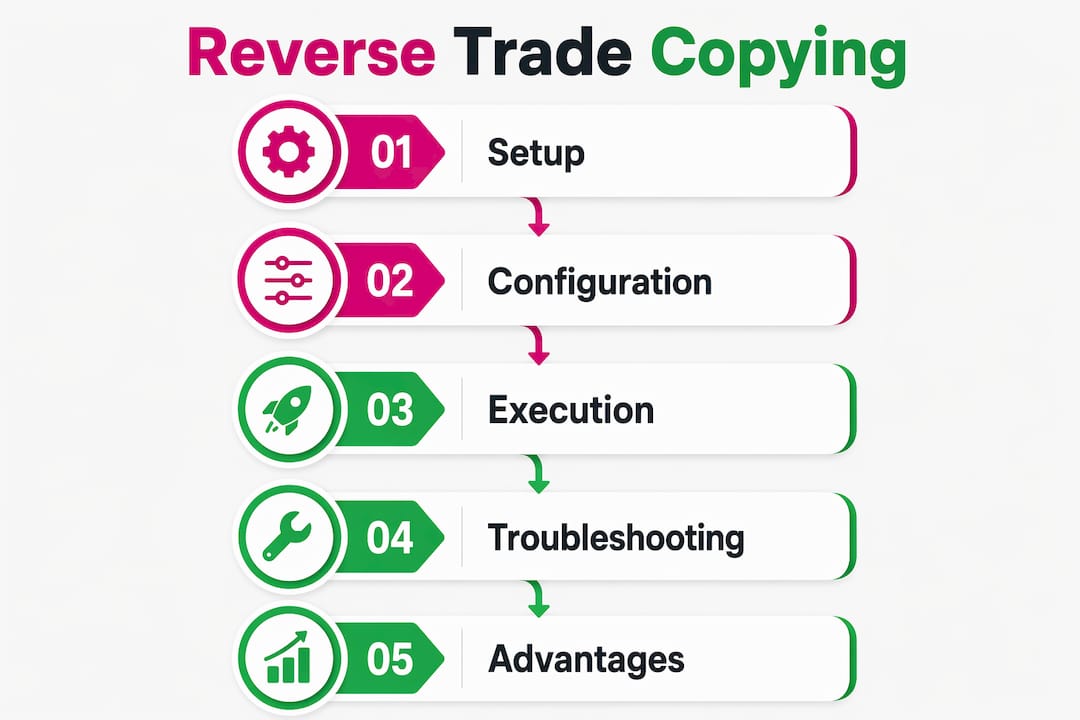
Balance-based scaling is the most practical for traders managing multiple slave accounts, since each account trades at a size appropriate to its own equity rather than mirroring the master’s raw lot.
Symbol mapping
Symbol name differences between brokers are one of the most common causes of failed copies. A master trading XAUUSD will not automatically match a slave broker that lists the same instrument as XAUUSDm. The EA’s symbol mapping field lets you define these equivalencies manually. Set it before going live, not after you notice trades are missing.
Execution accuracy and timing
Latency and synchronization directly affect whether reversed trades execute at the intended price. Common pitfalls and their fixes:
- Stale trade detection. Most well-configured EAs ignore trades older than 10 seconds to prevent duplicates after a restart. Verify this setting is active.
- SL/TP inversion. When
ReverseTrades = true, the EA should automatically swap stop loss and take profit distances. Confirm this in your test trade before scaling up. - Duplicate trades after restart. Restart both EAs if you see duplicates. Built-in duplicate detection typically resolves the issue within a few seconds.
- Missed trades during downtime. If the slave terminal was offline when the master opened a position, that trade will not copy retroactively. A VPS eliminates most of this risk.
How do you troubleshoot a reverse trade copying setup that is not working?
Most failures come down to a small set of configuration errors. Work through these checks before assuming the EA is broken.
Step-by-step diagnostic process:
-
Confirm both terminals are running simultaneously. The master and slave must both be active with the EA loaded on a chart. A closed chart stops the EA entirely.
-
Check the Master Account Number on both sides. They must match exactly, character for character. A single digit difference breaks the connection.
-
Review the Experts tab on both terminals. Error messages appear here first. Look for connection failures, symbol errors, or parameter warnings.
-
Verify
ReverseTrades = trueon the slave. It is easy to overlook during initial setup, especially if you copied settings from a standard (non-reverse) configuration. -
Test symbol availability. Open the slave terminal’s Market Watch and confirm the symbol the master is trading actually exists there. If it does not appear, the trade will not copy regardless of other settings.
-
Restart both EAs. Many synchronization issues clear on restart. Allow 10–15 seconds after restart before testing again.
-
Check your magic number exclusions. If trades are duplicating or looping, the slave is likely copying its own reversed trades back. Add the slave’s magic number to the master’s exclusion list.
The Mt4copier troubleshooting guide covers the full diagnostic sequence for cases where trades stop copying entirely.
Pro Tip: The Experts tab is your first and best diagnostic tool. Check it immediately after attaching the EA and after every configuration change. Most errors print there within seconds of the EA initializing, long before you notice a missed trade.

Effective reverse trade copying requires ongoing monitoring, not just a one-time setup. Check both terminals after every broker maintenance window, platform update, or VPS restart. Incremental testing with small lot sizes after any configuration change catches problems before they affect real positions.
Key Takeaways
A correctly configured reverse trade copying setup requires matching Master Account Numbers, ReverseTrades = true on the slave, accurate symbol mapping, and both terminals running simultaneously on a stable connection.
| Point | Details |
|---|---|
| Core mechanic | Master buy triggers slave sell; master sell triggers slave buy, with SL/TP applied inversely. |
| Critical parameter | Set ReverseTrades = true on the slave EA; without it, trades copy in the standard direction. |
| Loop prevention | Use magic number exclusions so the slave does not copy its own reversed trades back to the master. |
| Prop firm risk | Most prop firms prohibit cross-account hedging; reverse copying across funded accounts typically violates those rules. |
| Execution stability | Run both terminals on a Windows VPS and test with minimal lot sizes before going live at full size. |
Recommended
- Manual Trade Copying Workflow: A Step-by-Step Guide
- The Definitive Guide to Forex Trade Copying
- Boost Trading Efficiency with Automated Trade Copying
