
**TL;DR: **
- Automated trade synchronization ensures real-time, consistent copying of trades across multiple forex accounts.
- Proper setup involves compatible platforms, VPS, security measures, and correct lot sizing methodologies.
- Regular system audits, testing, and monitoring are essential to maintain reliable and accurate trade copying.
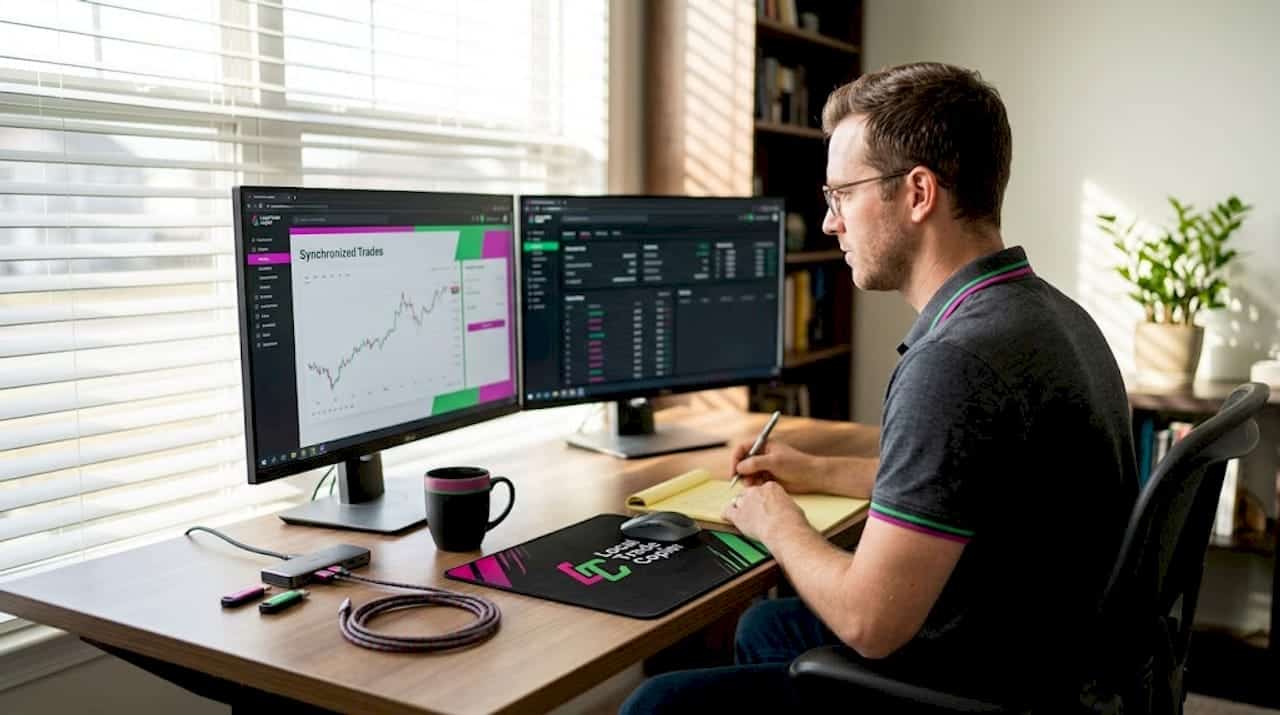
Managing multiple forex accounts manually is a recipe for missed trades, inconsistent sizing, and costly execution delays. Every second you spend re-entering positions across terminals is a second the market can move against you. Automated trade synchronization eliminates that gap entirely, copying positions from a master account to any number of client accounts in real time, with consistent lot sizing and zero manual input. This tutorial walks MetaTrader users through the full process: what synchronization is, what you need, how to set it up, and how to keep it running reliably as you scale.
Key Takeaways
| Point | Details |
|---|---|
| Automate for efficiency | Automated synchronization saves time and reduces costly errors in forex trading across multiple accounts. |
| Choose the right tools | Select between local and cloud trade copiers based on your speed, security, and budget needs. |
| Monitor and scale | Regularly verify synchronization accuracy and scale your setup for growing account portfolios. |
| Risk management matters | Apply robust lot sizing and security measures for safe, consistent execution while managing more accounts. |
What is forex trade synchronization and why automate it?
Forex trade synchronization means replicating open positions, modifications, and closures from one master account to one or more client accounts in real time. When a trade fires on the master, it appears on every linked client account almost simultaneously. That’s the core idea.
Manual replication breaks down fast. You open a trade on your master terminal, then switch to a second terminal, enter the same symbol and direction, calculate the lot size for that account’s balance, and execute. By the time you reach the third account, the price has moved. Slippage adds up. Missed entries happen. During high-volatility events like NFP or central bank announcements, manual copying is essentially impossible.
Automation removes every one of those failure points. A trade copier EA (Expert Advisor) monitors the master account continuously and fires corresponding orders on client accounts in 1 second or faster under normal market conditions. The workflow becomes: trade once, replicate everywhere.
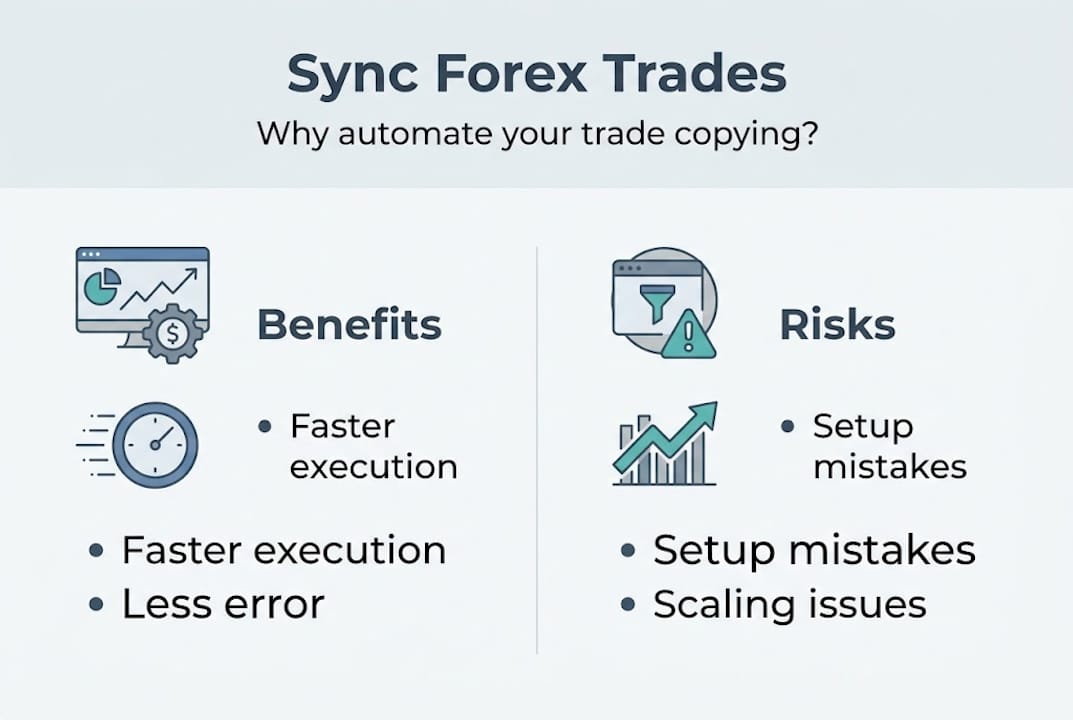
The efficiency gains are real, but the risk management benefits matter just as much. Consistent lot sizing across accounts requires a reliable methodology. Lot sizing methodologies include fixed lots, a multiplier on the master lot, balance or equity ratio scaling, or risk percentage based on stop-loss distance for consistent risk across accounts. Choosing the right one for your situation is as important as the copy speed itself.
Infographic on forex trade sync benefits and risks
Here’s a quick comparison of the four main lot sizing approaches:
| Method | Best for | Risk consistency |
|---|---|---|
| Fixed lots | Uniform account sizes | Low (ignores balance) |
| Multiplier on master lot | Simple scaling | Medium |
| Balance/equity ratio | Different account sizes | High |
| Risk % based on SL distance | Precision risk control | Very high |
The definitive guide to trade copying covers these methodologies in depth if you want to go further before choosing. For most independent account managers syncing from master to multiple clients, balance or equity ratio scaling is the safest default because it adjusts automatically as account sizes change.
What you need: Accounts, software, and basic setup
Now that you know the benefits, the next step is making sure you have the right foundation for synchronization.
Minimum requirements:
- At least two trading accounts (one master, one or more clients)
- MetaTrader 4, MetaTrader 5, or DXTrade platform installed
- A Windows PC or VPS running continuously
- A trade copier EA or software compatible with your platform
- Stable internet connection with low latency to your broker’s servers
Platform support matters more than most traders realize. If your master account runs on MT4 but a client account is on MT5, you need a copier that handles cross-platform replication. The same applies to DXTrade, which is increasingly common among prop firms. Not all copiers support all three.
Trader checking forex copier setup on laptop and tablet
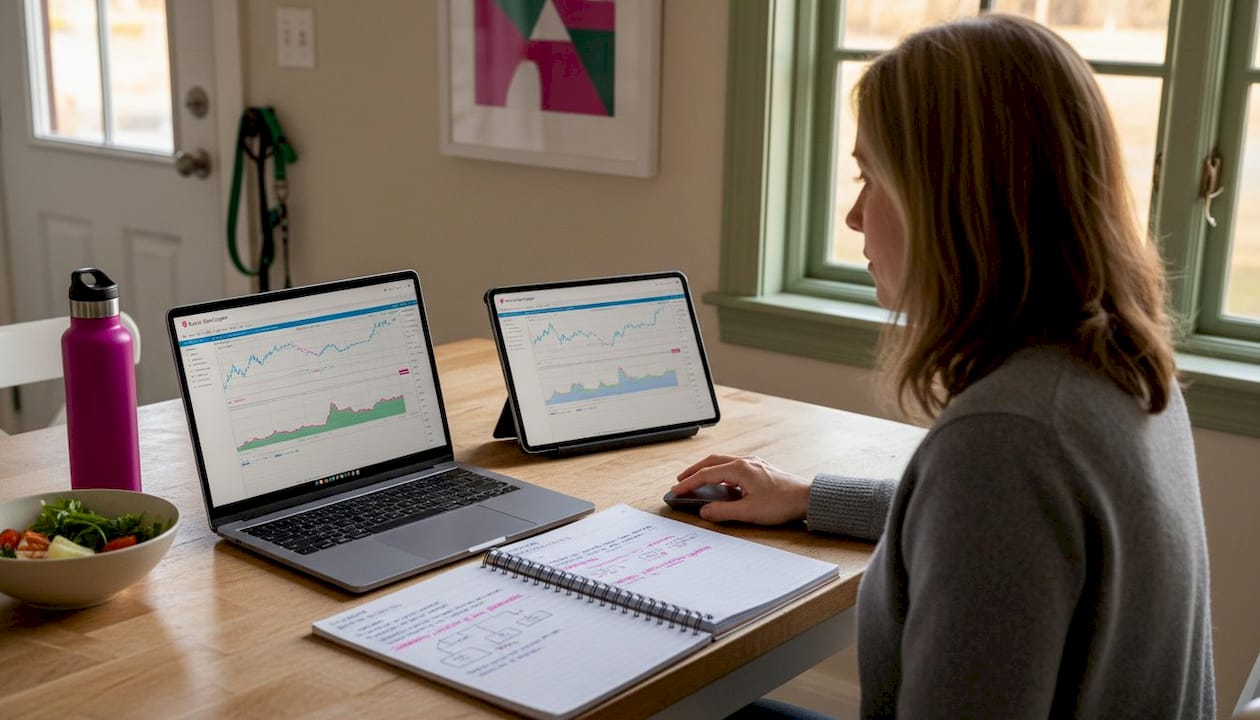
The local vs. cloud debate is worth understanding clearly. Local and cloud copiers each have trade-offs: local solutions like Local Trade Copier are praised for speed, privacy, and no recurring cloud fees, but they require a VPS; cloud-based options like Duplikium offer easier multi-location access but introduce internet latency and subscription costs; free tools like FX Blue cover basic needs but lack advanced features. For prop firm traders especially, local execution on a single machine means one IP address and no cloud routing risk.
Here’s how the options compare at a glance:
| Copier type | Speed | Privacy | Setup complexity | Cost |
|---|---|---|---|---|
| Local (e.g., Local Trade Copier) | 1 sec or faster | High | Moderate | Subscription |
| Cloud (e.g., Duplikium) | 1-3 ms (internal server latency) | Low | Easy | Subscription |
| Free (e.g., FX Blue) | Variable | Medium | Easy | Free (limited) |
For initial configuration, you’ll want to set up your account cloning setup correctly from the start, including account numbers, server addresses, and login credentials for each terminal. Getting this right before you install any copier software saves significant troubleshooting time later. Also decide upfront whether you want the same position size on every account or scaled sizing, since this affects your lot sizing setup configuration.
Step-by-step: Setting up automated trade synchronization in MetaTrader
With your tools in place, here’s how to set up synchronization quickly and safely.
- Download and install the copier software. Follow the Local Trade Copier installation guide for step-by-step file placement and EA activation. Place the EA files in the correct MetaTrader data folder and restart the platform.
- Open all terminals simultaneously. Your master terminal and every client terminal need to be running and logged in. On a VPS, you can run multiple MT4 or MT5 instances side by side. Each instance should be connected to its respective broker server.
- Attach the sender EA to the master account. Open a chart on the master terminal (any symbol, any timeframe), drag the sender EA onto it, and configure your master account identifier. This is the label that client accounts will listen for.
- Attach the receiver EA to each client account. On each client terminal, attach the receiver EA to a chart. Enter the master account identifier that matches the sender. Set your preferred lot sizing method and risk parameters per account.
- Configure lot sizing and risk parameters. For each client account, decide whether you want fixed lots, a multiplier, or balance-based scaling. If you’re copying trades between MT5 accounts, confirm that the symbol names match between brokers, since naming conventions differ (e.g., “EURUSD” vs. “EURUSDm”).
- Test on a demo account first. Before going live, run the full setup on demo accounts. Place a trade on the master demo account and verify it appears correctly on all client demo accounts within seconds. Check lot sizes, stop-loss levels, and take-profit values.
- Go live with a small position. Once demo testing confirms everything works, switch to live accounts and place a minimal test trade. Verify replication, then scale up normally.
Pro Tip: Enable the “magic number filter” in your copier settings to prevent the receiver EA from copying trades back to the master account. Without this, you risk a feedback loop where copied trades get re-copied infinitely, multiplying your exposure.
Optimizing execution: Speed, security, and common pitfalls
Setting up is only the beginning. You’ll get real benefits by understanding how to make your synchronization bulletproof.
Factors that affect replication speed:
- VPS location relative to your broker’s server (closer is faster)
- Internet connection stability and packet loss rate
- Number of terminals running on the same machine
- EA tick processing frequency on the master chart
Latency and copier speed are directly connected to your VPS quality. A VPS located in the same data center as your broker’s server can reduce round-trip time to under 10 milliseconds. That’s the difference between getting filled at your intended price and dealing with slippage on every trade.
Security practices that protect your accounts:
- Use unique, strong passwords for each MetaTrader account
- Never share investor passwords with copier software (use full-access credentials only where required)
- Keep your copier EA and MetaTrader platforms updated
- Run everything on a dedicated VPS, not a shared desktop machine
- Disable remote desktop access when not in use
Local trade copiers require a VPS and benefit significantly from strong security settings, since all your account credentials live on one machine. That machine needs to be locked down.
Common errors to watch for:
- Symbol name mismatches: “XAUUSD” on one broker vs. “GOLD” on another will cause the receiver to skip trades entirely
- Lot size minimums: Some brokers require 0.01 minimum lots; a scaled calculation that produces 0.003 will fail silently
- Insufficient margin: Client accounts with lower balances may reject trades if margin requirements aren’t met
- EA disabled after terminal restart: Always confirm “AutoTrading” is enabled after any platform restart
“The most expensive trade copier errors are the silent ones: trades that don’t copy and don’t log an error.”
Review the trade copying best practices guide to build a checklist specific to your setup. Small configuration gaps compound quickly when you’re running multiple accounts.
Pro Tip: Run a block trade test monthly. Place a deliberate test trade on the master account during low-volatility hours, verify replication across all clients, then close it. This confirms your entire chain is working before a high-stakes trade depends on it. Also consider reviewing ways to reduce trade copier costs as you scale, since software and VPS fees add up across multiple accounts.
Verifying results and scaling: Monitoring and managing multiple accounts
Now let’s ensure your synchronized setup delivers, both today and as you grow.
- Check synchronization logs daily. Most copier EAs write a log file or display a trade history within the terminal. Review this after each session to confirm every master trade has a matching client trade with the correct lot size and timestamps within acceptable range.
- Compare trade reports side by side. Export the trade history from your master account and each client account weekly. Spot-check entry prices, lot sizes, and exit prices. Discrepancies larger than typical slippage indicate a configuration problem.
- Set up alerts for failed copies. Some copier tools support email or push notifications when a trade fails to replicate. Enable these so you’re not discovering a missed trade hours after the fact.
- Add new client accounts gradually. When scaling from two to five or ten client accounts, add one at a time. Test each new account in demo mode before connecting it to live replication. This isolates problems before they affect multiple accounts simultaneously.
- Monitor risk as you scale. Balance and equity ratio scaling adjusts lot sizes automatically as account balances change, but you still need to review overall exposure. Ten client accounts each taking a 2% risk per trade means significant aggregate exposure if those accounts belong to clients.
For traders new to this process, the forex trade copying for beginners resource covers the foundational concepts without assuming prior experience. If you’re already running a multi-client trade copying setup, focus on the scaling and monitoring steps above.
Pro Tip: Keep a demo version of your master account running in parallel with your live setup. Periodically test configuration changes on the demo environment before applying them to live accounts. This prevents a misconfigured EA update from disrupting live trades during market hours.
Why most trade synchronization tutorials miss what matters
Most guides walk you through installation and call it done. That’s the easy part. The real challenge is everything that comes after: maintaining the system, catching errors before they compound, and adapting as your strategy or account structure changes.
Here’s what we’ve seen since 2010 building and supporting trade copier software: traders who set up synchronization and never revisit it are the ones who eventually discover a missed trade, a wrong lot size, or a broken connection during a major market move. The setup is a one-time event. The management is ongoing.
The best account managers we’ve worked with treat their copier setup like a trading system, not a utility. They have a weekly review process. They test after every platform update. They keep notes on configuration changes. They don’t assume it’s working; they verify it.
There’s also a mindset issue that tutorials rarely address. Automation creates confidence, and confidence can become complacency. Just because trades are copying doesn’t mean they’re copying correctly. Lot sizes drift when account balances change unexpectedly. Symbol mappings break when brokers rename instruments. EA settings reset after a terminal crash.
The forex management best practices that separate reliable operators from frustrated ones come down to one habit: audit regularly, not just initially. Automate the copying. Keep the oversight human.
Streamline your forex trade synchronization with proven tools
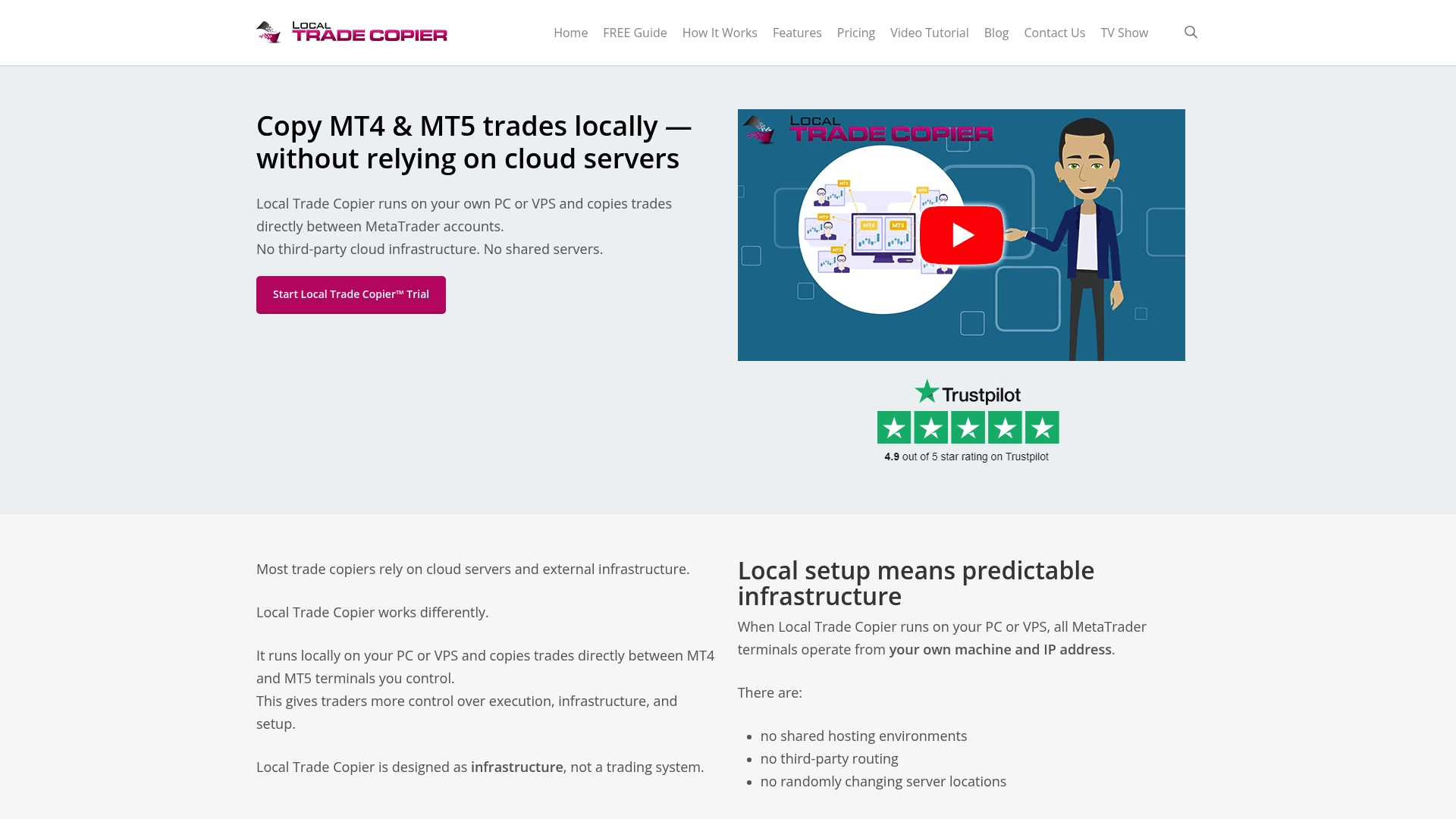
If you’ve followed this tutorial and want to move from theory to a working setup, Local Trade Copier gives you everything covered here in one package. It copies trades locally in 1 second or faster under normal market conditions, with eight money management modes and cross-platform support across MT4, MT5, and DXTrade. No cloud routing. No external servers. All trade data stays on your machine.
Start with the Local Trade Copier installation guide to get your first master-to-client connection running. If you want more control over how trades are managed, explore advanced risk controls for features like waiting for stop-loss and take-profit confirmation before copying. The full suite of automated trade copier solutions includes MT4, MT5, and DXTrade components under one subscription, with a 7-day free trial to test everything on your own accounts before committing.
Trade copying software replicates trades mechanically based on user-configured parameters. It does not guarantee profitable outcomes. All trading involves risk. Past performance of any strategy is not indicative of future results.
Frequently asked questions
Is local or cloud forex trade synchronization faster?
Local synchronization is typically faster because it eliminates external server routing. Local copiers outperform cloud solutions in speed and privacy, especially when running on a VPS close to your broker’s server.
How can I keep my account safe when syncing trades?
Use strong, unique passwords for each account, keep all software updated, and run your copier on a dedicated VPS. Local copiers on a secured VPS offer the strongest combination of speed and account protection.
What is the best lot sizing strategy for synchronized accounts?
Balance or equity ratio scaling is the most reliable choice for accounts with different sizes. Balance and equity scaling adjusts lot sizes automatically based on each account’s current funds, keeping risk consistent across all accounts.
Can I synchronize trades across MT4 and MT5?
Yes. Modern trade copiers including Local Trade Copier support cross-platform copying between MT4 and MT5, as well as MT4-to-DXTrade and MT5-to-DXTrade, all under one subscription plan.
What should I do if trades are not copying correctly?
Start by checking that all terminals are logged in and AutoTrading is enabled. Then review the copier’s synchronization logs for error messages, and verify that symbol names match between your master and client broker accounts.
Recommended
- Optimize automated trading workflow: forex replication guide
- How to synchronize MT4 accounts: guide for forex managers
- MetaTrader synchronization explained: Multi-account copying
- How to automate forex trading with MetaTrader platforms
