
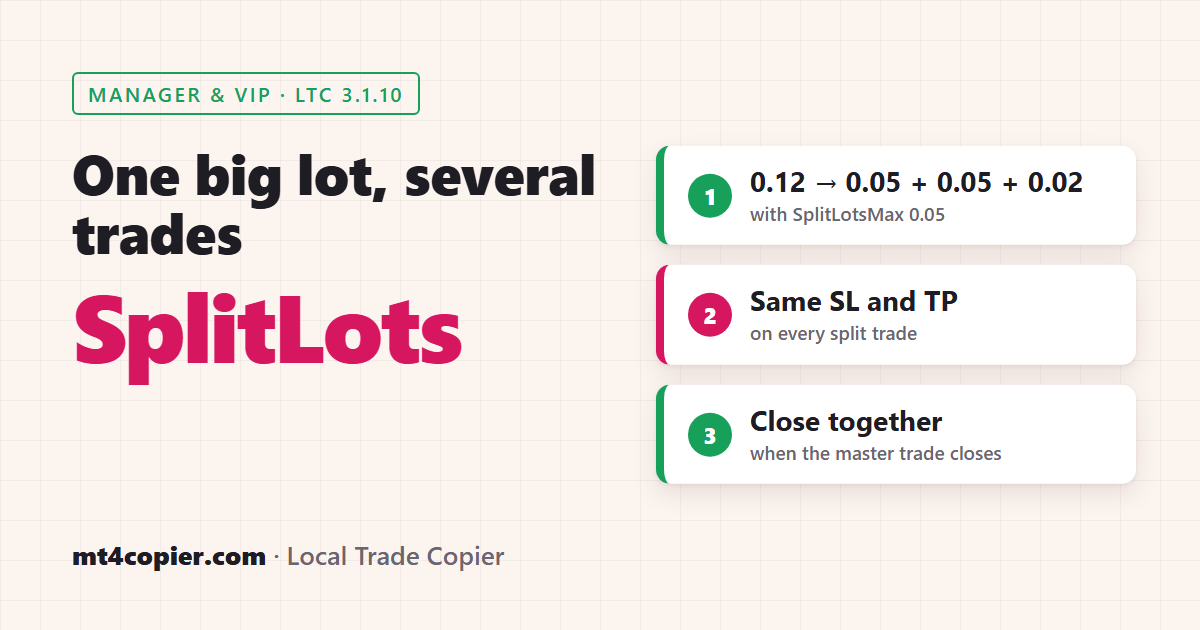
Short answer: SplitLots splits one big copied trade into several smaller trades on the client account. Set SplitLots to true and SplitLotsMax to the largest lot you want per trade, or leave it at 0 to use the broker’s maximum lot. In our test, a 0.12-lot master trade with SplitLotsMax 0.05 became three copies: 0.05, 0.05 and 0.02, each with the master’s stop loss and take profit. SplitLots is in the MANAGER and VIP plans of Local Trade Copier (LTC) by Algonexis Technologies.
Updated November 2026 for Local Trade Copier 3.1.10, with a test on demo accounts. The 2016 video is at the end.
When you need it
- The copy is bigger than the broker’s maximum lot. Brokers cap the lot size of a single order. Without SplitLots, a copy above that cap can’t be opened.
- You want smaller positions. For example, when an account’s rules limit the size of a single trade.
The two settings
Both are in LTC Client, in the TRADE MANIPULATIONS section:

SplitLots = true and SplitLotsMax = 0.05 in LTC Client 3.1.10.
| Setting | Default | What it does |
|---|---|---|
| SplitLots | false | true = split a copy that is bigger than SplitLotsMax into several trades. |
| SplitLotsMax | 0 | The largest lot per trade. 0 = the broker’s maximum lot for that symbol. |
How the split works
- LTC Client works out the copy’s lot size as usual, with that account’s money management mode.
- If the lot is bigger than SplitLotsMax, it opens as many full-size trades as fit.
- Whatever is left opens as one smaller trade, if it’s at least the broker’s minimum lot. Lots are rounded to the broker’s lot step.
- Every split trade gets the master’s stop loss and take profit, and all of them close when the master trade closes.
The test: 0.12 lots with SplitLotsMax 0.05
The master was an IC Markets MT4 demo with LTC Server, and the client an IC Markets MT5 demo with LTC Client MT5 VIP 3.1.10. Client settings: SplitLots true, SplitLotsMax 0.05, and “Same lot size as on the master account”. The master bought 0.12 BTCUSD with a stop loss and a take profit. The client’s Experts tab (master account number masked):
12:27:57  RECEIVED new market order #382660015 from server #xxxxxxxx and will be opened as: BTCUSD BUY @ 65421.91; Slave lot size: 0.12 (2.0x0.050.02) (master lot size: 0.12); SL: 64916.12; TP: 66416.12

12:27:58  COPIED new market order (splits: 1 out of 3.0) ... as #2090190951: BTCUSD BUY 0.050000 @ 65413.97

12:27:59  COPIED new market order (splits: 2 out of 3.0) ... as #2090190975: BTCUSD BUY 0.050000 @ 65429.44

12:28:00  COPIED new market order (splits: 3 out of 3.0) ... as #2090190983: BTCUSD BUY 0.020000 @ 65429.59
“(2.0×0.050.02)” in the first line means 2 × 0.05, plus 0.02. The client’s Trade tab showed the three copies, each with the master’s SL and TP:

The 0.12-lot master trade as three copies, each with the master's SL and TP (demo account, 15 November 2026).
The split trades open one after another, about a second apart here, so their entry prices differ a little. We repeated the test with an FxPro MT5 client and closed the master’s 0.12. All three copies closed within about a second:
13:03:39  Trade #386567333 closed successfully.

13:03:40  Trade #386567334 closed successfully.

13:03:40  Trade #386567336 closed successfully.
How to set it up
- Open the LTC Client inputs on the client account’s chart.
- Set
SplitLotsto true. - Set
SplitLotsMaxto the largest lot you want per trade, or leave 0 to split only above the broker’s maximum. - Click OK. Each LTC Client has its own setting, so you can split on one account and not on another.
Good to know
- Partial closes: SplitLots doesn’t follow partial closes of the master trade reliably. When you close part of the master trade, the split copies may all close, or stay open until the master trade closes in full. If you often scale out of trades, leave SplitLots off.
- Manual-Like Entry Execution turns SplitLots off, because each copy is placed through MetaTrader’s order window.
- Plans: SplitLots is in MANAGER (€89 a month for 5 PCs or VPSs) and VIP (€199 for 15). It isn’t in PERSONAL. Every plan allows unlimited MT4 and MT5 accounts.
FAQ
What does SplitLots do?
It opens one big copy as several smaller trades, each no bigger than SplitLotsMax or the broker’s maximum lot.
Do the split trades close with the master trade?
Yes. When the master trade closes, all its split copies close. In our test, three copies closed within about a second.
Do split trades keep the master’s stop loss and take profit?
Yes. Each split trade gets the master’s SL and TP.
Which plans include SplitLots?
MANAGER and VIP. PERSONAL doesn’t include it.
Video: SplitLots in action (2016)
This video was recorded in 2016 with an older version, so the inputs window looks different. The idea is the same.
Local Trade Copier copies trades between MT4 and MT5 accounts on your own PC or VPS. More than 15,000 licences have been sold since 2010. For the other lot size settings, see lot size and risk, or try Local Trade Copier free for 7 days.

16 responses to “SplitLots function explained”
hi
i dunt really understand copy trade. i give a situation where master buy 5usd micro acct… will it automatically copy 5usd microlot in my client acct? or i can set diff lot amount in diff client acct?
Trade copier can do the way you want. Watch this video about trade copier position size parameters.
Hi Rimantas,
I am a indeed a very happy customer and have been using your services and would like to say thank you. WHERE ARE YOU BASED ?
I am currently in search for a trade copier system allowing me to access the binary options platform I am based in the UK and have a client base of over 50,000 subscribers to my various trading platforms I would very much appreciate, if you could spare me some time in order to talk to you about this specific LTC to be made exclusively for me I am in a position where I can provide the means to have this made by yourself so costs are not an issue if we could discuss this matter over a webinar it would be amazing.
Hi, thanks for your feedback. It’s possible to create what you need. I have sent you a private email. Check your spam folder if you have not received it yet or contact me at support@ea-coder.com
hello can you let me know how your 100% automated currency trading works . I am interested to know please email me the details. to
My 100% automated trading details are here: http://www.vavatrade.com
Hi, Could you please send me the details of 100% automated currency trading that generates profits while I enjoy the time with my family, our life and traveling.?
My 100% automated trading details are here: http://www.vavatrade.com
I want to use the LTC on 5 accounts all on a VPS. Which Plan is ideal for me ?
If all 5 accounts are on the same VPS then the personal license is fine for that.
BUT if you need SplitLots function then you need to get a Manager license because SplitLots are not available in Personal license. You posted this question on the SplitLots tutorial page so I wanna make sure you understand that this function is not available in Personal license.
Hope this helps
Hi, I lot of families and friends that want to copy my trades, but each of them have 5 accounts with same broker. I would like to know if your system would be able to handle it without require them to do anything. Would I be able to manage all their accounts using just my laptop. Thanks
Hi, yes, as long as your laptop can run that many MT4 accounts.
If your laptop won’t be able to run that many MT4 accounts then you’ll need a VPS server.
For VPS, I always recommend https://www.vpsforextrader.com/?id=1255a
I’ve been using them for many years now and I personally know the people who are running this company.
If you need to host just a few MT4 platforms, you should look into their basic plans like FX-1 or FX-2.
http://bit.ly/fxvpsteam
For more powerful servers that can handle 25+ or even 100+ MT4 platforms, you should be looking at dedicated servers.
http://bit.ly/fxvpsdedicated
Does this feature comes with Local Trade Copier Personal subscription?
SplitLots feature comes with LTC Manager or VIP license. It is not included in the LTC Personal license.
I want to manage accounts for friends and family. If I have a balance 10 times bigger than my friend, how do I automatically place orders in his account for which the lot size is 10 times smaller? Is it with this lot splitter function? Tks
Sure, you will achieve that with default risk management settings in client ea.
By default, the copier calculates lot sizes for each client based on the difference between account balances to have the same risk. So lot size in the client will be automatically adjusted.
You can set different risk management parameters for each client account.
Here are videos where all risk parameters are explained:
https://www.mt4copier.com/risk-parameters/
Split lots function is not for that, it is used to slice a trade on master into multiple trades in client accounts.
Hope this helps