
Subscribe
—
You’re managing too many Forex accounts MANUALLY! Discover how Local Trade Copier™ can help you trade 2, 5, 10, 20 (or more) Forex accounts with ease!
Try Local Trade Copier™ free for 7 days. After the trial, it’s €29/month (1 PC/VPS, unlimited accounts). Cancel anytime.

Trade Forex and Stocks on many MetaTrader accounts fully automated with the Local Trade Copier™ for MT4 & MT5.
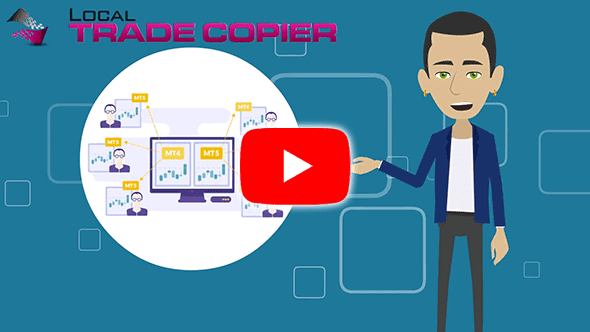
Local Trade Copier™ for MT4 & MT5 allows you to quickly and easily share your trades with friends, family, and other people in your Forex community.
Copy every trade from one master account to as many MetaTrader 4/5 accounts as your PC or VPS can run, automatically and locally.
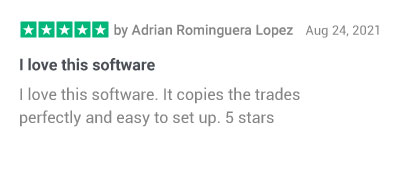
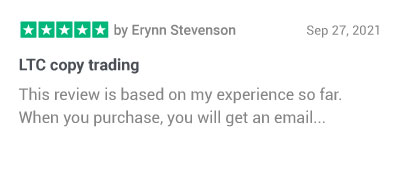
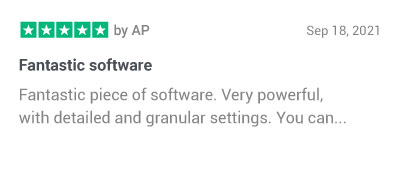
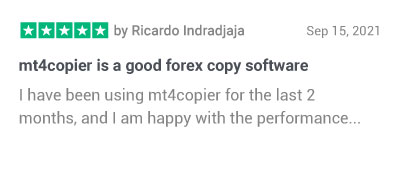
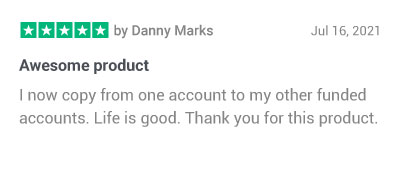
“I love this software. It copies the trades perfectly and is easy to set up. 5 stars.” – Adrián Rominguera López, Spain
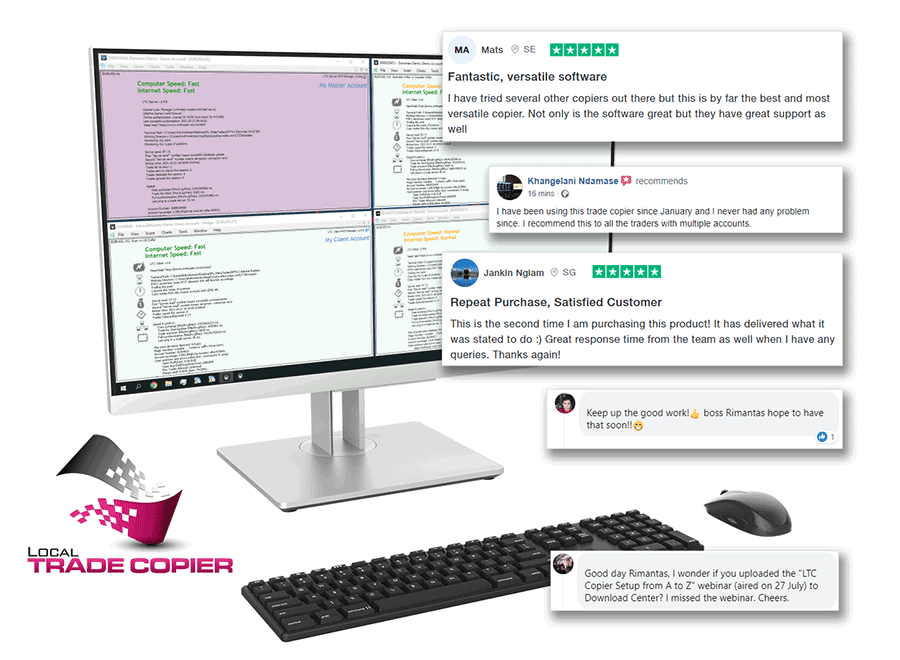
Place Forex trades in many different MetaTrader™ accounts at the same time with Local Trade Copier™ software.
- Trade several of your own prop firm accounts from one MT4/MT5 account, even from your phone app
- Copy trades in reverse (BUY → SELL) when you need to
- Share Forex trades with friends, family, and clients
- Become a private and independent account manager
- Manage your own and your clients’ accounts from one master account
Thousands of Forex traders worldwide have trusted mt4copier.com since 2010 – now it’s your turn

You are never left alone on this journey.
We care about your success, and we offer all kinds of support.

What you can do with the Local Trade Copier™

Open Identical Trades On Many Forex Prop Firm Accounts Instantly.
Running 5 or 10 funded accounts by hand means clicking the same trade 10 times. Local Trade Copier does it for you.
Use Local Trade Copier™ to connect those prop firm accounts to your MT4/5, and you will be trading on many accounts simultaneously by placing trades on your main account.
Each copied trade is placed on every connected account at the same moment, with lot sizes scaled to each account’s size. Check each prop firm’s rules first: most allow copying between your own accounts.
Automatic Lot Allocation When Client Accounts Are Smaller Or Bigger.
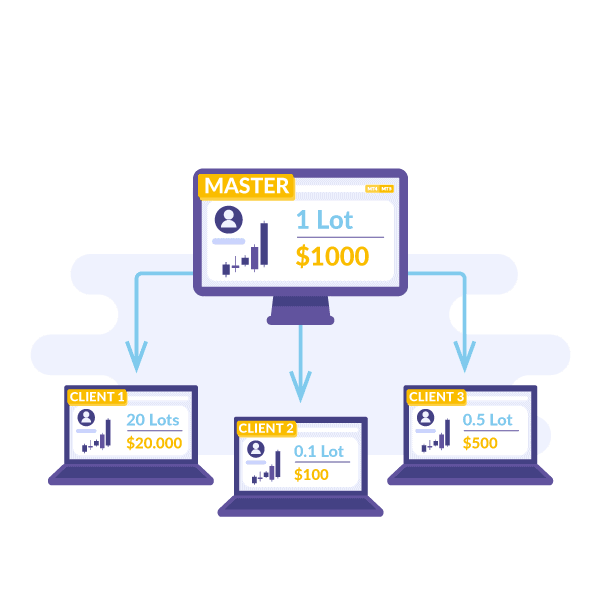
Local Trade Copier™ automatically adjusts the size of each copied trade to keep the same risk and reward percentage. Automatic lot allocation is applied separately for each client account you connect.
If the client account is smaller than the master account, it will get trades copied at a smaller lot size.
If the client account is bigger than the master account, it will get bigger lot sizes.
You have complete control of money management settings in the Local Trade Copier™, and you can choose from multiple options.
Copy Trades Either Way…
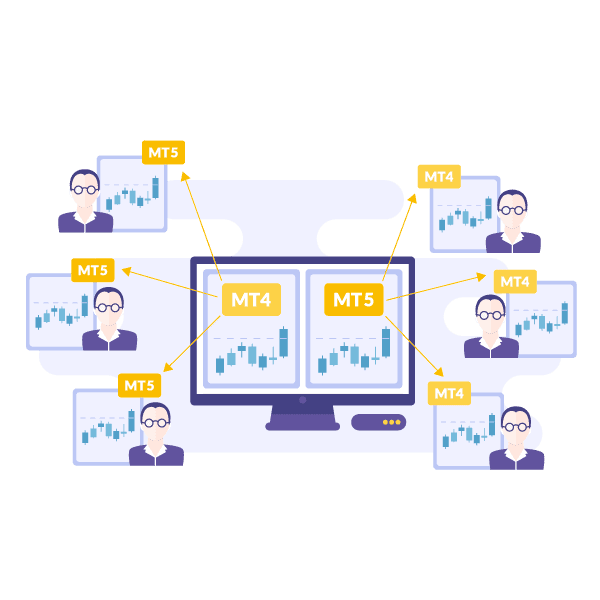
MT4 to MT5 and MT5 to MT4.
Local Trade Copier™ works with MT4 and MT5, but they come as separate computer programs because of the different architecture between Metatrader 4 and 5. You’ll get both programs with the same subscription.
So to make it clear, the software name is Local Trade Copier™, and inside you’ll find:
- Local Trade Copier™ for Metatrader 4
- Local Trade Copier™ for Metatrader 5
- Documentation
Because you get both trade copier versions, you can easily copy Forex trades from MT4 to MT5 and vice versa.
Copy Trades in Reverse (BUY → SELL)
Reverse copying opens the opposite trade on a client account: a BUY on the master becomes a SELL on the client. Traders use it to test strategies on demo accounts or to hedge. As with any strategy, results are not guaranteed.


Copy Strategies and Traders From Different Sources Into One MT4/MT5 account.
Local Trade Copier™ allows you to copy trades from different master accounts and merge them into one account (Portfolio).
You diversify the risk by not betting on one system or trader.
I call it the Many To One Portfolio™ framework. It allows you to spread risk across several strategies like Social Trading Networks, Forex Robots, or Investor Password accounts.
Copy any Expert Advisor’s trades to your other accounts
If you have a Forex Robot which license is locked to one account only, you do not need to buy additional robot licenses. Better copy its trades from one account to many other accounts with the Local Trade Copier™.
Local Trade Copier™ works with any other Forex Robot and will copy all its trades instantly to other connected MT4/MT5 accounts. You can save money and share Forex Robot trades to other accounts.
You can even use MT4 Expert Advisors on MT5 and vice versa because you can copy trades from MT4 to MT5 and from MT5 to MT4 with the Local Trade Copier™ software.


Mirror Trades From MT4/MT5 Investor Password Accounts
With the Local Trade Copier™, you can copy all trades from MT4/MT5 investor password account to your account.
If you have read-only access (investor password) to any Metatrader™ account, then you can copy its trades to your own account.
IMPORTANT! Beware of Ponzi investment scams that give investor password access to MT4 accounts where trades appear with a delay, and it’s too late to copy them.
Are you ready to take your Forex trading to the next level?
With a 7-day free trial, there is absolutely no reason not to give us a try.
Need answers?
FAQ – Local Trade Copier™ pricing plans
I cannot purchase because of an error. What can I do?
If you are having trouble purchasing the MT5 and MT4 trade copier, send us a message on the Contact Us page. Our support team will respond as soon as possible (we usually respond within 24 hours on weekdays).
Is there a free trial?
Yes. You can create your free 7-day trial of the Local Trade Copier™ here. We also have a step-by-step explanation of how the Forex Trade Copier works, which you can access by clicking here.
When will I get the software?
The system will deliver the software access information to your email inbox immediately after successful payment. Note that sometimes email messages can get trapped in your spam or junk folder, so make sure you check there as well. If you don’t receive an email with the download link for the Local Trade Copier™ in 60 minutes, contact support here.
What’s included in the Local Trade Copier™ package?
Inside the Local Trade Copier™ package, you’ll find:
- Local Trade Copier™ for Metatrader 4
- Local Trade Copier™ for Metatrader 5
- Documentation
Because you get both MT5 and MT4 trade copier versions, you can easily copy Forex trades between them. Additionally, on this website, you can find more resources to help you in your copy trading career:
What are the Trade Copier features?
Alongside the ease of being able to copy trades effortlessly, Local Trade Copier™ has many other features. You will get compatibility with other Expert Advisors (Forex robots) and multi-currency, alerts about errors or other important events, the ability to operate in a mode that allows Client EA to send “trade close” signals to the Master account, as well as many other features.
Click here to see all the features of the software.
Are these the only trade copier pricing plans?
These are the only plans we offer right now. However, feel free to contact us if you want to buy 100 or more licenses. Our goal is to ensure that each client receives the ideal plan for their circumstances, and we are always ready to discuss how we can best accommodate your needs.
Does Local Trade Copier™ work on Metatrader 4 & Metatrader 5?
When you buy Local Trade Copier™, you’ll get MT5 and MT4 trade copier with just one subscription. You do not need to purchase separate trade copier versions for MT4 and MT5. So, to make it clear, the software name is Local Trade Copier™. Inside, you’ll find:
- Local Trade Copier™ for Metatrader 4
- Local Trade Copier™ for Metatrader 5
- Documentation
Because trading platforms have different architectures, each trade copier is a separate computer program, but you’ll get all of them with the same subscription.
Is Local Trade Copier™ compatible with MAC?
Many customers use Local Trade Copier™ on MAC by setting it up with Metatrader 4 or 5 through the Wine simulator, which is completely safe. The software doesn’t install a Windows version on your MAC but translates Windows apps so they can interact with your operating system.
Another solution (recommended) might be renting a VPS server if you do not want to use Wine. In addition to the cost of the selected trade copier pricing plan, it will cost around an extra $25 per month, but you always get to have your Metatraders running on the VPS server online. This way, you can access your VPS server from any computer, laptop, tablet, or smartphone (i.e., iPhone, Android, etc.). Many users find this to be the best solution for MAC equipment.
Can I also copy trades from MT5 to MT4 and from MT4 to MT5?
Yes. Local Trade Copier™ works with Metatrader 4 and Metatrader 5, and you can copy trades from MT4 to MT5 and MT5 to MT4.
It is necessary to understand that the MT5 and MT4 come as separate computer programs because of the different architecture between Metatrader 4 and 5. But you’ll get both programs with the same subscription.
Note that copying from MT5 to MT4 or MT4 to MT5 will have some limitations. For example, MT4 does not have “BUY STOP-LIMIT” and “SELL STOP-LIMIT” pending orders like in MT5, so these cannot be copied. But of course, the regular pending orders like “BUY STOP,” “SELL STOP,” “BUY LIMIT,” and “SELL LIMIT” can be copied between MT4 and MT5 and vice versa.
Are there any known limitations in the Local Trade Copier™?
As of right now, the only identified limitation with Local Trade Copier™ for MT5 is that it works only with Metatrader 5 hedging accounts on the server side. It does not work with Master accounts that are MT5 Netting accounts, but we are working on this and doing our best to bring this functionality as soon as possible. If the MT5 Netting account is on the client side, the Local Trade Copier™ can work fine.
Does it really work on an unlimited Metatrader accounts?
Yes, your selected trade copier pricing plan offers use on unlimited accounts, but your computer/VPS resources will limit the number of Metatrader accounts you can run with the Local Trade Copier™. If your computer is powerful enough, you can run dozens of instances of Local Trade Copier™ on MT4 and MT5.
We recommend VPS servers from VpsForexTrader because they optimize their VPS servers specifically for our software and Metatrader.
- For up to 4x Metatrader 4/5 terminals, choose the ‘Standard VPS’, which has 2x CPU cores and 4 GB RAM.
- For up to 25x Metatrader 4/5 terminals, choose the ‘Standard Dedicated’ from the “Dedicated servers” page. It has 6x CPU cores and 16 GB RAM.
- For up to 150x Metatrader 4/5 terminals, choose ‘Professional Dedicated’ from the “Dedicated servers” page. It has 20x CPU cores and 32 GB RAM.
Important: Every VPS server counts as one computer when activating your Local Trade Copier™ license, no matter how many LTC instances you run inside.
How is the license limited to computers?
Software licenses can work simultaneously on a limited number of computers/VPS (depending on the type of license you choose).
You can transfer the license to another computer/VPS as many times as you like and you can have it installed on many computers, just make sure you don’t use LTC simultaneously on more computers than your license allows you to.
For example, if the LTC license is limited to 1 computer, you can use it on a maximum of 1 computer at the same time.
What after-purchase support will I get?
In addition to the powerful trade copier, your selected trade copier pricing plan gives you access to a user guide that has step-by-step instructions, in-depth tutorials with screenshots, videos with a demo, and a quick start guide.
You can start copying trades in 5 minutes. The Local Trade Copier™ works without any special configuration and uses its default settings. However, if you need a custom setup or advanced configuration, the detailed instructions manual will explain every parameter.
- Local Trade Copier™ quick start guide
- Local Trade Copier™ installation (video tutorial)
- Local Trade Copier™ in-depth tutorials
- Local Trade Copier™ video tutorials
- Local Trade Copier™ instruction manuals
You can also reach us at support@ea-coder.com anytime. We’re here to help you! Additionally, you can send us a message on the Contact Us page. Our support team will respond as soon as possible (usually within 24-48 hours, Monday through Friday).
Can I share my Local Trade Copier™ license with a friend?
You can buy a license for your friend or your client accounts. Before purchasing, make sure you are getting the right trade copier pricing plan, considering the number of PC/VPS.
Can I transfer my license to another computer?
You can transfer the license to another computer/VPS as many times as you like and install it on many computers; just make sure you don’t use LTC simultaneously on more computers than your license allows.
Can I upgrade to a better license later?
Yes. You can upgrade Local Trade Copier™ to a better license anytime. You can upgrade from your member’s area in the Download Center. Look for the link “Upgrade to a higher plan using prorated price difference” in the Downloads section. That way, you’ll keep your existing License Key.
You can also cancel your current trade copier pricing plan and subscribe to a better one, but this will create a new License Key for you.
Have a question?
Ask our AI Assistant for an instant answer, or send us a message on the Contact Us page.