

MetaTrader remains one of the most widely used trading platforms in Forex, yet many traders misunderstand its full capabilities, especially around trade copying. Whether you manage multiple accounts or want to replicate successful strategies across portfolios, understanding how MetaTrader enables efficient, secure trade copying is essential. This guide clarifies platform features, explains trade copying mechanics, highlights expert insights on common pitfalls, and provides actionable strategies to help you implement copying setups that enhance your trading performance and account management.
Table of Contents
- Key takeaways
- Understanding MetaTrader: platform features and benefits
- How MetaTrader trade copying works: methods and mechanics
- Expert insights: nuances and pitfalls in MetaTrader trade copying
- Applying MetaTrader trade copying effectively: strategies and risk management
- Upgrade your MetaTrader experience with Local Trade Copier
- Frequently asked questions
Key Takeaways
| Point | Details |
|---|---|
| Platform capabilities | MetaTrader provides real time price charts, multiple timeframes, over thirty built in indicators, and support for automated trading with Expert Advisors. |
| Trade copying mechanics | Trade copying uses master and slave accounts with copier software to replicate trades across portfolios in near real time. |
| Latency and risk control | Modern copiers deliver latency under one second and adjust positions to keep risk aligned with the parameters of each slave account. |
| Cross platform copying | Copying between MT4 and MT5 requires specialized software to bridge platform differences. |
Understanding MetaTrader: platform features and benefits
MetaTrader (MT4/MT5) is a popular electronic trading platform developed by MetaQuotes for Forex and CFD trading. Used by millions of traders worldwide and supported by over 1,200 brokers, MetaTrader has become the industry standard for retail and institutional participants alike. The platform’s widespread adoption stems from its robust feature set, flexibility, and support for automated trading strategies.
MetaTrader provides real-time price charts with multiple timeframes, enabling traders to analyze market movements with precision. The platform includes 30+ built-in technical indicators covering trend, momentum, volume, and volatility analysis. Traders can customize chart layouts, apply multiple indicators simultaneously, and save templates for quick analysis across different currency pairs and instruments.
Automated trading through Expert Advisors represents one of MetaTrader’s most powerful capabilities. Using the MQL4 or MQL5 programming languages, traders can develop custom algorithms that execute trades based on predefined rules without manual intervention. This automation extends to trade copying, where Expert Advisors can replicate trades from master accounts to multiple slave accounts instantly.
MetaTrader’s accessibility across devices enhances its appeal. Desktop applications for Windows and Mac provide full functionality, while web-based platforms allow trading from any browser without installation. Mobile apps for iOS and Android enable account monitoring and trade execution on the go, ensuring traders maintain control regardless of location.
Pro Tip: Understanding what is MetaTrader 4 thoroughly before implementing trade copying ensures you leverage the platform’s full capabilities and avoid common setup mistakes that can disrupt copying performance.
The platform supports both MT4 and MT5 versions, each with distinct characteristics. MT4 remains popular for Forex-focused trading with a simpler interface, while MT5 offers additional timeframes, more order types, and improved backtesting capabilities. Both versions support trade copying, though cross-platform copying between MT4 and MT5 requires specialized software solutions.
How MetaTrader trade copying works: methods and mechanics
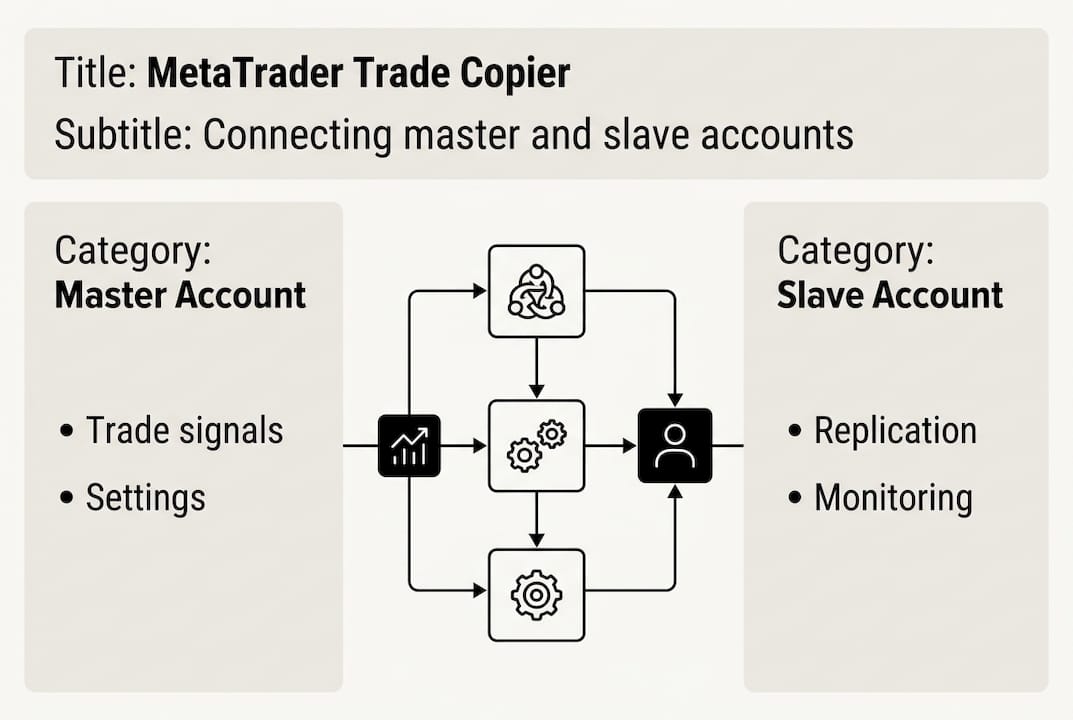
Trade copying methodologies involve master-slave setups where one account (master) sends trade data to multiple receiving accounts (slaves) automatically. The master account executes trades based on strategy signals or manual decisions, while connected slave accounts replicate those positions with customizable parameters. This architecture enables account managers to scale strategies across client portfolios efficiently.
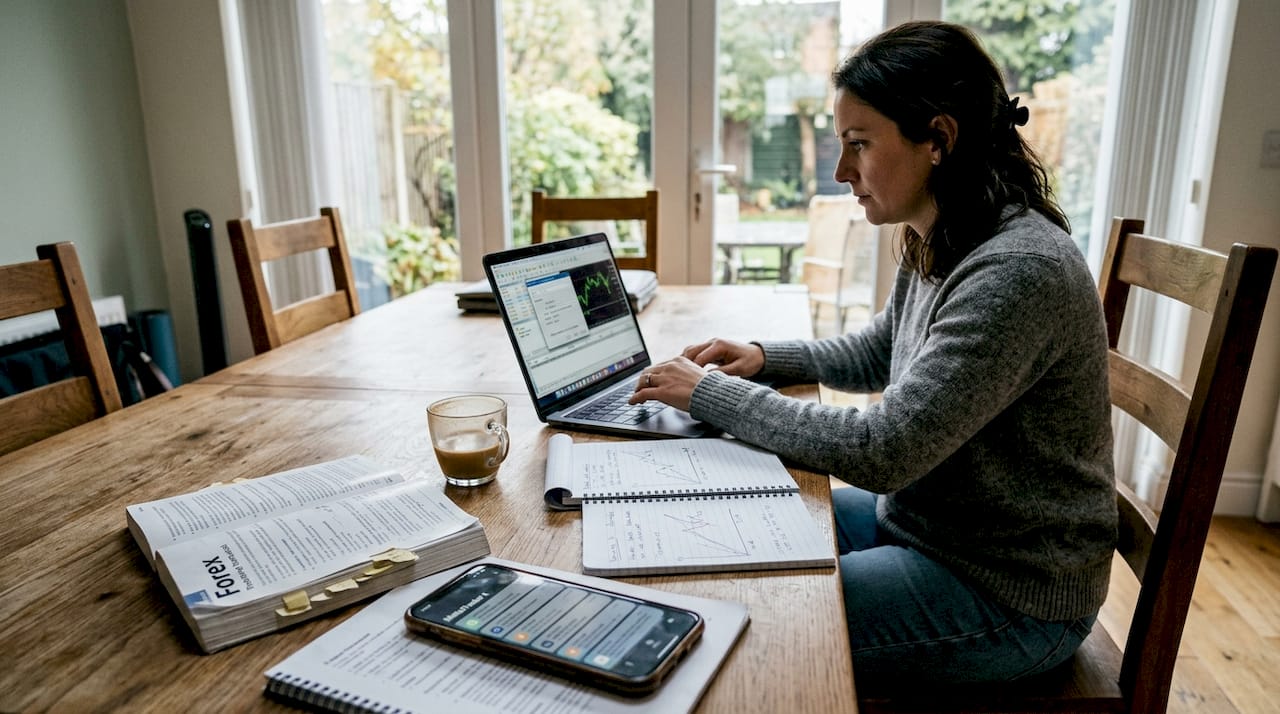
The replication process happens through specialized trade copier software that monitors master account activity continuously. When the master opens, modifies, or closes a position, the copier detects the change within milliseconds and transmits instructions to slave accounts. Modern copiers achieve latency under one second, ensuring near-instant synchronization that preserves entry and exit timing critical for strategy performance.
Lot scaling represents a crucial component of trade copying mechanics. Rather than copying fixed lot sizes, sophisticated copiers adjust position sizes based on slave account parameters:
- Fixed lot mode copies exact position sizes from master to slaves
- Percent risk mode calculates lot sizes based on account balance and risk percentage
- Balance multiplier mode scales lots proportionally to account size differences
- Equity-based sizing adjusts positions according to current account equity
Symbol mapping solves broker compatibility issues where currency pairs have different naming conventions. A master account trading EURUSD might need mapping to EURUSD.a or EURUSDm on slave accounts with broker-specific suffixes. Advanced copiers include auto-mapping features that detect and correct symbol mismatches, preventing failed copy attempts that would otherwise leave slave accounts unsynchronized.
| Copy parameter | Function | Example setting |
|---|---|---|
| Lot multiplier | Scales position sizes | 0.5x for half-size positions |
| Symbol mapping | Matches instrument names | EURUSD → EURUSD.a |
| Slippage tolerance | Maximum acceptable price deviation | 3 pips |
| Copy direction | Defines master-slave relationships | Account A → Accounts B, C, D |
| Trade filters | Selective copying rules | Copy only EUR pairs |
Cross-platform copying between MT4 and MT5 requires specialized handling since the platforms use different data structures and order management systems. Quality trade copiers support many-to-many configurations, allowing multiple masters to send trades to multiple slaves simultaneously. This flexibility enables complex setups where traders run different strategies on separate master accounts while consolidating execution across slave portfolios.
Pro Tip: Understanding how Forex copier works in detail helps you configure lot scaling and symbol mapping correctly, preventing the position size errors that cause disproportionate losses on slave accounts.
The technical architecture of MT4 trade copiers typically involves Expert Advisors installed on both master and slave terminals. These EAs communicate through local network protocols, eliminating dependency on external servers. Local operation enhances security by keeping trade data within your controlled environment and reduces latency compared to cloud-based solutions that route data through third-party servers.
Expert insights: nuances and pitfalls in MetaTrader trade copying
Symbol suffix mismatches represent one of the most common technical obstacles in trade copying. Brokers append different suffixes to currency pair names, creating scenarios where EURUSD on the master becomes EURUSD.pro, EURUSDm, or EURUSD.a on slaves. Without proper mapping, the copier fails to recognize these as the same instrument, resulting in missed trades or error messages. Manual mapping tables solve this issue, but auto-detection features in advanced copiers eliminate the configuration burden.
Slippage and execution delays prove unavoidable during volatile market conditions, particularly around major news releases or market opens. While copiers transmit signals in under one second, broker execution speed varies based on liquidity, server load, and order routing. Slave accounts may receive fills several pips away from master entry prices during fast markets. This variance compounds across multiple slaves, creating performance divergence that frustrates traders expecting identical results.
The rollover period at 00:00 server time creates a liquidity gap that experienced traders call the “witching hour.” During this brief window, brokers swap positions to the next trading day, often widening spreads dramatically and triggering stop losses that wouldn’t hit under normal conditions. Trade copiers operating during rollover can transmit orders that execute at unfavorable prices or trigger phantom stops on slave accounts while master positions remain intact.
- Backtester environments lack slippage modeling and use fixed spreads, producing unrealistic performance metrics
- Live trading introduces variable spreads, partial fills, and requotes that backtests ignore completely
- Over-optimized strategies that perform well in backtests often fail in live copying due to these execution realities
- Copying amplifies these discrepancies across multiple accounts, magnifying losses from strategies that appeared profitable in testing
Pro Tip: Review local trade copier safety improvements to understand protective features that mitigate execution risks and prevent the cascading failures that occur when master account errors replicate across your entire portfolio.
Over-filtering trades creates another subtle pitfall. Traders often configure copiers to exclude certain pairs, times, or trade types to reduce perceived risk. While selective copying has legitimate uses, excessive filtering can eliminate profitable signals that contribute significantly to overall strategy performance. A master strategy might derive 40% of profits from a single currency pair that you’ve excluded, creating performance gaps that compound over time.
Ignoring troubleshooting procedures when copying issues arise leads to extended periods of unsynchronized accounts. Common problems like firewall blocks, incorrect EA settings, or broker connection issues can stop copying entirely. Without systematic troubleshooting, traders may continue executing on master accounts while slaves remain idle, creating unintended exposure imbalances across portfolios.
Broker compatibility differences affect copying reliability. Some brokers restrict EA functionality, limit order frequency, or implement trading rules that conflict with rapid-fire copying operations. Prop firms often impose specific risk parameters and drawdown limits that require custom copier configurations. Testing broker compatibility before live deployment prevents discovering restrictions after capital is at risk.
Applying MetaTrader trade copying effectively: strategies and risk management
Demo testing provides essential validation before risking live capital with trade copying setups. Opening demo accounts that mirror your intended live configuration allows you to verify symbol mapping, test lot scaling formulas, and observe execution quality without financial exposure. Run demo tests for at least two weeks covering different market conditions to identify configuration issues that only appear during specific volatility or liquidity scenarios.
VPS hosting eliminates the connectivity and uptime risks inherent in running MetaTrader from personal computers. A Virtual Private Server provides 24/7 operation with low-latency connections to broker servers, ensuring copying continues uninterrupted even when your local machine is offline. VPS providers specializing in Forex trading typically locate servers near major broker data centers, reducing execution delays to single-digit milliseconds.
- Choose VPS locations near your broker’s servers to minimize network latency
- Verify VPS uptime guarantees exceed 99.9% to prevent copying interruptions
- Ensure adequate RAM and CPU resources for running multiple MetaTrader instances simultaneously
- Configure automatic restart procedures if MetaTrader terminals crash or disconnect
Rollover filters prevent trade execution during the daily swap period when spreads widen and liquidity drops. Configure your copier to pause new trade copying between 23:55 and 00:05 server time, allowing existing positions to remain open while blocking new entries during this high-risk window. This simple precaution eliminates a significant source of unexpected slippage and phantom stop losses.
| Risk parameter | Conservative setting | Aggressive setting | Impact on copying |
|---|---|---|---|
| Lot multiplier | 0.25x | 1.0x+ | Lower multipliers reduce slave account exposure |
| Maximum drawdown | 10% | 30% | Triggers automatic copying suspension at threshold |
| Slippage tolerance | 2 pips | 5 pips | Tighter limits reject poor fills but may miss entries |
| Trade delay filter | 5 seconds | None | Blocks stale signals but can skip valid trades |
Setting risk modes carefully prevents the amplified losses that occur when copiers scale positions inappropriately. Balance-based lot sizing ensures slave accounts never risk more than their capital can sustain, automatically reducing position sizes as account equity decreases. Fixed lot copying works only when all accounts maintain similar balances, otherwise smaller accounts face outsized risk that can trigger margin calls while larger accounts remain comfortable.
Continuous monitoring remains essential because errors replicate instantly across all connected accounts. A master account mistake, such as entering the wrong lot size or setting an incorrect stop loss, copies to every slave within seconds. Implement alerts that notify you of unusual activity, large drawdowns, or copying failures. Regular review of copy logs helps identify patterns suggesting configuration problems or strategy deterioration.
Pro Tip: Watch the local trade copier demo video to see proper installation and configuration in action, reducing setup time and helping you avoid the common mistakes that cause copying failures or suboptimal performance.
Understanding stop loss features specific to trade copying prevents protective orders from executing prematurely. Some copiers offer “wait for SL/TP” functionality that delays copying stop loss and take profit modifications until the master account confirms the levels. This prevents temporary stop adjustments from triggering unnecessary exits on slave accounts when the master is still managing the position actively.
Documenting your copying configuration creates a reference for troubleshooting and enables quick recovery after system changes. Record symbol mappings, lot multipliers, risk settings, and filter rules in a spreadsheet or configuration file. When issues arise or you need to rebuild your setup, having documented settings prevents reconfiguration errors and reduces downtime.
Upgrade your MetaTrader experience with Local Trade Copier
Local Trade Copier delivers fast, reliable trade copying with latency under one second, supporting both MT4 and MT5 platforms with full cross-platform compatibility. The software operates entirely on your local network or VPS, eliminating third-party server dependencies that introduce security risks and execution delays. Symbol auto-mapping handles broker naming differences automatically, while flexible risk controls let you customize lot scaling for each slave account.
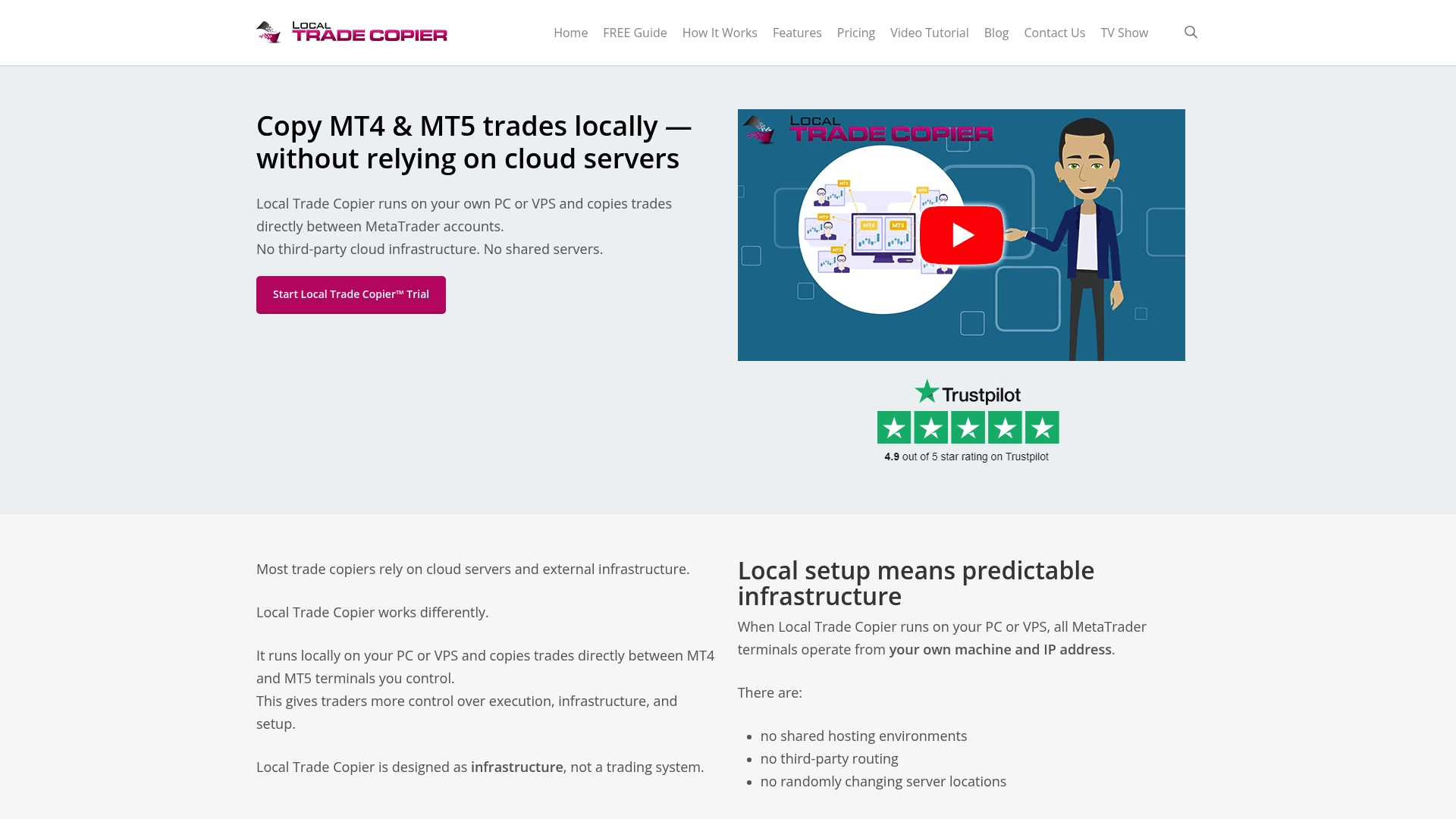
Comprehensive installation support guides you through setup with step-by-step instructions and troubleshooting resources. The demo video shows the software in action, demonstrating configuration options and real-time copying performance. Advanced features like stop loss waiting give you precise control over when protective orders copy, preventing premature exits that harm performance. Whether you manage retail accounts or operate within prop firm constraints, Local Trade Copier provides the reliability and flexibility your trading operation demands.
Frequently asked questions
What is the difference between MT4 and MT5 for trade copying?
MT4 and MT5 use different programming languages and order management systems, but both support trade copying through Expert Advisors. MT5 offers additional timeframes and improved backtesting, while MT4 remains popular for its simplicity. Cross-platform copying between MT4 and MT5 requires specialized software that translates order data between the two architectures.
How fast does trade copying happen in MetaTrader?
Modern trade copiers achieve replication speeds under one second from master signal to slave execution. Actual speed depends on network latency, VPS location relative to broker servers, and broker execution quality. Local copiers operating on the same machine or VPS typically achieve faster speeds than cloud-based solutions routing through external servers.
Can trade copying amplify losses across multiple accounts?
Yes, trade copying replicates both profits and losses instantly across all connected accounts. A master account mistake or poorly performing strategy copies to every slave, multiplying losses. Proper risk management through lot scaling, drawdown limits, and continuous monitoring helps prevent catastrophic losses from spreading across your portfolio.
Do I need a VPS to run a MetaTrader trade copier?
While not strictly required, VPS hosting provides significant advantages for trade copying reliability. A VPS ensures 24/7 operation, eliminates home internet outages, and reduces latency through proximity to broker servers. For serious account management or prop trading, VPS hosting is considered essential infrastructure.
What causes trade copier symbol mapping errors?
Brokers append different suffixes to currency pair names, creating mismatches between master and slave accounts. EURUSD might appear as EURUSD.a, EURUSDm, or EURUSD.pro depending on the broker. Without proper mapping configuration, the copier cannot match these as the same instrument, resulting in failed copy attempts and unsynchronized accounts.
Recommended
- The Definitive Guide to Forex Trade Copying
- Copy Trades MT4 to MT5: Complete Setup Guide (2026)
- How Trade Copier Works on Metatrader 4 | Trade Copier for MT4 & MT5
- The Definitive Guide to Forex Trade Copying – Intro
