

TL;DR: Forex trading signals recommend specific entry, exit, and risk levels for trades in 2026, with verified providers offering transparency. Proper execution requires understanding signal types, accurate order placement, and disciplined position sizing at 1-2% risk per trade. Automating trade copying with software like Mt4copier improves speed, reduces errors, and enhances overall trading results.
A forex trading signal is a specific trade recommendation that tells you when to enter or exit a position, with a defined entry price, stop-loss, and take-profit target. The list of forex trading signals available to retail traders in 2026 spans manual analyst calls, automated technical alerts, and broker-integrated tools from platforms like Autochartist and Trading Central. Knowing which signal types exist, which providers publish verified track records, and how to execute each signal correctly separates traders who use signals profitably from those who follow them blindly.
1. List of forex trading signals by provider type
The most reliable forex signal sources share one trait: transparent, third-party verified performance over at least 6–12 months. Providers verified through MyFXBook or broker statements give you a factual basis for evaluation. Past results do not guarantee future performance.
The leading providers traders reference in 2026 include:
- Learn2Trade — delivers signals via Telegram with detailed entry, stop-loss, and take-profit levels. Covers major and minor pairs.
- 1000pip Builder — focuses on long-term consistency. Signals arrive by email and Telegram with full trade rationale.
- PipXpert — targets active traders with intraday signals and explicit risk parameters per trade.
- SureShotFX — publishes signals with stated risk-to-reward ratios and historical context.
- United Kings — offers both free and premium tiers, with signals covering forex majors and commodities.
Pro Tip: Before subscribing to any provider, request at least three months of verified trade history from MyFXBook or a brokered account statement. A provider who refuses is telling you something.
Broker-integrated tools represent a separate category. IG Trading embeds Autochartist and PIA-First directly into its platform, delivering pattern-based signal alerts without a third-party subscription. Trading Central appears inside brokers like FXTM and provides technical analysis overlays with entry and exit guidance. These tools cost nothing extra but require you to have an account with the host broker.

Professionals reviewing forex provider data
| Provider | Delivery Channel | Signal Type | Verification Method |
|---|---|---|---|
| Learn2Trade | Telegram, email | Analyst-generated | Published track record |
| 1000pip Builder | Email, Telegram | Analyst-generated | MyFXBook |
| Autochartist | Broker platform | Pattern-based | Broker-integrated |
| Trading Central | Broker platform | Technical analysis | Broker-integrated |
| PipXpert | Telegram | Intraday signals | Published statements |
2. Common types of forex trading signals with examples
Forex signals fall into four main categories. Understanding each type helps you match the signal to your execution style.
1. Technical pattern signals fire when price forms a recognized chart pattern. A bullish engulfing candlestick is a textbook example. The entry rule for this pattern places a buy order on a break above the high of the engulfing candle, with the stop-loss set below the low of the engulfing candle and a take-profit target at 1.5 times the risk distance. That structure gives you a complete, executable trade setup from a single candle.
2. Indicator-based signals use outputs from tools like moving average crossovers, RSI divergence, or MACD histogram shifts. These signals are objective and repeatable. They work well for automation because the trigger condition is numeric and unambiguous.
3. Broker and platform signals come from tools embedded in trading platforms. Autochartist scans charts continuously and alerts you when a pattern completes. Trading Central provides analyst commentary with specific price levels. Both deliver condition-based signal structures that specify direction, entry logic, invalidation level, and target.
4. Third-party research signals come from independent analysts or signal services. These are the signals most retail traders subscribe to. Quality varies widely. The best ones include every field a trader needs: buy or sell direction, entry price, stop-loss, take-profit, and the time the signal was issued.
Pro Tip: A signal without an explicit stop-loss is not a complete signal. Treat any recommendation missing that field as incomplete and do not act on it.
3. What every forex signal must contain
A complete forex signal contains five fields: buy or sell direction, entry price, stop-loss, take-profit, and opening time. Each field serves a specific function in your execution workflow. Missing any one of them forces you to guess, and guessing introduces risk that the signal provider never intended.
The entry price tells you where the trade becomes valid. The stop-loss defines your maximum loss on the trade. The take-profit defines your exit when the trade works. The opening time tells you how fresh the signal is, which matters because a signal issued two hours ago may already be at or past its entry price.
Signals that are well-structured also support backtesting. When a signal specifies direction, entry logic, invalidation level, and target, you can test it against historical data to assess its statistical edge before committing capital.
4. How to interpret and execute forex signals correctly
Receiving a signal is step one. Translating it into the right order type is where most traders make mistakes. Order types express timing and risk intent. Using the wrong order type can cause a fill at the wrong price or no fill at all.
The core order types you need to understand:
- Market order — fills immediately at the current price. Use this when the signal entry price matches the current market price closely.
- Limit order — fills only at your specified price or better. Use this when the signal entry is below the current price for a buy, or above for a sell.
- Stop order — triggers when price reaches a specified level and then fills at market. Use this for breakout signals where entry is above the current price for a buy.
- Stop-limit order — triggers at one price but fills only at a specified limit price. Use this when you want breakout entry but need slippage control.
- Trailing stop — moves the stop-loss automatically as price moves in your favor. Use this when the signal has a wide take-profit and you want to lock in gains progressively.
Position sizing is the other half of execution. Risk per trade should stay at 1–2% of account equity, calculated from the stop-loss distance in pips and your lot size. That calculation is more important for long-term account health than the signal’s win rate. Past results do not guarantee future performance.
Latency matters too. A signal issued at 08:00 GMT may be irrelevant by 08:15 if price has moved through the entry zone. Timing from signal issuance to order placement directly affects whether you get the fill the signal intended. Automate where possible, or set price alerts so you act within seconds of a signal arriving.
5. Delivery methods and technology for forex signals in 2026
Forex signals reach traders through several channels, each with different speed and reliability profiles:
- Telegram channels — the fastest delivery for manual signals. Most premium providers use Telegram because messages arrive in under one second on a stable connection.
- Email alerts — slower than Telegram but useful for end-of-day or swing trade signals where timing is less critical.
- Broker-integrated platforms — Autochartist inside IG Trading and Trading Central inside FXTM deliver signals directly in the chart interface, removing the need to switch between apps.
- Mobile apps — providers like FXLeaders offer dedicated apps with push notifications for live signal alerts.
- Trade copier software — the most hands-off method. A master account receives or generates signals, and software replicates those trades to one or more client accounts automatically.
Trade copier software is the right tool when you follow a signal provider who trades a live account. Instead of reading each signal and placing orders manually, you connect your account to the master and let the software copy every trade. Mt4copier’s Local Trade Copier runs entirely on a local Windows machine or VPS, with execution of 1 second or faster under normal market conditions, and no cloud routing. That matters for prop firm traders who need all activity to originate from one IP address.
Automating forex signal execution through a trade copier removes the latency problem almost entirely. It also removes human error from the entry process. The tradeoff is that you must configure lot sizing and risk parameters correctly before the copier goes live, because it will replicate every trade the master places, including losing ones. For secure multi-account signal following, verify your stop-loss and take-profit settings are active on every copied trade before enabling live copying.
Key takeaways
The most effective approach to forex signal use combines verified provider selection, complete signal structure, correct order type execution, and disciplined position sizing at 1–2% risk per trade.
| Point | Details |
|---|---|
| Signal completeness | Every signal must include direction, entry, stop-loss, take-profit, and issue time. |
| Provider verification | Choose providers with 6–12 months of MyFXBook or broker-statement verified results. |
| Order type accuracy | Match the order type to the signal’s entry logic to avoid slippage or missed fills. |
| Position sizing discipline | Calculate lot size from stop-loss distance and limit risk to 1–2% of account equity. |
| Automation reduces latency | Trade copier software eliminates manual entry delay and human error in signal execution. |
Signals work only as well as the trader using them
Signal traders consistently find that execution quality matters as much as provider selection. A provider with a strong, verified track record can still produce losses when the trader uses the wrong order type, sizes positions too aggressively, or acts on a signal that was already 30 minutes old.
The concept most signal guides skip is the bracket trade structure. Each signal is a bracket setup: an entry, a stop below, and a target above. Correct order placement means all three levels are active the moment the trade is entered. Placing a market order without setting a stop-loss is not following a signal. It is a naked position.
Position sizing drives outcomes more than most traders expect. A mediocre signal followed with strict 1% risk per trade will preserve capital through a losing streak. A strong signal followed with 5% risk per trade can drain an account on a normal drawdown. Past results do not guarantee future performance, and no signal provider controls a trader’s sizing decisions.
For anyone evaluating a new signal provider, paper trading for at least four weeks before going live provides a realistic sample of how the signals perform in live market conditions, not just in a curated track record.
How Mt4copier fits into your signal execution workflow
Receiving a quality forex signal is only half the job. Executing it instantly, across multiple accounts, without manual re-entry is where Mt4copier’s Local Trade Copier earns its place in a trader’s setup.
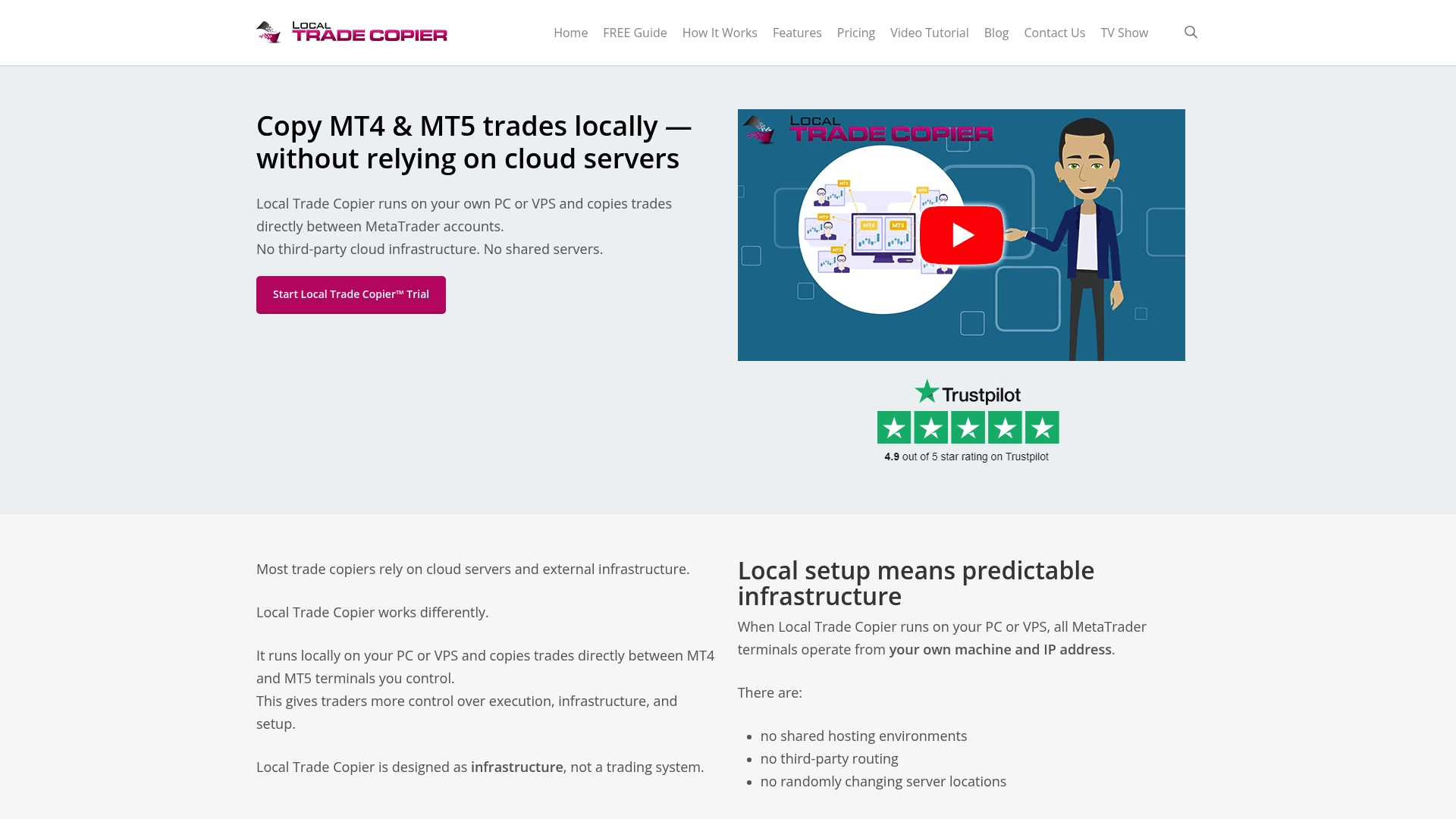
Mt4copier has served 3,000+ traders since 2010, with 491 Trustpilot reviews backing its reliability. The software runs on your local Windows machine or VPS, copies trades in 1 second or faster under normal market conditions, and supports MT4, MT5, and DXTrade accounts under one subscription. You can configure stop-loss and take-profit copying so every replicated trade carries the full risk structure the signal intended. A 7-day free trial is available, and the installation guide for MT4 and MT5 walks you through setup step by step.
FAQ
What fields does a complete forex trading signal include?
A complete forex signal includes the trade direction (buy or sell), entry price, stop-loss level, take-profit level, and the time the signal was issued. Missing any of these fields requires the trader to guess, which introduces unintended risk.
How do I choose between free and paid forex signal providers?
Paid providers with verified MyFXBook track records over 6–12 months are more reliable than free signals with no performance history. Free signals from broker-integrated tools like Autochartist are a legitimate exception, as they come with institutional-grade pattern recognition at no extra cost.
What order type should I use when following a forex signal?
Use a limit order when the signal entry is away from the current price, a market order when price is already at the entry zone, and a stop order for breakout signals above the current price. Choosing the wrong order type causes slippage or missed fills regardless of signal quality.
How much should I risk per trade when following forex signals?
Risk per trade should stay at 1–2% of account equity, calculated from the stop-loss distance in pips and your position size. This limit preserves your account through losing streaks that every signal provider experiences.
Can I automate forex signal execution on MetaTrader?
Yes. Trade copier software like Mt4copier’s Local Trade Copier replicates trades from a master account to one or more client accounts in 1 second or faster under normal market conditions, removing manual entry delay and latency from the execution process.
Recommended
- Top 10 Best Forex Signals Providers in 2023
- How To Copy Forex Signals | MT4Copier.com
- How forex trade signals work: guide for MT4 and DXTrade
- Top 4 ea-coder.com Alternatives 2026
