

A trade copier never blindly copies the master’s lot size. It converts that trade into money or risk, recalculates the equivalent volume for each client account, then normalizes the result to the broker’s minimum, maximum, and volume step. The safe default always rounds down. A copier that rounds up, or ignores the step entirely, can push a small account past its intended risk without anyone noticing until the statement shows it.
TL;DR:
- Rounding down lots is safer than rounding up because it prevents unintended risk increases, especially when broker volume steps are ignored or improperly handled.
- Using risk percent of equity or balance-proportional sizing modes generally provides the safest and most consistent risk management across accounts of different sizes.
- Always verify and log each sizing decision, including floors and clamps, to detect silent risk drift caused by symbol mismatches, broker step errors, or forced minimum lots.
- Test lot sizing and rounding behaviors thoroughly on demo accounts, especially for small or highly leveraged accounts, before applying settings to live trading.
- Configuring per-symbol overrides and explicit min/max lot bounds ensures proper risk control on instruments with unusual contract sizes, such as gold or indices.
Lot Sizing Methods Used by Copiers and When to Use Each
Every copier has to answer one question before it touches rounding at all: how should this trade’s size translate from the master account to the client account? The Trade Copier Console user manual lays out the common modes, and picking the right one matters more than most traders assume.
- Risk percent of equity. The copier calculates how much money you’d lose if the stop hit, then sizes the position so that loss equals a fixed percentage of account equity. This mode requires the master trade to carry a stop loss, or the math has nothing to anchor to. It’s the closest thing to a universal default because it scales cleanly across accounts of wildly different sizes.
- Balance-proportional sizing. The client’s lot is calculated as a ratio of the master’s lot, based on relative account balance. If the master account is $50,000 and the client is $5,000, the client gets one-tenth the lot. This works well when accounts differ in size but share similar risk tolerance, and it’s often the safer choice over a flat multiplier.
- Master-lot multiplier or fixed lot. Multiply the master’s lot by a fixed number (0.5x, 2x), or ignore the master entirely and copy a fixed lot every time. Both are intentional divergences from the master’s actual risk, useful when a client wants a specific exposure regardless of what the master does.
- Per-1000 rules and per-symbol overrides. Some traders size positions per $1,000 of equity, then apply a manual override for instruments with unusual contract sizes, like gold or indices, where a “normal” lot behaves nothing like a standard forex lot.
The Rounding Rules and Normalization Steps You Must Enforce
Once the copier calculates a theoretical lot, that number almost never matches a size the broker will accept. This is where lot rounding rules actually live, and getting this step wrong is the single most common source of silent risk drift.
The formula itself starts with risk money. The MQL5 lot-sizing guide shows how to divide the money you’re willing to risk by the loss per lot at your stop distance, using the symbol’s tick size and tick value. That gives you a theoretical volume. From there, normalization follows a fixed sequence:
- Pull the symbol’s real limits: minimum volume, maximum volume, and volume step (MT5’s
SYMBOL_VOLUME_MIN/MAX/STEP, or MT4’sMarketInfoequivalents). - Floor the theoretical lot to the nearest volume step. Do not round to the nearest step. Floor it, meaning always down.
- Clamp the floored result between the symbol’s minimum and maximum.
- Log every adjustment: the theoretical lot, the floored lot, and the reason for any clamp.
- If the floored result is zero, skip the trade rather than forcing the broker’s minimum lot.
Statistic Callout: The Trading-strategies is explicit on this point: rounding down is safer than rounding up because rounding up can push actual risk above what you calculated, while rounding down only ever under-delivers risk, never over-delivers it.
Contract-size mismatches between symbols make this worse if you’re not carrying money instead of raw lots. A gold contract and a EUR/USD contract don’t represent the same dollar exposure per lot, so a copier that just replicates “0.5 lots” across both is quietly changing your risk exposure.
Common Pitfalls That Cause Silent Rounding Errors
Most rounding failures aren’t math errors. They’re operational blind spots that only surface after a trade already copied wrong.
- Symbol suffix mismatches. Brokers append suffixes like
.m,.pro, or_ito symbol names. If the copier can’t matchEURUSD.mtoEURUSD, the trade either fails silently or maps to the wrong instrument entirely. Automated mapping rules that strip or normalize suffixes fix this. - MT4 to MT5 order-type gaps. MT5 supports stop-limit orders that MT4 doesn’t handle the same way. The Trade Copier Console manual notes that stop-limit orders won’t always copy unchanged between platforms, so a safe fallback (converting to a market or limit order, with a logged note) needs to be explicit rather than assumed.
- Broker-reported step errors. Some brokers misreport their own volume step through the API. Run a handful of test orders at different sizes before trusting an override you’ve configured manually.
- Forced minimum-lot risk. If the calculated lot floors to zero, resist the urge to force the broker’s minimum. That forced trade can carry more risk than you intended, especially on a small account. Skip it and log an alert instead.
- Chunking for order-size limits. Brokers and prop firms often cap the maximum lot per single order. Splitting a large calculated volume into multiple smaller orders, sometimes called chunking trades into multiple positions, keeps you under that ceiling without abandoning the trade.
Pro Tip: Test your minimum-lot behavior on a demo account with an intentionally undersized balance. If the copier forces a minimum lot instead of skipping, you’ll see the risk distortion immediately, before it happens on a funded account.
Configuring Your Copier Safely: A Step-by-Step Checklist
Getting the sizing mode right on paper doesn’t guarantee it behaves correctly in production. Run through this before you trust a copier with live capital.
- Choose your default sizing mode. Risk-percent or balance-proportional sizing covers most account relationships safely.
- Add per-symbol overrides for gold, indices, and crypto CFDs, where contract sizes diverge sharply from standard forex pairs.
- Set explicit minimum and maximum copied lot bounds, and only override the broker’s reported volume step after confirming it with test orders.
- Turn on detailed journaling so every sizing decision, and every rejected trade, gets logged with a reason.
- Forward-test on a micro or demo account first, checking that partial closes and reconnects reconcile correctly against the master.
- For prop-firm setups, run the copier locally rather than through cloud routing, configure chunking limits for large orders, and confirm fill times stay consistent across accounts.
| Configuration Step | What to Verify |
|---|---|
| Default sizing mode | Matches account relationship (proportional vs. fixed) |
| Per-symbol overrides | Set for gold, indices, crypto CFDs |
| Min/max lot bounds | Explicit, not left to broker defaults |
| Journaling | Every adjustment and rejection logged |
| Reconnect behavior | Verified on demo before going live |
Past performance, and none of these settings change the strategy’s outcome. They only affect how faithfully a trade replicates.
What Traders Consistently Get Wrong About Lot Rounding
Unit mismatches cause more damage than bad math ever does. A trader assumes “0.5 lots on gold” means the same exposure as “0.5 lots on EUR/USD,” and that single assumption is where risk quietly drifts. Invisible rounding is the second offender. If your copier isn’t logging every floor and clamp, you won’t know a trade got resized until you’re reconciling a losing week and can’t explain the numbers.
My recommendation hasn’t changed in years of watching this go wrong: pick risk-percent or balance-proportional sizing, round down without exception, and log everything. Small slave accounts deserve the most conservative settings you can configure, since rounding costs them proportionally more than it costs a large account. Test it before you trust it.
— Rimantas
Where to Find Documented Lot Sizing Settings
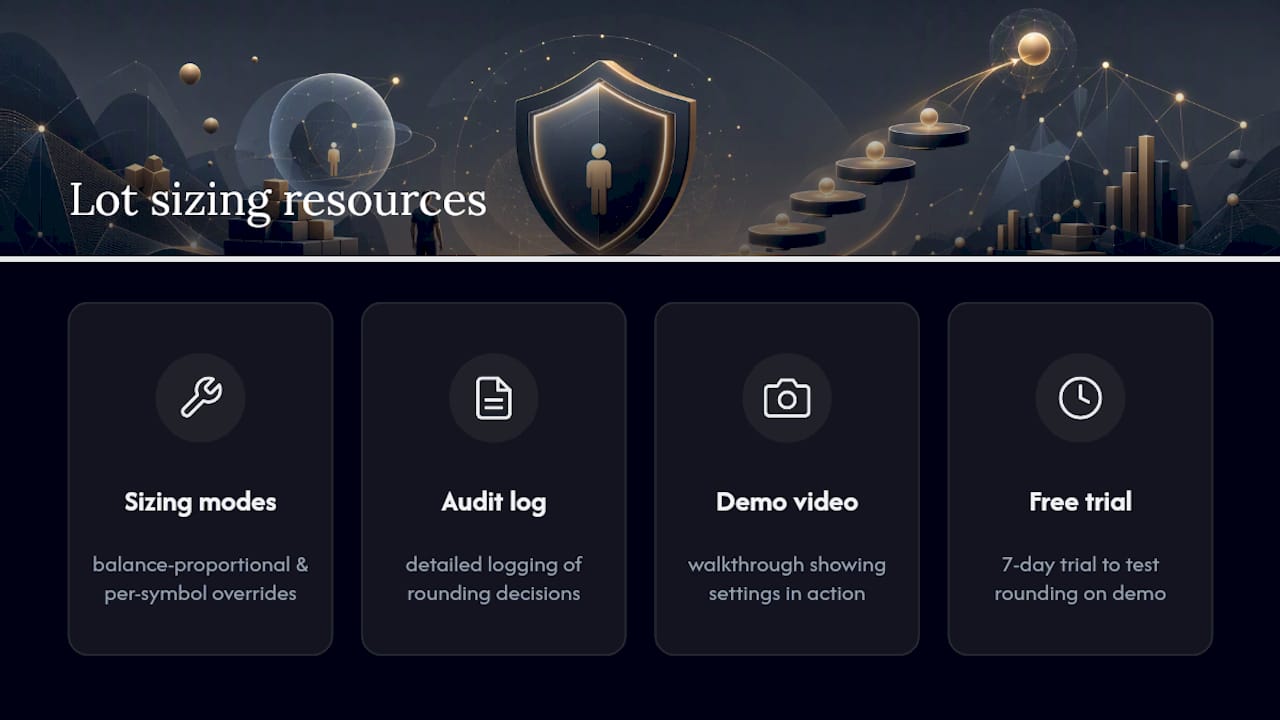
Local Trade Copier includes multiple sizing modes, per-symbol overrides, and chunking controls built for exactly the scenarios covered above, with detailed logging so every rounding decision leaves a paper trail instead of a mystery.

If you’re running trading accounts and need lot sizing that actually matches your risk math rather than approximating it, the auto lot sizing formulas and safety steps walk through exactly how some software calculates and normalizes volume per client account. Traders managing accounts with widely different balances tend to lean on balance-proportional sizing, while prop-firm operators often set tighter per-symbol overrides for gold and indices, and the platform supports both without extra scripting.
For a firsthand look at how the sizing and rounding behavior plays out before you commit anything, the demo video walkthrough shows the settings in action on a live interface. If you’d rather test it directly on your own accounts, some trade copier software is available with a 7-day free trial, giving you enough time to verify rounding behavior on a demo account before running it against real capital.
Sources
For deeper technical grounding, the MQL5 blog on risk-based lot calculation walks through the tick-value formula in code. Position sizing fundamentals across forex and metals cover the math from a strategy angle, and Local Trade Copier’s installation documentation covers setup for MT4 and MT5 before you start testing sizing modes.
- Trade Copier Console — user manual – Trading Systems – 25 July 2026 – Traders’ Blogs
- How to Normalize Lot Size in MQL4?
Recommended
- Auto Lot Sizing MT4: Formula, Setup, and Safety Steps
- Easy Way to Copy Trades of Equal Lot Size for All Accounts
- Split master MT4 trades into multiple positions on the client account to avoid 50 lot size limit
- Mitigate forex trading risk for multi-account success
