

TL;DR:
- Trade copiers enable real-time trade visibility, improving understanding and engagement in forex education.
- They operate locally on a VPS, offering low latency, privacy, and reliability for classroom demonstrations.
- Proper configuration of lot sizing, risk controls, and handling of edge cases is essential for effective and safe teaching.
Most forex students sit through hours of instruction without ever watching a trade execute in real time. They see charts, they hear explanations, but the actual moment of entry and exit stays invisible. That gap between theory and live demonstration is one of the biggest obstacles trading educators face today. Trade copiers close that gap instantly. By mirroring trades from a master account to student follower accounts in real time, instructors can finally show what’s happening on screen without risking personal funds or exposing private account details. This guide walks you through exactly how that works and why it changes everything about how you teach.
Key Takeaways
| Point | Details |
|---|---|
| Live replication made simple | Trade copiers let educators demonstrate trades in real time across multiple student accounts without sharing personal details. |
| Ultra-fast, risk-managed teaching | Local trade copiers provide sub-second latency and enable safe, controlled classroom simulations with key risk features. |
| Practical tools for real learning | Pro features like lot sizing, broker mapping, and filters help educators deliver smooth, hands-on forex learning. |
| Expert tips matter | Using advanced copier features and best practices prevents common mistakes and maximizes student engagement. |
What is a trade copier and why it matters for educators
A trade copier is software that detects an open, modify, or close action on one trading account (the master) and replicates that action on one or more other accounts (the followers) within milliseconds. The instructor controls the master. Students watch or operate the follower accounts. No manual re-entry. No delay. No guesswork.
For educators, this setup does something that no whiteboard or video replay can do: it makes trade execution visible and immediate for every student at the same moment. Trade copiers enable live replication without revealing educators’ actual accounts, so your personal trading history and balance stay completely private while students see the mechanics of order execution unfold in their own terminals.
Here’s why this shift matters so much in a classroom context:
- Privacy: Your master account can be a demo account. Students see execution without ever seeing your real balance or trade history.
- Centralized control: You trigger trades from one terminal and all follower accounts respond simultaneously, making it easy to pause, explain, and continue.
- Real-time visibility: Students watch SL, TP, and lot size appear on their charts the instant you enter a position, reinforcing concepts as they’re taught.
- Scalability: Whether you have 2 students or 20, the same trade fires to all of them at once with no extra work on your part.
For instructors who want to see this in action before committing, the trade copier demo video shows exactly how trade replication looks from both the master and follower perspective. The difference between explaining position sizing and actually watching it scale proportionally on a student account is the difference between knowledge and understanding.
This setup also shifts learning outcomes. Students stop passively listening and start actively observing a live system. They ask better questions. They notice things like partial fills and slippage that a textbook would never surface.
How local trade copiers work: setup, speed, and classroom applications
Local trade copiers run entirely on one Windows machine or VPS. There’s no cloud server in the middle, no external routing, and no dependency on a third-party platform staying online. For classroom use, that reliability matters.
The setup follows a straightforward flow:
- Install the Server EA on the instructor’s master chart inside MetaTrader 4 or MetaTrader 5.
- Install the Client EA on each student’s follower account, which can run on the same machine in separate MT terminals.
- Configure lot sizing rules per follower account based on balance or a fixed ratio.
- Run a test trade on demo to confirm all accounts receive the copy correctly before any live session.
- Teach. Enter a trade on the master, and every follower account mirrors it instantly.
Local copiers for MT4/MT5 install a Server EA on the master and a Client EA on followers, copying trades in under one second across MT4 to MT4, MT5 to MT5, and MT4 to MT5 configurations.
Speed is where local copiers genuinely outperform cloud-based alternatives for classroom demos.
| Feature | Local trade copier | Cloud trade copier |
|---|---|---|
| Latency | 1 second or faster | Typically 20 to 50ms |
| Slippage risk | Very low on VPS | Higher due to routing |
| Internet dependency | Minimal | High |
| Privacy | All data on one machine | Data leaves your system |
| Setup complexity | Moderate, one-time | Ongoing cloud dependency |
For classroom applications, local execution means all students see the replicated trade at virtually the same moment. There’s no situation where half the class sees the entry and the other half experiences a delayed fill because of server lag.
Note: Latency figures vary by VPS location, broker server proximity, and network conditions. Classroom results may differ from ideal VPS configurations.
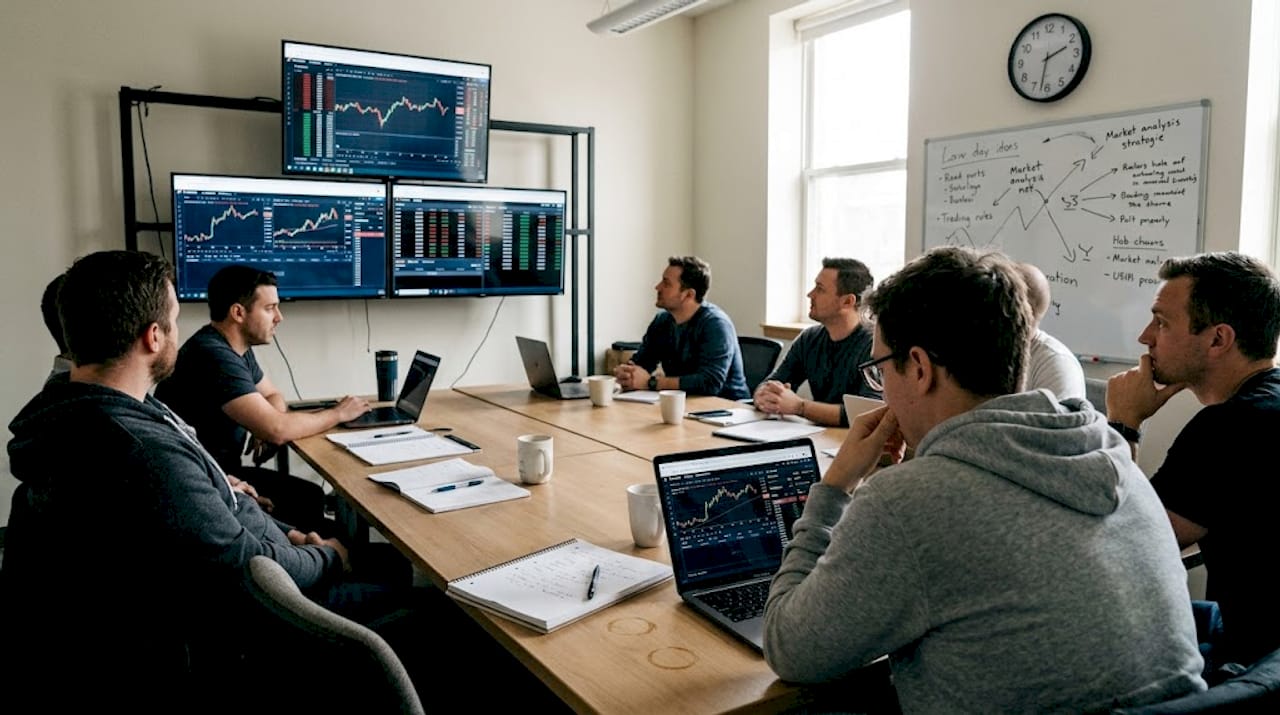
Classroom seeing synchronized live forex trades
If you’re connecting MT4 and MT5 accounts in the same session, the MT4 to MT5 copier guide walks you through platform-specific configuration so cross-platform replication works seamlessly.
Pro Tip: Always run your classroom copier on a VPS rather than a personal laptop. VPS environments provide consistent uptime, stable connectivity, and eliminate the risk of a local machine restart disrupting a live teaching session.
Features educators need: lot sizing, broker mapping, and risk controls
Once your copier is running, the features you configure make the difference between a clean demonstration and a confusing one. Three areas deserve special attention: lot sizing, symbol mapping, and risk controls.
Proportional lot sizing is the backbone of safe student demonstrations. The copier detects opens and replicates with proportional sizing based on each follower’s account balance or equity. SL and TP levels scale to match each follower’s position size once the relevant settings are configured. If you trade 1.0 lots on the master and a student account is one-tenth the size, they receive 0.10 lots. Every student sees a real trade without the risk of an oversized position.
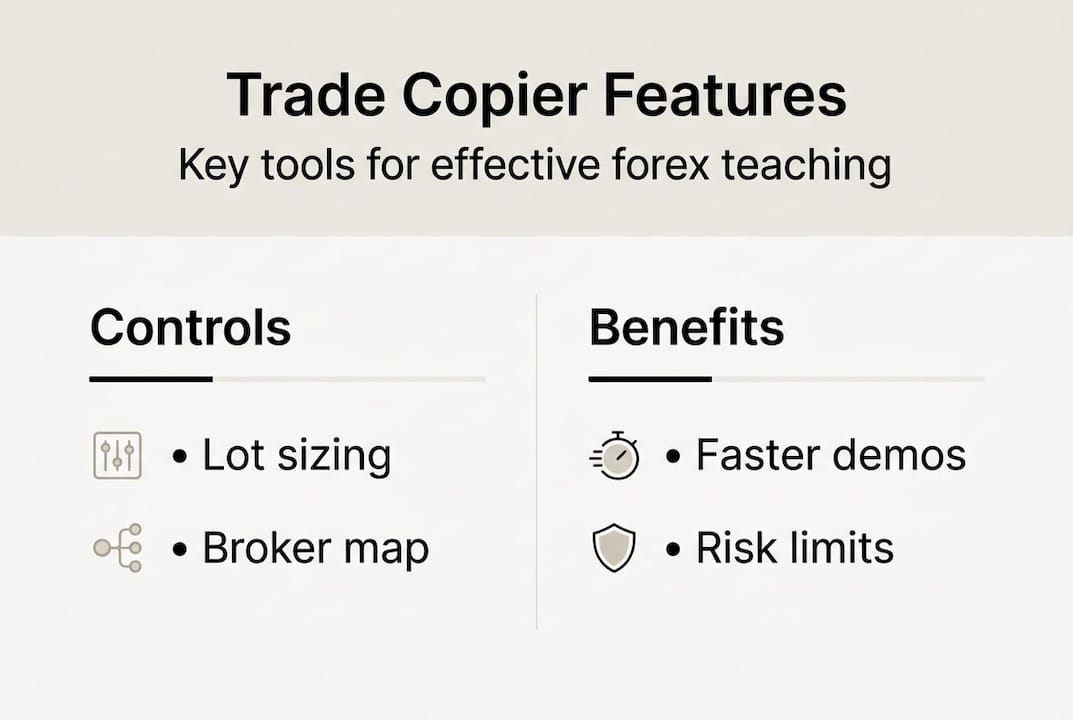
Infographic outlining trade copier features and benefits
Symbol mapping handles broker differences. If your master account uses EURUSD and a student’s broker requires EURUSDm or EURUSD.pro as the ticker, the copier maps them automatically so trades still fire correctly.
Here’s a quick comparison of key risk controls and what they protect against:
| Control | What it does | Why it matters in class |
|---|---|---|
| Max lot limit | Caps position size on followers | Prevents accidental oversizing |
| Max drawdown limit | Stops copying if loss threshold hit | Protects student demo funds |
| Spread filter | Blocks trades above set spread | Avoids bad fills during news |
| Cooldown filter | Prevents duplicate trades on reconnect | Eliminates double-entry errors |
| Auto-close on master exit | Closes follower trades when master closes | Keeps positions synchronized |
For safe trade replication, use proportional sizing, set drawdown limits, apply spread and time filters, and always test on demo before teaching live. The combination of these controls means a single misconfigured trade on the master won’t cascade into large losses across multiple student accounts.
Critical risk controls every instructor should enable from day one:
- Proportional lot sizing tied to account balance
- Maximum lot cap per follower account
- Maximum drawdown or equity stop
- Spread filter set to your broker’s typical spread plus a small buffer
- Auto-close when master position closes
Real-world classroom scenarios: challenges, edge cases, and best practices
Even well-configured copiers face real-world friction. Knowing what can go wrong before it happens means your class runs smoothly instead of turning into an unplanned troubleshooting session.
Edge cases in live replication include slippage during high volatility or news events, symbol prefix and suffix mismatches, duplicate trades on reconnect, hedging versus netting account differences, and partial fills. Each one is manageable when you know the fix.
Common issues and solutions:
- Symbol mismatch: Use the symbol mapping feature to match tickers across different brokers.
- Slippage during news: Enable the spread filter and avoid scheduling live demos during major economic releases.
- Duplicate trades on reconnect: Set a cooldown filter so the copier doesn’t re-fire a trade if the connection drops briefly.
- Hedging vs. netting mismatch: Confirm that all student accounts use the same account type as the master before your first session.
- Partial fills: Brief students in advance that partial fills are a normal market reality and a useful teaching moment, not a copier error.
Pro Tip: Record one live session with the copier running and use the recording for future cohorts. Students who missed a session or want to review execution mechanics can watch the exact moment a trade copied across multiple accounts.
For educators new to this setup, the trade copier video tutorials walk through common configuration scenarios step by step. And for anyone using this in a prop firm or funded account adjacent context, the copier safety improvements page outlines how local execution reduces risk exposure compared to cloud alternatives.
A pre-class checklist saves time every session:
- Confirm Server EA and all Client EAs are running
- Verify symbol mapping for all brokers in use
- Test one demo trade and confirm all follower accounts received it
- Set spread filter and cooldown values
- Brief students on what to watch for when the first trade fires
The hidden value of trade copiers for trading education
Most conversations about trade copiers focus on speed and cost savings. Those matter. But after working with thousands of traders and educators since 2010, we think the real impact runs deeper than milliseconds and subscription fees.
The conventional view is that a copier is just an automation tool. What we’ve seen is that it’s actually a transparency tool. When a student watches a trade replicate to their own chart in real time, something clicks that no lecture ever produces. They see that trading is mechanical, rule-based, and repeatable. That realization builds confidence faster than any amount of theoretical instruction.
Instructors who get the most from this setup don’t stop at basic replication. They use advanced features like investor passwords to let students observe without modifying positions, or multi-master configurations to demonstrate how different strategies behave simultaneously. They intentionally trigger edge cases during class, like a news spike causing slippage, and use that moment to teach market reality rather than hide it.
The educators who treat a trade copier as a teaching instrument rather than a convenience tool create the most memorable learning experiences. For those weighing the decision, the cost of a local copier subscription typically looks different once you factor in the time saved on manual trade re-entry.
Getting started: the easiest path to impactful trade demonstrations
If you’ve been running through configurations in your head while reading this, you’re already closer to a working classroom setup than you think. The mechanics are learnable in an afternoon, and the payoff in student engagement is immediate.
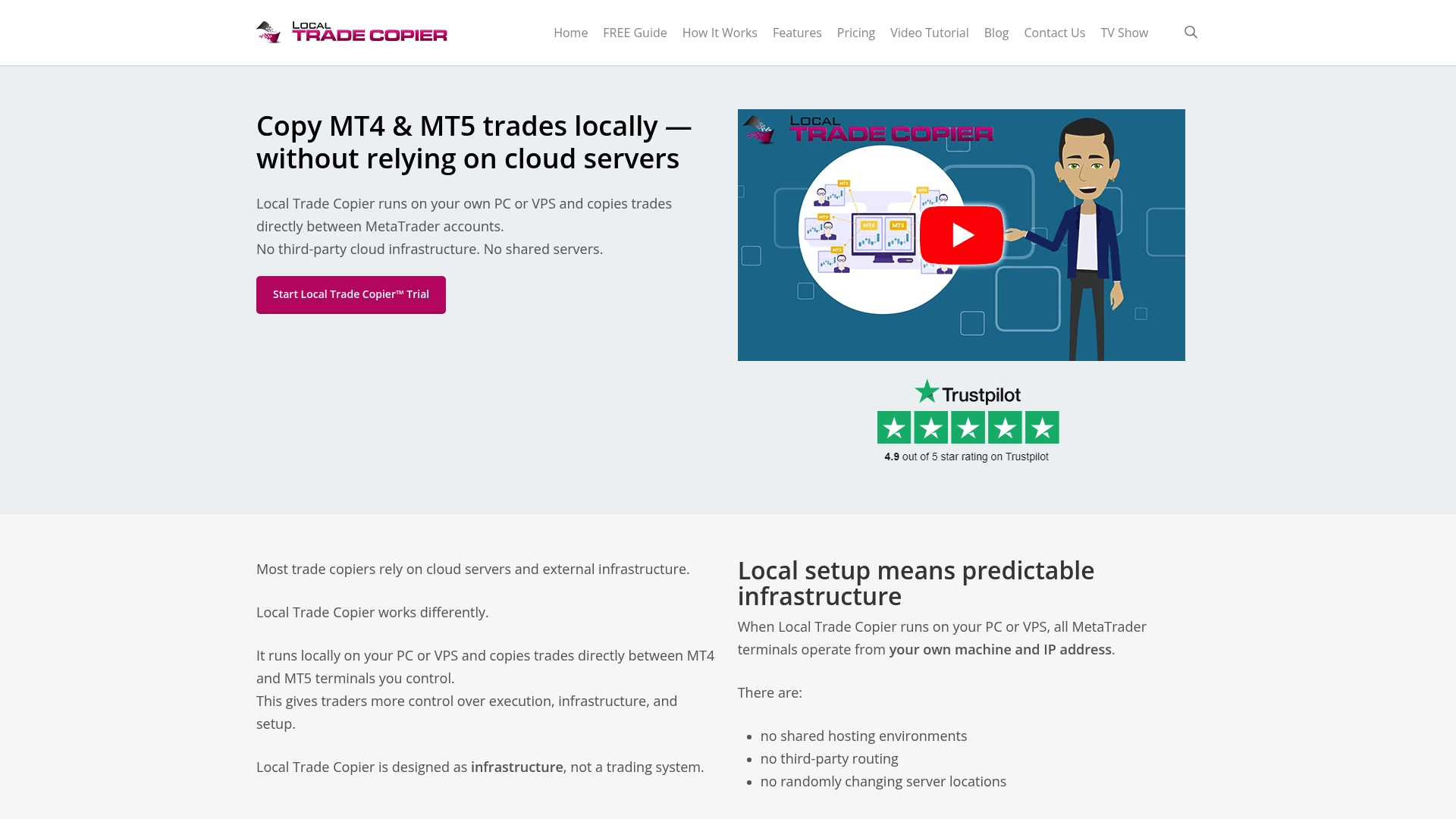
Local Trade Copier gives you everything needed to run live trade demonstrations across MT4, MT5, and DXTrade accounts from a single master terminal. The installation guide walks through every step from EA setup to follower configuration, and the demo video shows exactly what your students will see when the first trade replicates. For educators who want to ensure clean SL and TP replication before teaching those concepts live, the wait SL/TP feature holds the copied trade open until stop and target levels confirm on the follower account. Start with a 7-day free trial and run your first live classroom session before committing.
Risk Warning: Trading foreign exchange on margin carries a high level of risk and may not be suitable for all investors. Using trade copiers in live or demo classroom environments does not eliminate market risk. Always test configurations thoroughly on demo accounts before any live session.
Frequently asked questions
How does a trade copier keep educator and student accounts private?
Trade copiers mirror trades from a master demo account without exposing personal account details, so your balance, trade history, and login credentials stay completely separate from what students see.
What’s the fastest method for real-time trade copying in class?
A local trade copier running on the same PC or VPS provides the lowest latency, with trades copying in under 1 second in most configurations, far faster than any cloud-based alternative.
How do I ensure students use proper risk management during replication?
Enable proportional sizing and drawdown limits at the follower level, and always run a full test on demo accounts before using any live classroom session.
What technical issues should I watch for when using trade copiers?
Watch for symbol mismatches and slippage during news events, duplicate trades after reconnects, and differences between hedging and netting account types across student terminals.
Recommended
- The Definitive Guide to Forex Trade Copying
- Trade copying best practices for efficient forex management
- Top forex trading educator resources for multi-account strategies
- Local Trade Copier DEMO on MT4 and MT5
