

Yes, order comments can be propagated between MetaTrader accounts, but only when the copier explicitly reads the master comment and writes it into the destination trade request. On MT4 that means passing a comment string to OrderSend. On MT5 it means setting the comment field on MqlTradeRequest before sending. Test the result right away, because brokers can truncate or alter comment text, so keep comments short.
TL;DR:
- MT4 copiers read comments with OrderComment and pass them through OrderSend, while MT5 requires mapping ORDER_COMMENT to the destination request’s comment field.
- Keep comments short, alphanumeric, and free of filter separators; many tools and brokers impose a practical limit near 31 characters and may alter trailing text.
- Set destination comment behavior separately from filters, disable overwrite rules, and check that filters do not block trades before they are copied.
- Test one uniquely tagged trade on every platform pairing, then compare the logged request with the destination order’s stored comment, not the broker response.
How MetaTrader Handles Order Comments Behind the Scenes
MetaTrader never copies a comment from one account to another on its own. Each terminal treats a comment as a string attached to a single order, and that string has to be read from the source and written into a new request on the destination account by whatever software sits between the two.
On MT4, OrderSend accepts a comment parameter when a trade opens, and a copier reads an existing comment with OrderSelect followed by OrderComment. The MQL4 documentation notes that the server may change the last part of the comment text, which matters when a copier tries to preserve an exact string across accounts.
MT5 splits this into more parts. ORDER_COMMENT is a documented order property you can read once an order exists, and it is distinct from the comment field on MqlTradeRequest that you set before sending. It is also separate from MqlTradeResult.comment, which is the broker’s response message about the operation, not the comment stored on the order itself. Confusing the two is a common reason comments look wrong after copying.
A few practical points follow from this:
- A copier must actively read the source comment and insert it into the destination request; nothing happens automatically.
- MT4 request comments and MT5 request comments use different fields, so a bridge between the two platforms needs its own mapping logic.
- MqlTradeResult.comment is a broker response, never the value to propagate as the order’s own comment.
- Many platforms and copier tools apply a practical limit near 31 characters, and reserved separator characters can break parsing if used inside the comment text.
Pro Tip: Treat the comment as best-effort metadata, not a guaranteed audit trail. Keep it short, alphanumeric, and free of separator characters, then confirm what actually landed on the destination order.
Setting Up Comment Propagation in Your Copier Configuration
Getting comments to survive a copy reliably is a configuration task, not a one-time toggle. Work through this sequence on both the master and slave terminals before trusting the output.
- Confirm the MT4 or MT5 build on each terminal, check that the account has permission to modify comments, and decide the maximum comment length and character set you intend to use.
- On the master account, make sure every order you want tracked actually carries the comment you expect, and avoid commas, semicolons, or other characters your copier settings use as filter separators.
- If you rely on magic numbers or ticket references for auditing, record them alongside the comment rather than folding everything into one field.
- On the slave side, choose the destination comment behavior explicitly: write the master’s comment, write the ticket number, write the magic number, or apply custom text. These are separate settings from comment filters, and enabling a filter does not mean the original comment will be preserved.
- Disable any overwrite rule on the slave terminal that would replace your intended comment with a default value.
- Check that filter settings are not silently blocking the trades you want copied in the first place, since a blocked trade never reaches the comment stage.
- For MT4 to MT5 bridging, normalize comment length and character encoding between the two platforms, since MT5’s request fields do not map one to one with MT4’s comment parameter.
- Turn on logging for the copier so you can compare the request that was sent against what was actually stored on the destination order.
Readers setting up multi-account copying for the first time can follow a full walkthrough in our guide on copying trades between MT5 accounts, which covers terminal installation alongside these settings.
Pro Tip: Log every outgoing request during setup, even on a demo account. It’s far easier to compare a logged request against the stored order than to guess why a comment went missing after the fact.
Verifying Propagation With a Minimal Test Plan
The fastest way to confirm comment propagation works is a small, deliberate test rather than trusting the configuration screen. Open one trade on the master account with a short, unique comment, let the copier replicate it, then inspect the destination order’s stored comment directly.
Compare two things separately: the request.comment your copier logged when it sent the order, and the comment MetaTrader actually stored on the resulting order. These are not always the same value. MqlTradeResult.comment reflects the broker’s response to the operation, while the order’s own ORDER_COMMENT property is what you should check to confirm propagation succeeded.
When the two don’t match, work through likely causes in this order:
- A comment filter on the copier blocked or altered the trade before it reached the destination.
- A destination-side overwrite rule replaced the comment with a default value.
- The broker server truncated or modified trailing characters in the string.
- The comment contained a separator character the copier’s filter logic reserved for its own use.
- A platform mapping bug surfaced specifically on an MT4 to MT5 or MT5 to MT4 bridge.
| Test scenario | What to check | Typical failure point |
|---|---|---|
| MT4 to MT4 | OrderComment on destination order | Server-side truncation |
| MT5 to MT5 | ORDER_COMMENT property on destination | Filter or overwrite setting |
| MT4 to MT5 bridge | Comment field mapping between platforms | Character encoding or length mismatch |
Repeat the test across every platform combination you actually run, since a setup that works MT5 to MT5 can still fail on an MT4 to MT5 bridge. If trades stop copying entirely rather than just losing comments, our troubleshooting guide for Local Trade Copier walks through the broader diagnostic checklist.
Where Local Trade Copier Fits for Comment Propagation Tasks
We built Local Trade Copier around the same mechanics described above: reading a source comment and writing an explicit destination value rather than hoping MetaTrader does it automatically.
- We support writing the master comment, the ticket number, the magic number, or custom text into the slave order, with comment handling kept separate from filter settings.
- We run locally on a PC or VPS with sub-1-second execution, which keeps all comment and order data on one machine instead of routing through a third-party server.
- We copy across MT4 and MT5 in the same setup, which matters for the bridging scenarios where comment mapping is most likely to go wrong.
- Our manual-like execution mode is relevant for prop firm accounts that restrict expert advisor trading, since copied trades can appear as if entered by hand.
- Readers can review exactly how comment settings work on our features page before testing anything live.
We have been building this since 2010, and more than 3,000 traders and account managers currently use our software, with many reviews on Trustpilot. We encourage you to verify these details yourself through the installation and feature pages before relying on them.
What I’d Prioritize First if I Were Setting This Up
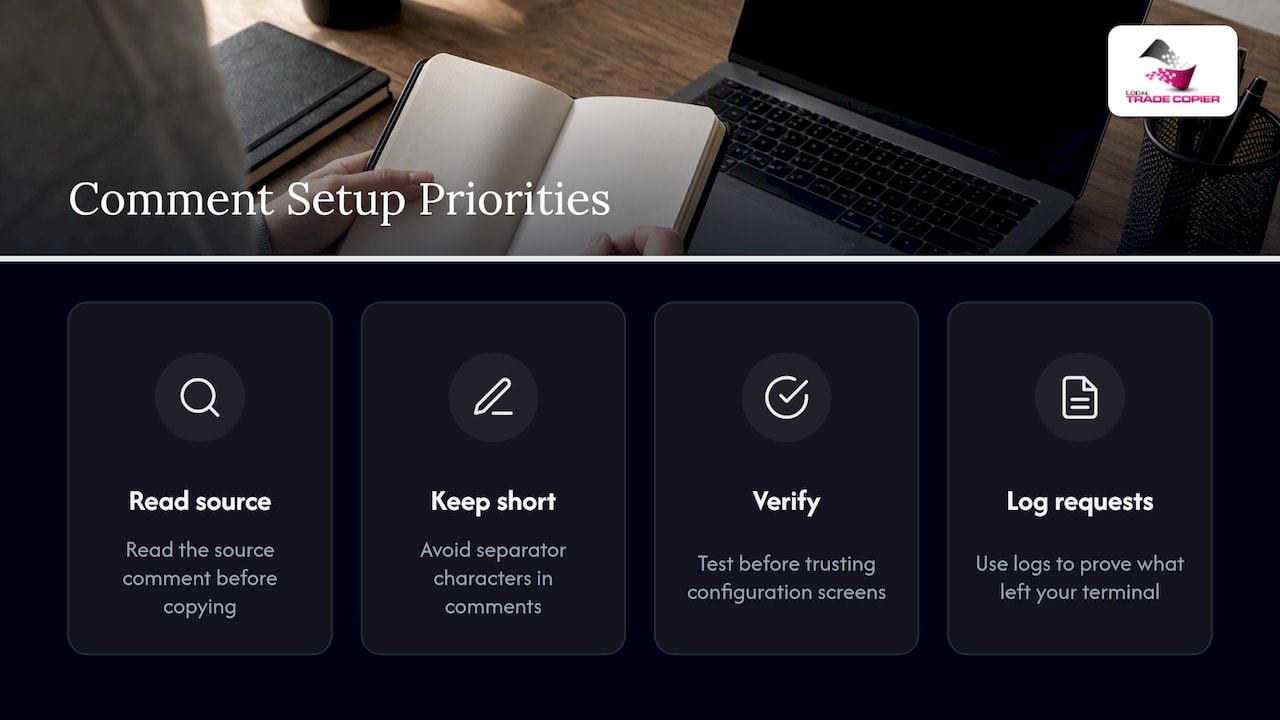
If you only do three things, read the source comment before you copy anything, keep comments short and free of separator characters, and run the minimal verification test before trusting any configuration screen.
Local execution with request logging matters more than people expect. It is the difference between guessing why a comment changed and proving, from your own logs, whether the request left your terminal correctly or was altered somewhere downstream. For traders tracking trade rationale over time, pairing consistent comment tagging with a clear take profit framework makes later auditing far easier.
— Rimantas
Try Comment Propagation Settings in Local Trade Copier
If you want to see these comment settings in action rather than configure them blind, we offer a 7-day free trial that includes the MT4 and MT5 copier components.

- Start with our installation guide to find the settings panels that control destination comments.
- Watch the demo video to see comment and filter settings behave before you touch a live account.
- Check the PERSONAL, MANAGER, and VIP plans to find the right license if you manage trades across multiple client accounts.
Whichever plan fits your setup, you can test comment propagation yourself during the trial period before committing to a subscription.
FAQ
Can I copy order comments between MT4 and MT5 accounts?
Yes, but the copier has to map MT4’s OrderSend comment parameter to MT5’s request comment field explicitly, since the two platforms don’t share a comment format natively. Always verify the result on the destination order rather than assuming the mapping worked.
Why does my copied order comment look different from the original?
The most common causes are a destination-side overwrite setting, a broker server truncating trailing characters, or a comment filter treating a character in your text as a separator. Checking copier settings for filter versus destination-comment configuration usually finds the issue.
What is the character limit for MetaTrader order comments?
MetaTrader itself does not publish one universal number, but many copier tools and broker servers apply a practical limit near 31 characters. Keep comments short and alphanumeric to avoid truncation issues.
Is MqlTradeResult.comment the same as the order’s stored comment?
No, MqlTradeResult.comment is the broker’s response message about a trade operation, while ORDER_COMMENT is the property stored on the order itself. Propagate the request comment you set, then verify against ORDER_COMMENT, not the result comment.
Does Local Trade Copier support custom destination comments?
Yes, Local Trade Copier lets you choose whether the slave order writes the master comment, the ticket number, the magic number, or custom text. You can review these options on our features page before starting a trial.
This article describes trade replication software only. It copies existing trades and has no market logic, strategy layer, or influence on trading outcomes, and past results do not guarantee future performance.
