

Yes, you can migrate trade activity between brokers by copying, and it works reliably when you run a conservative, demo-first process first. Trade-copying software such as Local Trade Copier handles the mechanics locally, but the safety comes from your checklist, not the tool. Past results do not guarantee future performance, so treat every step below as risk management, not a shortcut.
TL;DR:
- Before configuring the copier, compare symbol names, volume steps, stop levels, and contract sizes, then measure ping and check server time offsets.
- Test on demo accounts at the planned cutover time, checking stop loss, take profit, partial fills, and lot scaling before risking live funds.
- For open positions, closing them first or hedging across accounts is more conservative than copying mid trade, because it clarifies which account controls exposure.
- After cutover, reconcile position counts, entry price drift, and pending orders each session; monitor closely for one to two weeks before daily reviews.
Compatibility and execution checklist before you migrate
Before you touch a live account, confirm the technical details that decide whether copied trades land correctly on the destination broker. Symbol names, volume steps and stop levels vary between brokers, and a mismatch here is the most common reason a copy fails silently. MetaTrader 5’s trading documentation shows how symbol sets and execution modes differ by broker and account type, including the requirement that One Click Trading needs a specific execution type such as Instant, Market or Exchange.
Latency and server time also matter more than most traders expect. The CFTC’s complaint against Traders Global illustrates how execution delay, slippage and off-exchange routing can disadvantage retail accounts, which is exactly why you measure these factors before migrating rather than after.
Work through this before configuring anything:
- Audit symbol names and contract specs (volume steps, stop levels, contract size) between the old and new broker.
- Decide whether you run locally on a PC or on a VPS, then measure ping and check for any server time offset.
- Confirm account permissions and whether your prop firm’s EA policy requires manual-like trade entry instead of visible automation.
- Choose local-only copying over cloud relays when privacy and latency both matter, and document that tradeoff for your own records.
Step-by-step plan to migrate your trades by copying
Treat the migration as five stages: inventory, configuration, dry run, cutover, and reconciliation. Skipping a stage is how traders end up with mismatched positions on two brokers at once.
- Inventory your setup. Export the master account’s settings and symbol list, map each symbol to its destination equivalent, and snapshot leverage and margin rules on both sides.
- Configure the copier. Install the master and client Expert Advisors, set lot-scaling rules for the new account’s balance, enable any filters you need, and switch on manual-like trade entry if your prop firm restricts visible EA activity.
- Dry-run on demo accounts. Simulate open-trade copying and confirm stop-loss and take-profit behavior, including how partial fills are handled, before any real money moves. The vendor’s testing guide walks through this without putting live capital at risk.
- Choose your live cutover method. You can close open trades before switching, hedge them across both accounts during the transition, or copy the already-open trades directly, a workflow covered in detail on the copying open trades guide. For most traders, the conservative default is closing out or hedging rather than copying trades that are already mid-flight, since that removes any ambiguity about which account is authoritative during the switch.
- Reconcile and set rollback triggers. Compare position counts and entry prices across both accounts immediately after cutover, and define in advance how much drift triggers a rollback to the old broker.
Pro Tip: Run your dry run at the same time of day you plan to cut over live, since spread and liquidity conditions at the open or close can expose latency issues that a midday test will not.
Account permissions deserve a separate check here. NFA Rule 2-8 requires written authorization for discretionary trading along with defined recordkeeping and supervisory review, which applies directly if you or another account manager will be exercising trading authority over the destination account during and after the move.
Testing and verification after the copy goes live
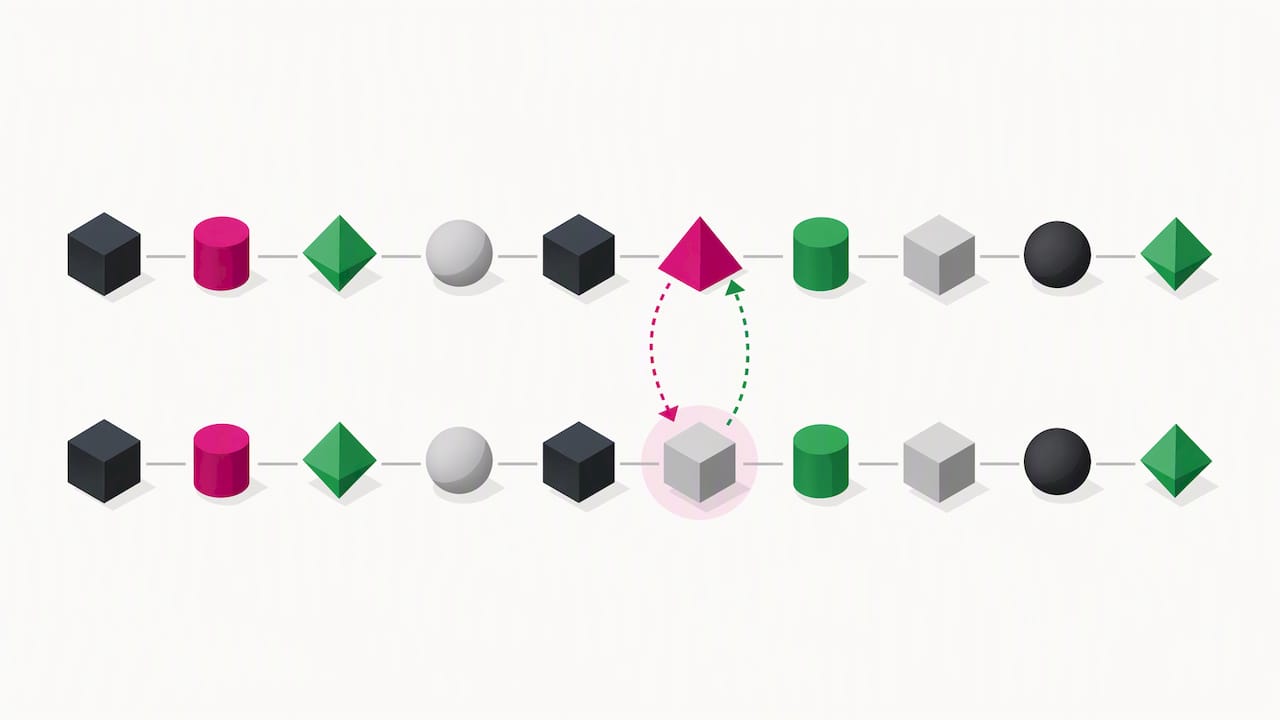
Verification is what separates a completed migration from a hopeful one. Run a symbol-by-symbol order replay comparing entries and exits on both accounts, and specifically test how stops, take-profits and partial fills behave on the new broker’s execution model, since those are the details most likely to diverge quietly.
Set reconciliation checks you can monitor without babysitting the screen:
- Position counts on master and client accounts should match after every batch of trades.
- Average entry price drift beyond a small threshold you define in advance should trigger a real-time alert.
- Open order counts and pending order states should reconcile at the start and end of each trading session.
Execution delay and routing differences between brokers are a documented source of retail trader harm, as detailed in CFTC enforcement materials, which is one more reason to verify rather than assume parity between accounts.
Most migrations need close monitoring for the first one to two weeks of live trading, after which drift patterns usually stabilize and oversight can shift from constant checking to a daily reconciliation review. Past results do not guarantee future performance, and no reconciliation process eliminates market risk. It only confirms that the copy itself is behaving as configured.
Where to find step-by-step setup guides and proof points
The practical steps above map to specific how-to resources rather than general advice. For multi-destination setups, the master-to-three-clients example shows a concrete one-to-many configuration relevant when you are splitting flow across several new accounts instead of a single destination.
A few starting points worth bookmarking:
- The installation guide covers master and client EA setup on MT4 and MT5, plus recommended VPS configuration.
- The demo video walk-through shows a configured copier running before you install anything yourself.
- The latency reduction guide addresses the execution environment checks from earlier in this guide.
Local Trade Copier has been active since 2010, with a significant number of users and many Trustpilot reviews, which reflects a long operating history in locally-installed trade replication rather than a cloud-routed service.
Treat migration as a small project, not a weekend task
The traders who get into trouble during a broker switch almost always underestimate two things: how different the execution environment is between brokers, and how to hand over open trades without creating a gap in coverage. Spread, server time and symbol specs rarely match exactly, and assuming they do is how a copied stop-loss lands in the wrong place.
My own bias is toward boring process over speed. Build a checklist, test it on demo until it is dull, and write down your rollback trigger before you need it. A migration with a clear exit plan is a non-event. One without it is a scramble.
— Rimantas
Try Local Trade Copier for your next migration
We built our software to run entirely on your own PC or VPS, which means local execution with low latency, no cloud routing, and no third-party server sitting between your master and client accounts during a migration. Lot-scaling and manual-like trade entry handle the configuration details this guide walks through, including cross-platform copying between MT4 and MT5.

If you are weighing order types as part of your migration plan, this primer on market order mechanics is a useful refresher on execution behavior. When you are ready to test on your own accounts, start the 7-day free trial and check current plan pricing for the Personal, Manager and VIP tiers.
FAQ
Can I migrate trades between MT4 and MT5 accounts?
Yes, cross-platform copying between MT4 and MT5 is supported by locally-installed copier software, with the full setup guide walking through master and client EA installation on each platform. Symbol mapping between the two platforms still needs manual verification since contract specs can differ by broker.
What happens to open trades during a broker migration?
You generally have three options: close open positions before switching, hedge them across both accounts during the transition, or copy the already-open trades directly using a dedicated workflow. Closing or hedging first is the more conservative choice since it avoids any ambiguity about which account holds the authoritative position.
How long should I monitor a new copier setup before trusting it?
Most traders monitor closely for the first one to two weeks of live trading, checking position counts and entry price drift after every session. After that period, oversight can typically shift to a daily reconciliation check rather than constant monitoring.
Do I need written authorization to copy trades into someone else’s account?
If you are acting as an account manager exercising discretionary trading authority, NFA Rule 2-8 requires written authorization along with defined recordkeeping and supervisory review procedures. Confirm your account permissions and any prop firm EA restrictions before copying trades into a client account.
Is locally-installed trade copying safer than a cloud-based relay?
Locally-installed copying keeps all trade data on one machine with one IP address, avoiding the added latency and routing exposure of a cloud relay. This matters particularly for prop firm accounts with restrictions on cloud IP detection, though either approach still requires the same symbol and execution verification before you rely on it.
Sources
- Market Watch – Trading operations – MetaTrader 5 Help
- Rules | NFA
- Complaint for Injunctive Relief – Traders Global (CFTC)
