

TL;DR:
Successful forex trading bot setup relies on clear strategy definition and appropriate market pairing before configuration. Proper security measures, phased deployment, and consistent monitoring are essential to minimize risks and optimize performance. Focus on understanding your tools and maintaining control to achieve reliable automation outcomes.
Most forex traders who try trading bots expect the setup to handle itself. They connect the bot, pick a pair, and wait for results. Then they wonder why performance is inconsistent or why the bot bled capital during a volatile week. The truth is that trading bot setup tips matter more than the bot itself. A well-configured bot running a clear strategy will always outperform a premium bot configured with vague goals and no risk limits. This guide cuts through the noise and gives you the practical configuration knowledge that separates traders who succeed with automation from those who don’t.
Key takeaways
| Point | Details |
|---|---|
| Strategy clarity before setup | Define your trading logic, goals, and risk limits before touching any configuration panel. |
| Match bot type to market | Grid, DCA, and Buy-the-Dip bots each require different market conditions to function as intended. |
| Security is non-negotiable | Restrict API permissions to read and trade only, disable withdrawals, and use IP whitelisting. |
| Test before going live | Always run backtests and demo trades before committing real capital to any bot configuration. |
| Monitor actively | Automation does not replace oversight. Set pause rules and check performance regularly. |
1. Define your goals before touching the configuration
The single biggest mistake forex traders make is opening a trading bot configuration guide without a defined strategy. Your bot will execute exactly what you tell it to. If you haven’t decided your acceptable loss per trade, your target profit per cycle, or which currency pair you’re trading, no feature set will save you.
Write down three things before you configure anything: the currency pair you’re targeting, the maximum capital you’re willing to risk, and the market condition you expect (ranging, trending, or volatile). Everything else flows from those three answers.
Pro Tip: Treat your bot configuration like a trading plan, not a technical task. If you wouldn’t manually execute the strategy the bot is about to run, don’t automate it.
2. Choose currency pairs based on liquidity, not habit
Many traders default to pairs they’re familiar with. That’s fine for manual trading, but bots behave differently across pairs with different liquidity profiles. EUR/USD and GBP/USD offer tight spreads and predictable price behavior, which suits most grid and DCA configurations. Exotic pairs introduce slippage risk that can erode a bot’s edge quickly.
Liquidity also affects how quickly your bot fills orders. A bot that performs well in backtesting on EUR/USD may struggle on USD/ZAR because the real spreads are far wider than historical data suggests. Pick pairs with deep liquidity first and only expand after you’ve validated performance.
3. Allocate capital with clear position sizing
Before you deploy, decide exactly how much capital is allocated to the bot. Not your total account balance, but the specific amount this bot can use. Then set your position sizing relative to that amount, not your full balance.

Woman allocates capital for forex bot
Beginners should start with a single market pair and minimal capital while monitoring behavior before scaling. Past results do not guarantee future performance. Starting with 5 to 10 percent of your intended allocation while you validate the setup is a habit that serious traders build early. Every experienced forex trader has a story about deploying too much capital before the configuration was actually proven.
4. Anchor price ranges to support and resistance levels
For grid bots, price range setup is where most traders leave money on the table or lose it outright. Wide price ranges immobilize capital across dozens of grid levels that may never trigger, while fees accumulate on the active levels. The fix is simple: anchor your upper and lower bounds to real support and resistance levels, not round numbers or arbitrary percentages.
Look at three to six months of price history for your pair. Identify where price has reversed consistently. Those are your grid boundaries. A tighter, well-reasoned range will generate more activity per dollar allocated than a wide range that “covers every scenario.”
5. Set stop-loss and take-profit parameters before anything else
Risk management parameters are the safety boundaries of your automation. A bot with no stop-loss can automate losses just as fast as it automates gains. Set these values before you configure anything else, not as an afterthought after you’ve already chosen your grid spacing or DCA steps.
Your stop-loss should reflect your maximum acceptable drawdown on this specific bot allocation, not your emotional tolerance. Your take-profit should be realistic given the pair’s average daily range. Mt4copier’s stop-loss and take-profit guide covers how these parameters work within trade replication setups if you’re running copied trades across multiple accounts. Past results do not guarantee future performance.
Pro Tip: If your bot doesn’t support a hard stop-loss at the account level, build a manual pause rule: check the bot every 24 hours and pause it if the open drawdown exceeds your pre-defined threshold.
6. Configure slippage settings based on your pair’s volatility
Slippage is the gap between the price your bot expects and the price it actually gets. It matters more in forex than most traders realize, especially during news events or thin liquidity windows. Slippage settings vary by asset volatility to optimize execution and fill rates. While that principle applies broadly, in forex the rule is: tighter slippage tolerance for major pairs during normal sessions, wider tolerance during news or overnight hours.
Setting slippage too tight causes missed fills. Setting it too loose means your bot accepts executions far from your intended price. Neither is neutral. Review your bot’s default slippage setting on day one because many platforms ship with defaults that aren’t appropriate for forex majors.
7. Match your bot type to the current market condition
Not all bots are built for all markets. Using the wrong bot type in the wrong market condition is a common reason traders blame the bot when the real problem is the configuration choice. Bot types each require strategy-aware setup to function as intended.
| Bot type | Best market condition | Risk if mismatched |
|---|---|---|
| Grid bot | Range-bound, sideways movement | Capital trapped if trend breaks range |
| DCA bot | Gradual uptrend | Repeated averaging in a downtrend compounds losses |
| Buy-the-Dip bot | Slow decline with expected recovery | Accelerating downtrend can exhaust position fast |
Test each bot type in demo mode first. Understand how it behaves across at least 30 simulated trades before using real capital. Past results do not guarantee future performance.
8. Secure your API connection before going live
API security best practices require restricted permissions to prevent asset theft. For forex traders connecting bots to brokers or third-party platforms, the same discipline applies:
- Enable only read and trade permissions on your API key. Never enable withdrawal permissions.
- Use IP whitelisting if your broker or platform supports it. This restricts your API key to specific IP addresses.
- Generate a new API key for each bot or service. Don’t reuse keys across platforms.
- Rotate your API keys every 90 days as a minimum security practice.
- Store API keys in a password manager, not a plain text file or email draft.
A compromised API key with withdrawal permissions can empty an account in seconds. Restricted permissions and proper key hygiene are the baseline.
Review the forex security checklist from Mt4copier if you’re managing multiple accounts. It covers account-level security practices that apply directly to bot users.
9. Understand platform-specific connection limits
Some brokers allow only one active API connection at a time. Interactive Brokers allows only one active API connection, meaning simultaneous logins kill the session. This is not a bug. It’s a platform constraint that you need to design around.
If you’re running multiple bots or a bot alongside manual trading, you need a centralized gateway or hub architecture that multiplexes your orders through a single connection. Failing to account for this means unexpected disconnections mid-trade with no alert and no fallback. Know your broker’s specific session handling rules before you build your setup around them.
10. Use phased deployment, not a direct live launch
Phased deployment means backtesting first, then paper trading with detailed logs, then a live launch with minimal capital. Traders who skip the demo phase consistently report more unexpected failures in live conditions.
Backtesting tells you whether the strategy has a logical basis. Paper trading tells you how the bot behaves in real-time market conditions without real risk. The live ramp-up with minimal capital tells you whether your configuration handles actual execution, spreads, and slippage correctly. Each phase answers a different question. Skipping any of them leaves you with an untested assumption.
Pro Tip: Keep a configuration log during your demo phase. Write down what you changed, why, and what happened. This habit prevents you from repeating the same configuration mistakes when you move to live trading.
11. Avoid the most common bot setup mistakes
Most configuration errors follow predictable patterns. Expert users maintain control over pause, adjust, and stop functions because automation without oversight is just scheduled risk.
The most frequent mistakes include:
- Starting with too many pairs at once instead of mastering one first
- Adjusting settings every day instead of letting the strategy play out over its intended cycle
- Ignoring minimum order size requirements, which causes the bot to fail silently
- Treating the bot as a set-and-forget system without any pause rules defined
- Over-optimizing grid spacing until profit margins are thinner than transaction fees
Clear stop-loss and take-profit rules are critical because bots only execute defined strategies and can accelerate losses just as fast without those limits. Past results do not guarantee future performance.
My honest take on trading bot setup
I’ve seen traders spend weeks researching bot platforms and five minutes on actual configuration. That’s backwards. The platform is the least important variable. The configuration is everything.
What I’ve learned from working with automated forex setups over many years is that strategy clarity beats any automation feature. A bot with a simple, well-defined range and tight risk limits will consistently outperform a bot with a dozen features and a vague strategy. The features just give you more ways to misconfigure things.
The part that doesn’t get said enough is the security angle. Traders obsess over performance and barely think about API permissions. I’ve seen situations where a single misconfigured API key created more damage than months of losing trades. Your security setup deserves as much attention as your entry logic.
On the topic of AI coding tools: AI-assisted development does shorten bot development time, but solid architecture knowledge remains non-negotiable. Tools that make bot building easier don’t make strategy thinking easier. That part is still on you.
Start small. Build one configuration you understand completely. Run it through demo mode until you’re bored with it. Then go live with the minimum viable capital. Confidence in automation comes from understanding, not from hoping the bot knows something you don’t.
— Rimantas
Take your bot setup further with Mt4copier
If you’re running forex strategies across MT4 or MT5 accounts, setup complexity multiplies fast when you need to replicate trades across multiple terminals. Mt4copier’s Local Trade Copier runs entirely on your local machine or VPS, copying trades from a master account to client accounts in 1 second or faster under normal market conditions, with no cloud routing involved.
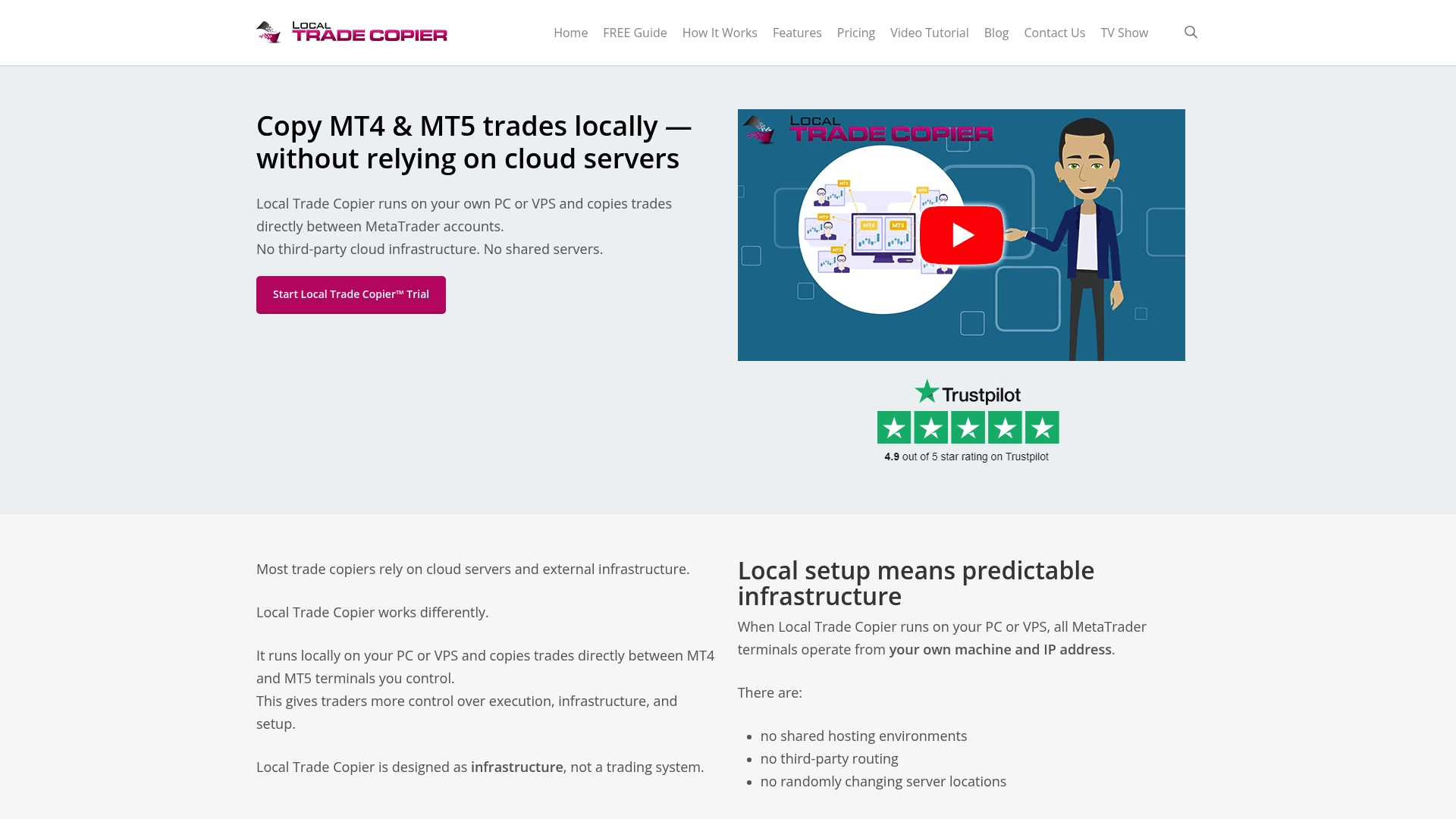
That matters for bot users because local execution means one IP address, no external server latency, and no cloud routing risk for prop firm accounts. Before you commit real capital, explore the demo installation to see how the copier handles risk management settings like stop-loss and take-profit triggers across accounts. You can also review Mt4copier’s trade copier security guide which covers VPS setup, password management, and connection security for forex traders running automated setups. The full installation guide is also available if you’re ready to configure across MT4 and MT5 platforms.
FAQ
What are the most important trading bot setup tips for beginners?
Start with a single currency pair, define your stop-loss and take-profit levels before launch, and always run a demo phase before committing real capital. Successful beginners choose one market and bot type, start with minimal funds, and set clear risk limits.
How do I secure my trading bot’s API connection?
Use read and trade permissions only, disable withdrawals on the API key, and enable IP whitelisting if your broker supports it. Restricted API permissions prevent unauthorized access and protect your account from asset theft.
Which bot type works best for forex range-bound markets?
Grid bots are best suited for range-bound markets where price moves within a defined channel. Anchoring the grid’s upper and lower bounds to real support and resistance levels, rather than arbitrary ranges, significantly improves capital efficiency.
Should I adjust my bot settings frequently?
No. Frequent adjustments prevent any single configuration from playing out over its intended cycle, making it impossible to evaluate performance accurately. Set your configuration, define your pause rules, and let the strategy run for its designed timeframe before making changes.
What happens if I skip demo testing?
Launching bots directly to live environments without demo or paper trades leads to unexpected failures. Demo testing reveals execution issues, slippage behavior, and configuration gaps that backtesting alone won’t catch.
Recommended
- How to automate forex trading with MetaTrader platforms
- Automate trade management across MT4, MT5, and DXTrade
- Optimize automated trading workflow: forex replication guide
- Automate Your Forex Teaching: Step-by-Step Guide
