

Managing forex trade replication across multiple MetaTrader and cTrader accounts consistently exposes delays, platform compatibility headaches, and cloud dependency risks. Many trade copier software options either lock fast local execution to Windows-only setups, force cloud routing that introduces connection drops, or require separate fees for each add-on you need. This comparison explains which local trade copier solutions offer reliable cross-platform replication, advanced risk tools, and pricing structures that actually fit your trading workflows without unnecessary infrastructure or surprise costs.
Table of Contents
- Local Trade Copier
- Social Trader Tools
- Traders Connect
- 4X Solutions
- cTrader
- Comparing the Top Trade Copier Platforms for Forex Traders
Local Trade Copier
At a Glance
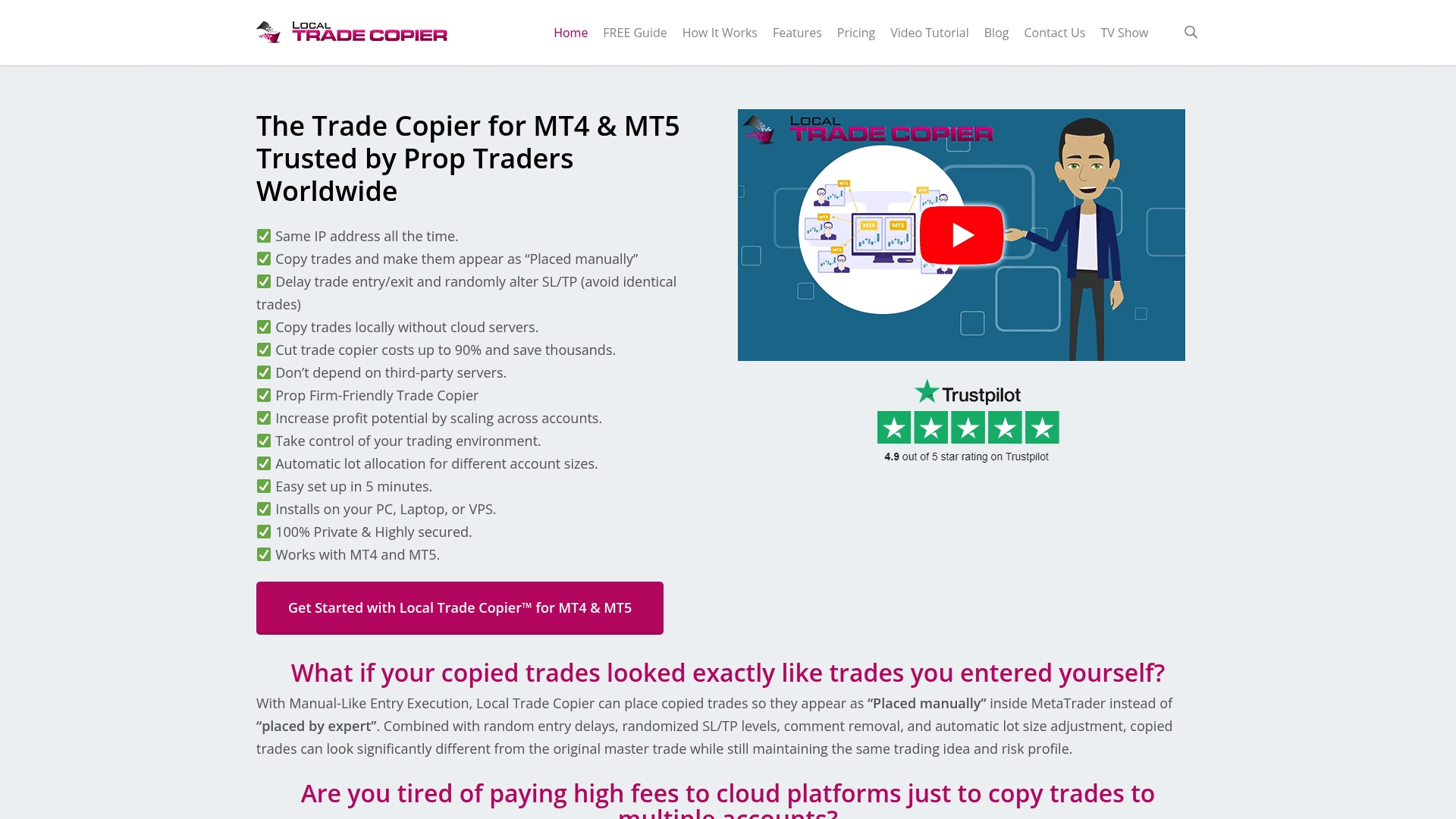
Includes the MT4 copier, MT5 copier, MT4-to-DXTrade, and MT5-to-DXTrade components under a single subscription, so you get cross-platform replication without stitching separate licenses together.
The vendor advertises that the product has been active since 2010 and reports 3,000+ users and 491 Trustpilot reviews; treat those figures as the vendor’s self-report. Past results do not guarantee future performance.
Core Features
- Expert Advisor based local copying between MetaTrader 4, MetaTrader 5, and DXTrade accounts, running on your Windows PC or a VPS.
- Advanced trade filtering and risk tools including MAAB Trade Filter and Max Daily Loss for per-account controls.
- Multi-layer copying using SMART INVESTOR BRIDGE™ for signal aggregation and distribution across profiles and multiple master accounts.
- Automatic lot scaling per client balance, 18 lot sizing and risk management options, and support for both EA trades and manual entries.
- Local execution only: no cloud routing, one machine and one IP address for all replicated orders.
Key Differentiator
Operates entirely on your PC or VPS, removing external cloud routing and shared server hops from the execution path. That local-only model keeps trade data on one machine, limits external latency vectors, and helps avoid cloud IP detection for prop firm setups.
Pros
- Full local control. Running the copier on your own machine means orders leave from one IP and one runtime environment rather than a third-party server.
- Flexible cross-platform copying. Copy between MT4 and MT5 and bridge to DXTrade, useful when master and client accounts use different platforms or brokers.
- Rich risk controls. The combination of automatic lot scaling and 18 configurable lot and risk options lets you map master risk to varied client balances without manual math.
- Works with EAs and manual trades. If you run forex robots or trade manually, the copier will replicate both types across client accounts.
- Multi-master and aggregation support. The product’s multi-layer architecture handles grouped distributions and signal merging for structured strategies.
Cons
- Requires running MetaTrader on Windows or a VPS which makes it less convenient for traders expecting a plug-and-play cloud service.
Who It’s For
Traders running multiple MetaTrader accounts from a PC or VPS who need precise control over execution and risk mapping. Also aimed at prop firm managers and independent account managers who must avoid cloud IP exposure.
Unique Value Proposition
Offers 18 lot size and risk management options together with automatic lot scaling per client balance, so you can replicate a single master strategy across accounts with different equity sizes without manual recalculation.
Real World Use Case
A prop firm manager installs Local Trade Copier on a dedicated VPS, then copies a licensed strategy from one master account to 20 client accounts across three brokers. Filters stop trades outside risk rules and lot scaling matches each account’s capital.
Pricing
Plans start at €29 per month for the Personal Plan, with higher tiers at €89 and €199 per month. Annual billing options are available and the vendor advertises a 7-day free trial. Past results do not guarantee future performance.
Website: https://mt4copier.com
Social Trader Tools
At a Glance
The vendor advertises a 50ms replication speed for its trade copier, a concrete performance claim that traders will want to validate against live conditions. Past results do not guarantee future performance.
Social Trader Tools runs entirely in the cloud and removes the need for a VPS or local terminal, positioning itself for remote management and signal distribution.
Core Features
- Manage unlimited MT4 and MT5 accounts from a single dashboard, with account grouping and role controls.
- Fast trade copier with a vendor-stated 50ms replication metric for trade replication across accounts.
- Equity monitor for automatic protection and account-level risk controls.
- Signal pages and a signal-selling flow with client management and customizable presentation.
- White-label options for branding the service to clients or students.
Key Differentiator
The vendor positions the product as a cloud-first solution that removes VPS and local setup friction while advertising the marketfastest trade replication claim. That combination targets traders who prioritize remote access and branded signal delivery over on-machine execution.
Pros
- No local infrastructure: No VPS required makes initial setup quick and keeps operations browser-based, which helps traders who travel or avoid VPS maintenance.
- Scales visually: the dashboard shows many accounts at once which simplifies multi-account oversight for managers and educators.
- Signal tools: Signal selling and customizable pages let you package strategies and manage subscribers without building a separate storefront.
- Business-ready features: team management, client roles, and white-labeling support firms that want to brand their offering.
- Customer support is reported as responsive by some users, and automation features cover routine tasks like equity alerts and subscription handling.
Cons
- Third-party reviews report trade copying bugs and connection drops, which raises reliability concerns for some setups.
- Scalping and high-frequency trading are limited by the cloud architecture and reported stability issues.
- Support effectiveness varies; several users report delayed resolution for technical incidents.
When It May Not Fit
If you require local, machine-level execution with sub-0.5-second on-machine response, a cloud service is the wrong architecture. Mt4copier advertises on-machine copying and sub-0.5-second local execution, which suits traders who need single-IP, local routing to meet prop firm or strict EA licensing constraints.
If ultra-low-latency, guaranteed connection uptime, or high-frequency scalping are central to your strategy, the vendor-stated cloud model and reported connectivity issues make Social Trader Tools a risky primary execution layer.
Who It’s For
Individual traders who manage several MT4 or MT5 accounts and need a browser-accessible control plane, and trading businesses that sell signals or want to white-label a client portal. It fits users who trade remotely and value branded client experiences.
Real World Use Case
A forex educator aggregates student accounts, pushes trades to subscribers instantly, and hosts a branded signal page. The educator monitors equity thresholds and pauses distribution from the web console when volatility spikes, all without maintaining a VPS.
Pricing
Subscription-based plans start at $20 per month for up to two accounts, with tiered pricing for higher account limits and rolling plans that cover setups of 100+ accounts. The model scales by account allowance rather than per-seat complexity.
Website: https://socialtradertools.com
Traders Connect
At a Glance
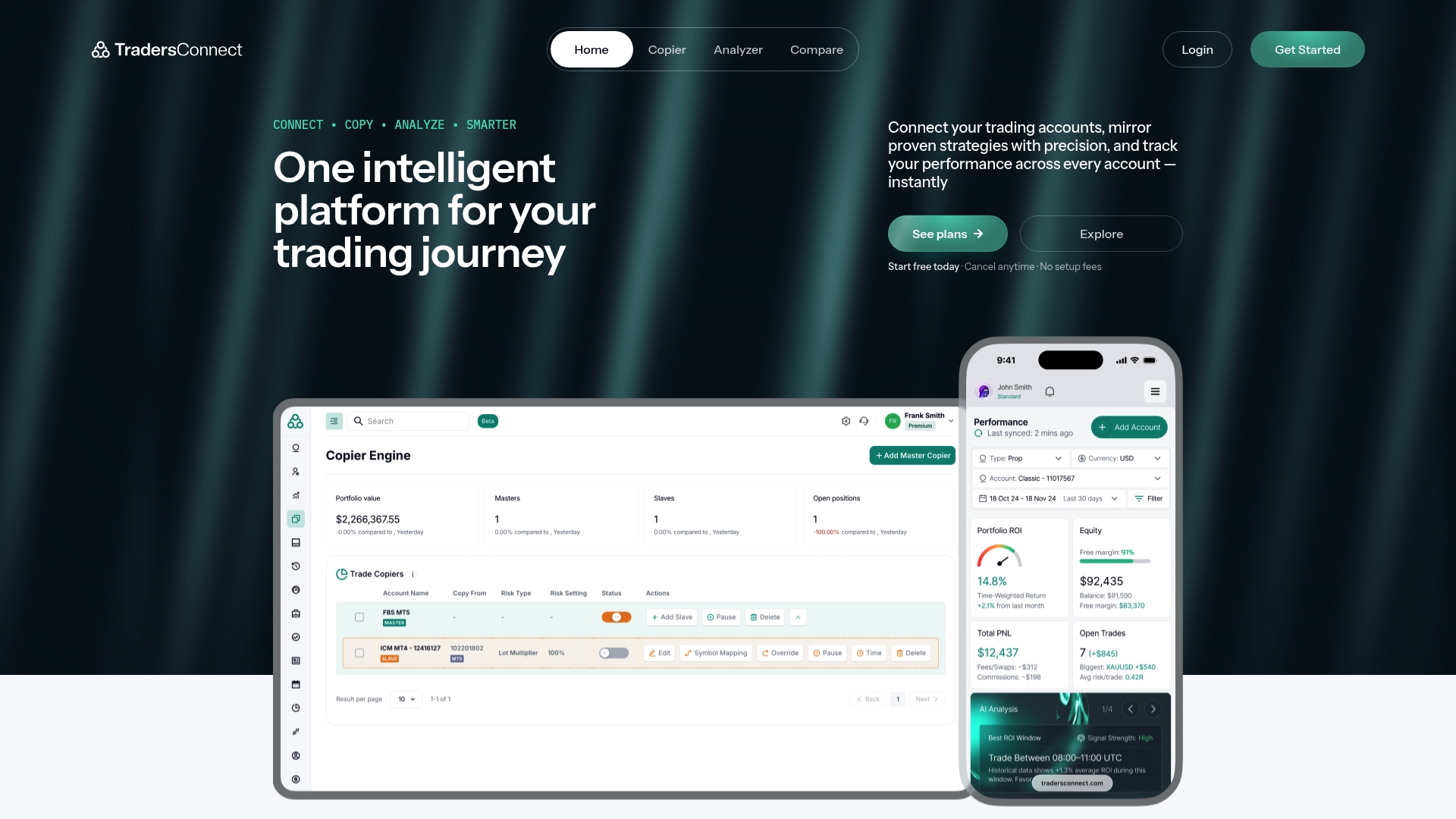
No setup fees plus add-ons like TC Analyzer at $29.99 per month and dedicated environments at $30 per month give Traders Connect a clear a la carte feel for traders who want pickable tools instead of bundled plans. The vendor advertises Premium support for ultra-low latency accounts and HFT use.
Core Features
-
Trade copying across MetaTrader 4, MetaTrader 5, and cTrader with risk controls, ratio settings, and duration options.
-
Portfolio analytics showing ROI, win rate, and drawdown metrics in a cloud dashboard for side-by-side strategy tracking.
-
Comparison engine for brokers and prop firms plus live market data, sentiment, and an economic calendar.
Key Differentiator
A single cloud interface that links multiple platforms and adds broker comparison tools sets Traders Connect apart from single-platform copiers. The vendor positions the product as a cloud-based hub that supports multiple platforms so you can view analytics and copy logic in one place. That multi-platform framing is the central selling point.
Pros
-
The intuitive dashboard makes account linking and monitoring quick, which lowers setup friction for traders juggling several terminals.
-
Efficient cross-platform copying lets you mirror trades from MT4 to MT5 or cTrader without manual entry, reducing human error.
-
The detailed analytics provide actionable portfolio metrics rather than raw trade logs, helping you see which accounts or brokers add drag.
-
Flexible subscription plans with upgrades and downgrades allowed at any time and no initial setup fee keep monthly commitments small.
-
The platform claims HFT and low-latency support on Premium tiers, which appeals to advanced traders who need faster fills.
Cons
-
Several customers report slow or inconsistent support response times, which can be painful when an execution or copy error appears.
-
Some users have reported difficulties obtaining refunds after cancellations, creating trust friction for new subscribers.
-
There are accounts of abrupt service changes or discontinuations without clear advance notice, which raises stability concerns for larger clients.
-
A few users allege technical support sometimes attributes issues to brokers instead of diagnosing the platform side, adding troubleshooting overhead.
When It May Not Fit
If you require guaranteed on-premise execution or zero third-party cloud routing for prop firm rules, this cloud-first model is a mismatch. Institutional clients seeking strict SLAs should be wary given reports of abrupt service changes and inconsistent support. Also, the platform only links supported trading systems.
Who It’s For
Retail traders and small trading firms who manage multiple accounts across MT4, MT5, or cTrader and want consolidated analytics plus copy features. Advanced traders or HFT users who prize lower-latency options will find the Premium tiers relevant. Trading educators and evaluators will like the comparison engine.
Real World Use Case
A retail trader links three MetaTrader accounts, enables trade copying from a master account, and runs the analyzer weekly to compare ROI and drawdown across strategies. The comparison engine helps pick the cheapest broker for a given funding model.
Pricing
Free tier for informational resources and demos. Standard plans start from $10 per month. Optional add-ons include TC Analyzer at $29.99 per month and dedicated environments at $30 per month. Premium plans that support ultra-low latency accounts are listed at $15 per month.
Website: https://tradersconnect.com
4X Solutions

At a Glance
The vendor reports being trusted by over 50,000 accounts and advertises sub-1ms internal latency over fiber optic broker connections hosted at Equinix data centers. That combined claim is the clearest signal this service targets brokers and institutions that need high-speed, large-scale copying.
Core Features
Cloud-hosted trade replication with no VPS required. The service supports MT4, MT5, and TradeLocker and exposes APIs for integration with back offices and execution systems.
A vendor-stated architecture emphasizes high scalability, with the ability to replicate across thousands of client accounts and built-in risk controls like capital protection stops and multiple master account options.
Key Differentiator
The product positions itself around the most complete mix of cross-platform copying, extreme internal latency figures, and automation features aimed at broker workflows. For firms that want white labeling, API hooks, and a hosted execution path instead of on-premise EAs, that combination drives the purchase case.
Pros
-
No VPS drag. Because replication runs in financial-grade data centers, you avoid managing dozens of client VPS instances and the support load that creates.
-
Broad platform support and broker focus. Support for MT4, MT5, and TradeLocker plus white-labeling caters to brokers that need a unified replication stack.
-
Built-in risk controls and automation reduce manual interventions for capital protection and master account routing across client groups.
-
Pricing entry points are affordable for scale. The vendor advertises starter plans from $10 per account per month which makes pilot projects inexpensive.
Cons
-
Portal responsiveness. Several users report the replicator portal feels slow which increases setup time for large account batches.
-
No automated trade notifications. The product lacks built-in push alerts, which makes monitoring trades depend on separate systems or manual checks.
-
Not suited for ultra-low timeframe scalping. The latency claim above may not translate to consistent execution on tick-level scalps, and some traders reported execution concerns.
When It May Not Fit
If you run sub-second scalping strategies that rely on every tick, a hosted copier, even one with low internal latency, can still introduce network variability that affects fills. If you want a highly responsive local EA setup, this cloud approach is the wrong architectural choice.
If you need a snappy management portal for frequently changing group rules, the reported interface sluggishness will slow your operations.
Who It’s For
Brokers, prop trading firms, and financial institutions that need a hosted, scalable replication solution with API access and white-label options. Teams that prefer a managed, data center hosted stack over maintaining dozens of client VPS instances will find the model practical.
Real World Use Case
A brokerage uses 4X Solutions to replicate a single liquidity feed to hundreds of client accounts while enforcing capital protection stops and routing rules per client segment. The broker avoids VPS maintenance and integrates the copier with its back office via API.
Pricing
The vendor states a free tier for basic info and paid plans starting at $10 per account per month for a Starter plan. Daily and pro tier options are available for scaling and higher volume needs.
Website: https://4xsolutions.com
cTrader
At a Glance
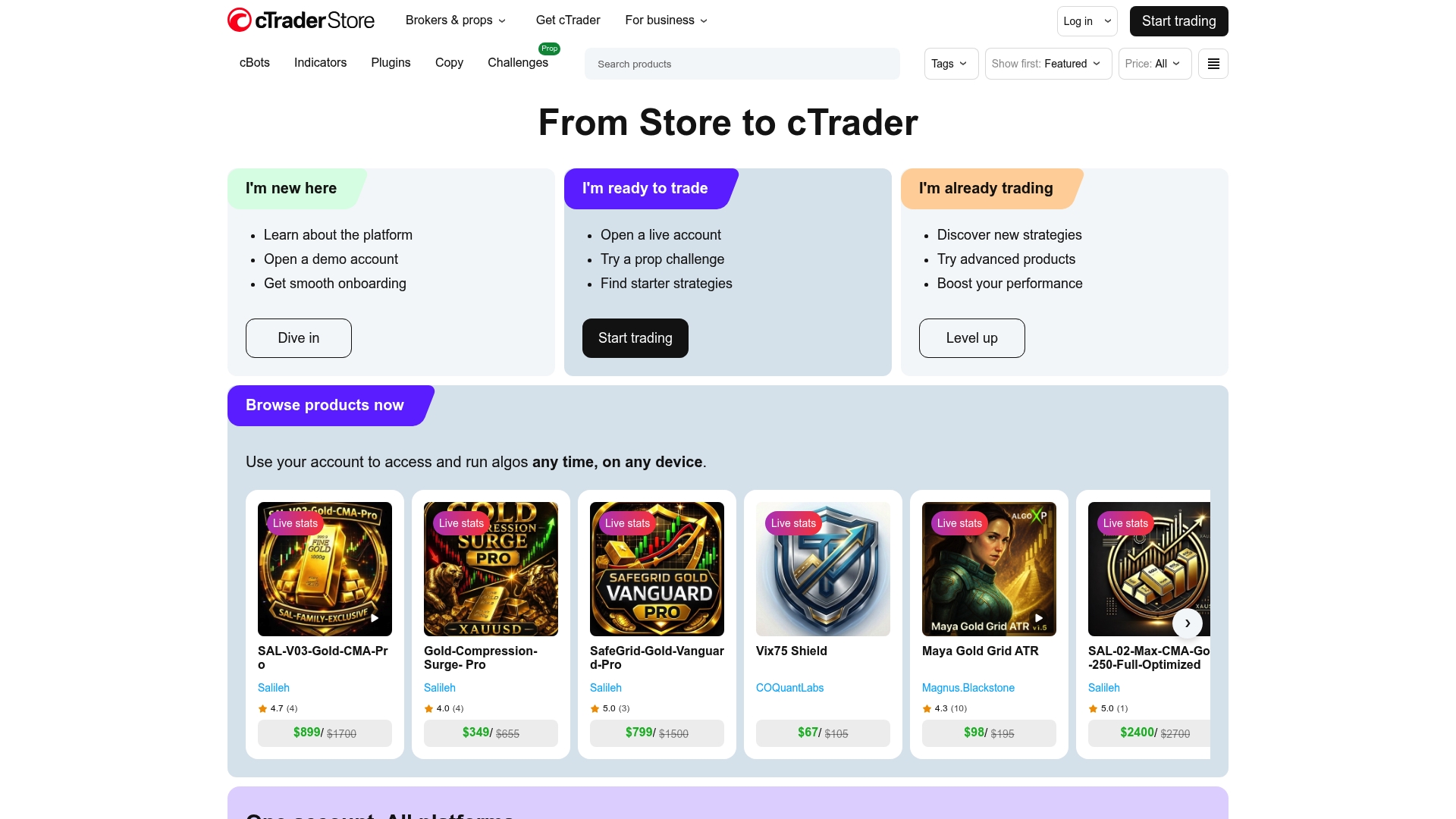
Access to an extensive third-party library of cBots and plugins via the cTrader Store makes automation available without building everything from scratch. The platform pairs that marketplace with desktop, web, and mobile clients aimed at active traders.
Core Features
- An extensive library of third-party cBots, indicators, and plugins for automated strategies and custom indicators.
- Fast, reliable trade execution with tools built for low latency order entry and advanced order types.
- Advanced risk management and execution controls, including order slicing, bracket orders, and granular position monitoring.
- Multi device access across desktop, web, and mobile, plus integration paths to a broad set of brokers and prop firms.
Key Differentiator
The vendor positions cTrader around ultra-fast execution and automation through third-party tools, with stability under load as a priority. That combination targets traders who need execution predictability plus the ability to run cBots at scale without a heavy engineering lift.
Pros
- Community posts and user reviews on Trustpilot and Reddit frequently praise platform stability and execution. That praise shows up repeatedly in user conversations.
- The interface is modern and clear, reducing setup friction for professional traders who switch between multiple accounts and strategies.
- Advanced risk controls give you per-order tools not always exposed on retail terminals, useful for active and institutional-style workflows.
- Automation support via third-party cBots makes it straightforward to deploy algorithmic strategies without rebuilding a custom execution layer.
- Educational resources and an active user community help shorten the learning curve for new cBot deployments.
Cons
- Cross-device synchronization for chart layouts and custom analysis is limited, so your workspace can feel fragmented between desktop and mobile.
- Customization for indicators and tool behavior is narrower than some highly programmable platforms, which will frustrate power users who want deep API access.
- The third-party marketplace is smaller than the ecosystem available for competing terminals like MetaTrader 5, reducing ready-made choices for niche indicators.
- The mobile app sometimes lacks reliable sound alerts and notification features compared with the desktop experience.
When It May Not Fit
If your broker does not offer cTrader access, you will face a straightforward but unavoidable blocker because the platform is distributed through broker partnerships. Also, if you want an open-source or highly extensible code base to modify core behavior, cTrader’s closed architecture can feel restrictive.
Who It’s For
Professional retail traders, institutions, and prop firms that need predictable, low-latency execution paired with ready automation options. The typical user values execution stability and wants to run cBots rather than build a full execution stack from scratch.
Real World Use Case
A professional forex trader signs up through a broker that offers cTrader, deploys custom cBots from the Store to run intraday strategies, and watches positions with the platform’s risk controls. The trader monitors performance across desktop and mobile while iterating on cBot parameters.
Pricing
cTrader is delivered mainly through broker partnerships. Platform access is often included in a broker’s package while certain plugins, premium cBots, and third-party VPS services are sold separately. Ask your selected broker about any additional fees.
Website: https://ctrader.com
Comparing the Top Trade Copier Platforms for Forex Traders
Selecting the right trade copier platform is crucial for traders managing multiple accounts, as the choice affects execution reliability, platform compatibility, and risk control customization. Below, we analyze the strengths and limitations of the leading trade copier solutions to offer insights.
Latency and Execution Architecture
Local Trade Copier (LTC) excels in scenarios demanding rapid, IP-local execution. By operating entirely on the user’s own hardware or VPS, LTC minimizes external interference or delay. This contrasts with competitors such as Social Trader Tools, which employ cloud-based infrastructures. While the latter design offers ease of use and accessibility from remote locations, it introduces potential latency due to shared cloud resources, an issue for speed-sensitive strategies like scalping.
Platform and Feature Versatility
When it comes to feature breadth, Traders Connect offers compatibility not only with MetaTrader platforms but also with cTrader. Its subscription model provides entry points for retail traders and scalability options for small firms. Comparatively, LTC is explicitly tailored for MetaTrader users and emphasizes advanced lot management and signal transformations. Thus, while LTC addresses niche precision needs, multi-platform traders may favor the versatility of broader integration options like Traders Connect.
Best Fit Recommendations
- For traders seeking precision with local execution and no reliance on third-party servers, Local Trade Copier offers control and tailored trade replication.
- High-frequency traders and those requiring extensive latency guarantees will appreciate the sub-1ms advertised replication times of 4X Solutions.
- For retail entities managing diverse platform portfolios, Traders Connect supports a variety of trading environments, expanding usability.
Our Pick for MetaTrader-focused Users
Local Trade Copier leads for users primarily leveraging MetaTrader platforms who demand execution control, diverse lot management features, and avoidance of cloud-based dependencies. However, Traders Connect presents a more fitting alternative for those juggling multi-platform strategies. The decision should align with one’s specific trading ecosystem and execution requirements.
Local Trade Copier Software Comparison
Selecting the right trade copier software depends on the platform features, operational limitations, and cost structure that align with your trading strategies.
| Product | Platform Strength | Target Audience | Pricing | Notable Limitation |
|---|---|---|---|---|
| Mt4copier | On-premise copying across MT4, MT5, and DXTrade | Professional traders | €29/month starter plan | Requires local operation via PC or VPS |
| Social Trader Tools | Cloud-hosted with signal management | Remote traders and firms | $20/month starter plan | Reported connection reliability issues |
| Traders Connect | Consolidated analytics for multiple platforms | Small trading firms | $10/month with add-ons | Reported slow customer support response |
| 4X Solutions | Hosted replication for brokers and institutions | Institutional clients | $10/account per month | Limited suitability for tick-level scalping |
| cTrader | Advanced execution with third-party automation | Professional retail traders | Provided by brokers | Exclusively accessed through broker partnerships |
Choose Mt4copier for Reliable and Instant Trade Copying Beyond Mql5.com Alternatives
If you find that navigating the landscape of mql5.com alternatives can feel daunting, Mt4copier offers a clear solution tailored for traders needing local, fast, and flexible trade replication. Unlike cloud-based services, Mt4copier runs entirely on your Windows PC or VPS with no external routing, ensuring your trade data stays secure with sub-0.5-second execution. Its 18 configurable lot sizing options and cross-platform support across MT4, MT5, and DXTrade make managing multiple accounts simpler and more precise.
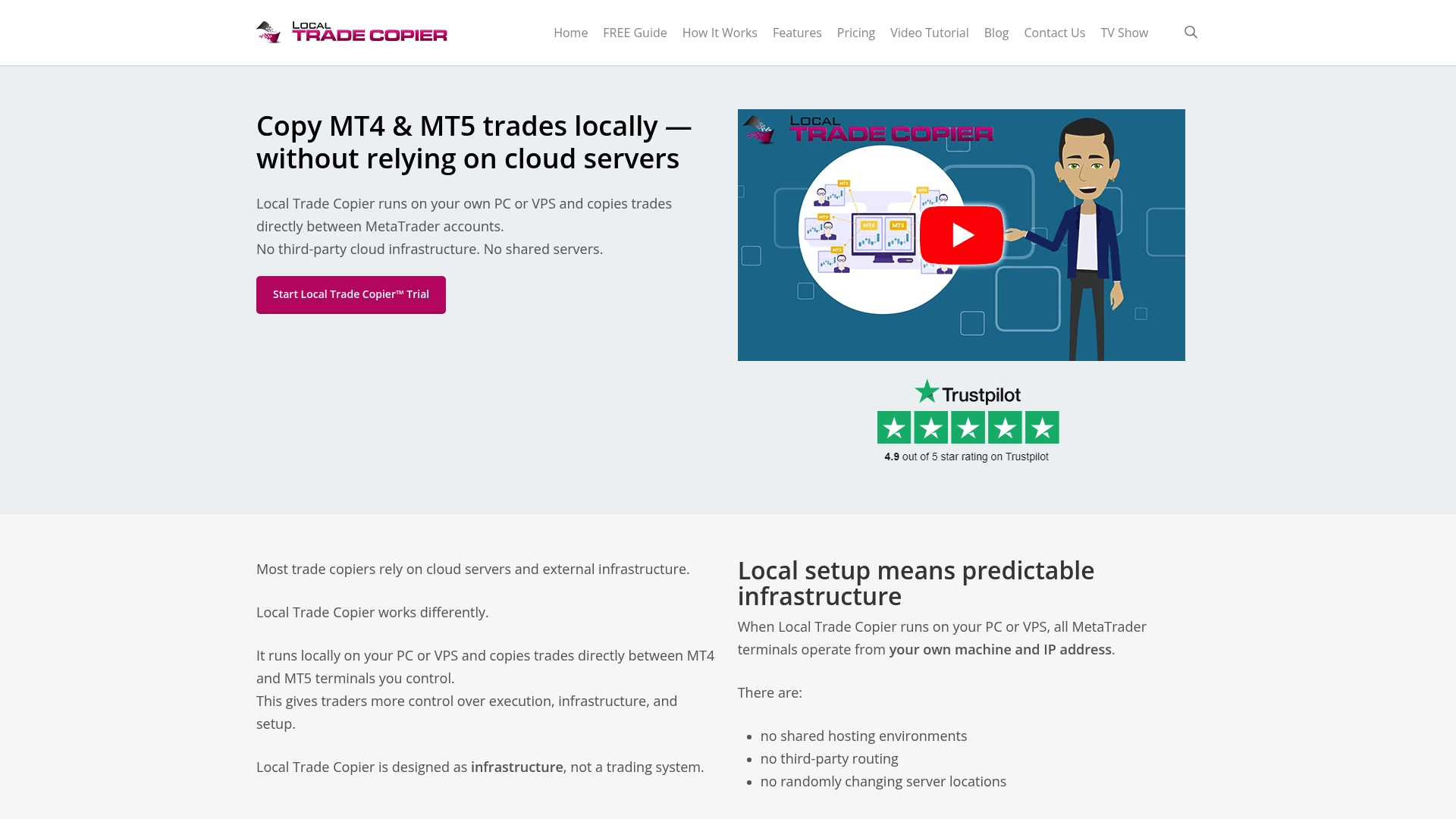
Discover how Mt4copier can help you avoid scattered multi-terminal setups and cloud latency by exploring our Tutorials | Trade Copier for MT4 & MT5 and watching practical examples in our Trade Copier video tutorial | Trade Copier for MT4 & MT5. Visit https://mt4copier.com now to start your 7-day free trial and experience instant local trade copying that lets you focus on execution without compromise.
Frequently Asked Questions
What advanced risk controls does Mt4copier offer?
Mt4copier provides rich risk controls, including the MAAB Trade Filter and Max Daily Loss for per-account controls. These features allow traders to customize their risk management strategies effectively, ensuring they stay within desired limits. Traders should consider using Mt4copier for efficient risk management while handling multiple accounts.
How does Local Trade Copier compare to Social Trader Tools in terms of setup?
Social Trader Tools offers a cloud-based solution that eliminates the need for a VPS, facilitating quick setups for traders who prioritize remote access. In contrast, Local Trade Copier requires running on Windows or a VPS, which offers full local control and avoids external latency. If you’re looking for a straightforward, cloud-first experience, Social Trader Tools may serve you better, but Mt4copier is ideal for local execution requirements.
Can I replicate trades from multiple masters using Mt4copier?
Yes, Mt4copier supports multi-layer copying, allowing for signal aggregation and distribution across profiles and multiple master accounts. This feature provides flexibility in managing different strategies for various clients. Consider using Mt4copier if you need to effectively replicate complex trading strategies across multiple accounts.
What pricing options does Mt4copier provide for different users?
Mt4copier’s pricing starts at €29 per month for the Personal Plan, with additional tiers at €89 and €199 monthly. This transparent pricing structure allows users to choose the plan that fits their needs best. If you’re looking to manage multiple accounts while keeping costs low, Mt4copier offers different options to accommodate various trading activities.
What is a key strength of Traders Connect compared to Mt4copier?
Traders Connect provides an intuitive cloud interface that links multiple platforms and adds broker comparison tools, making it suitable for traders needing consolidated analytics. However, Mt4copier excels in local execution without external cloud routing, which is crucial for certain trading strategies. For those who prioritize machine-level execution and risk mapping, Mt4copier is the better choice.
Recommended
- Top 4 Tradecopy.online Alternatives 2026
- Top 5 blog.opofinance.com Alternatives 2026
- Top 4 forex-central.net Software Alternatives 2026
- Top 6 earnforex.com Trading Software Alternatives 2026
